
AI画像・動画の作り方
AI画像や動画モデルの使い方、Yixで試せるプロンプトをわかりやすく紹介します。
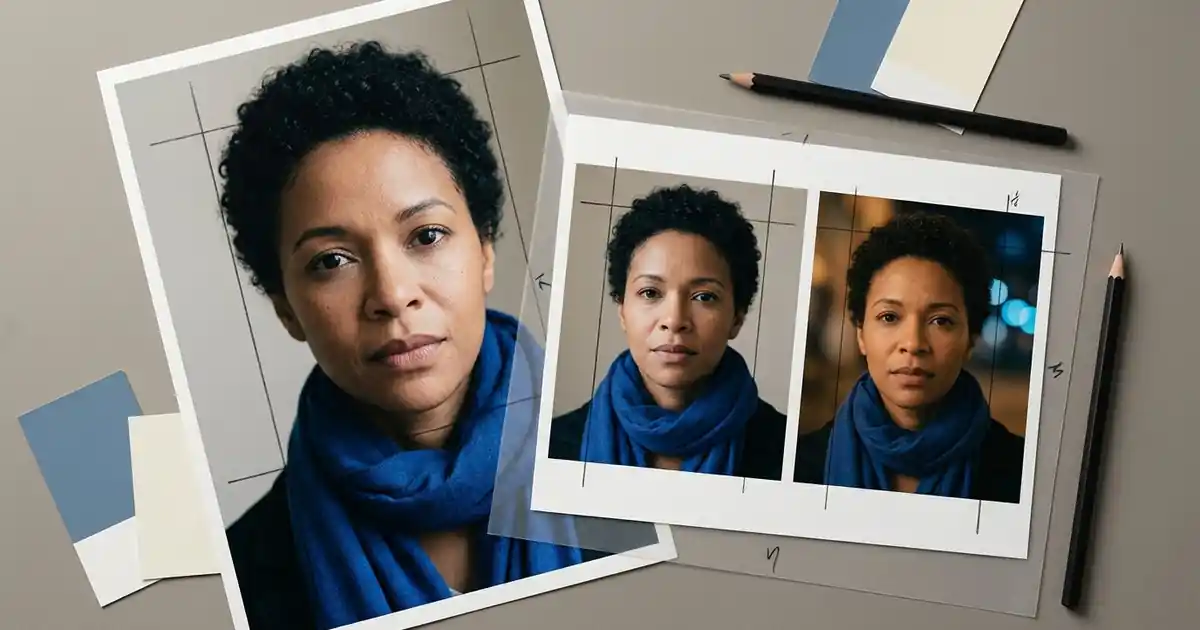
Prompt Seen: copy photo prompts for your own pictures
Copy four original Prompt Seen photo-editing prompts for portraits, couples and 3D looks. Adapt them to your photo, then use the Yix editor with credits.
 Yix Team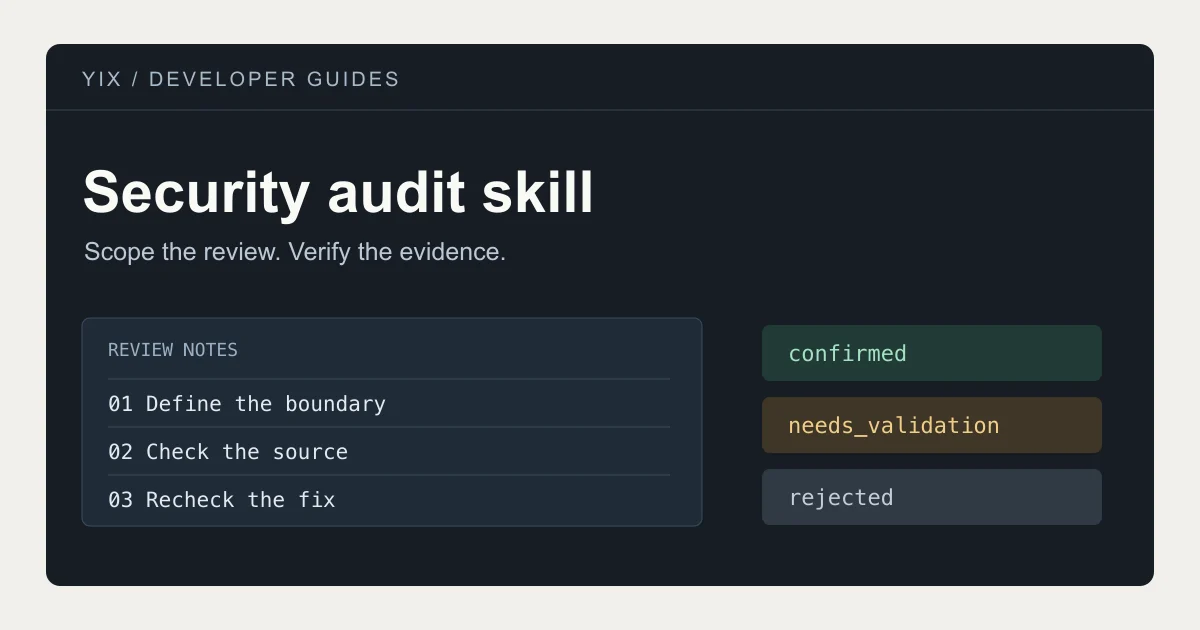
Security Audit Skill: audit a codebase with Claude Code or Codex
Install Cloudflare’s security audit skill for Claude Code or Codex. Set the scope, read findings and verify fixes with example prompts and report checks.
Yix Team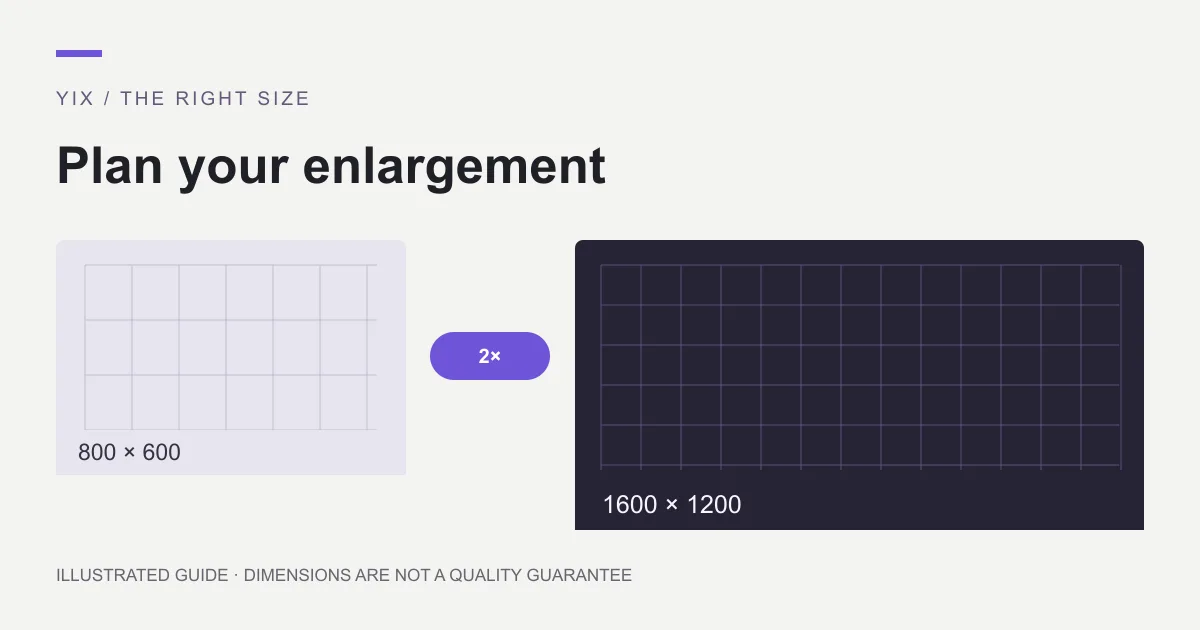
Upscale image: choose a method and the right size
Learn when to upscale an image, how 2× and 4× change its dimensions, and when a new export is better. Choose a method for photos, graphics or printing.
Yix Team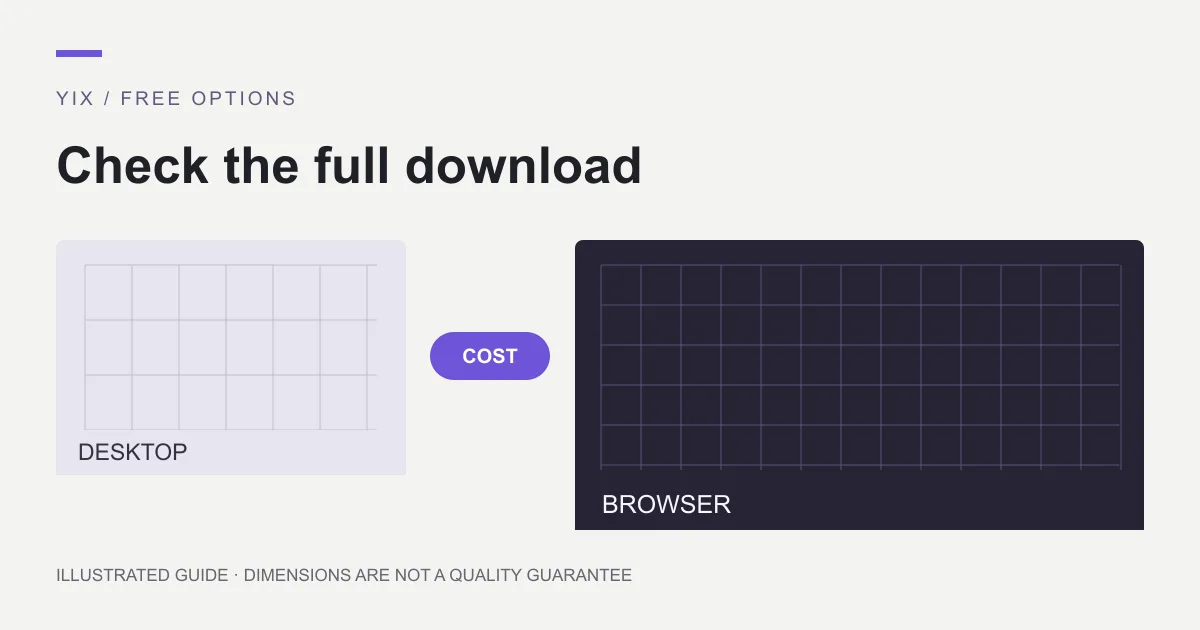
Upscale image free: desktop options and trial limits
Find a genuinely free desktop route to enlarge images, check hardware requirements, and distinguish free previews from paid downloads and credit-based tools.
Yix Team
Upscale image with AI: an upload-to-download workflow
Follow a practical AI image upscaling workflow: prepare one photo, choose 2× or 4×, review the credit quote, and inspect the downloaded PNG before use.
Yix Team
AI upscale image: check detail before you publish
Review an AI-upscaled image for altered text, faces, halos and false texture. Compare at equal display size and decide whether to keep, retry or replace it.
Yix Team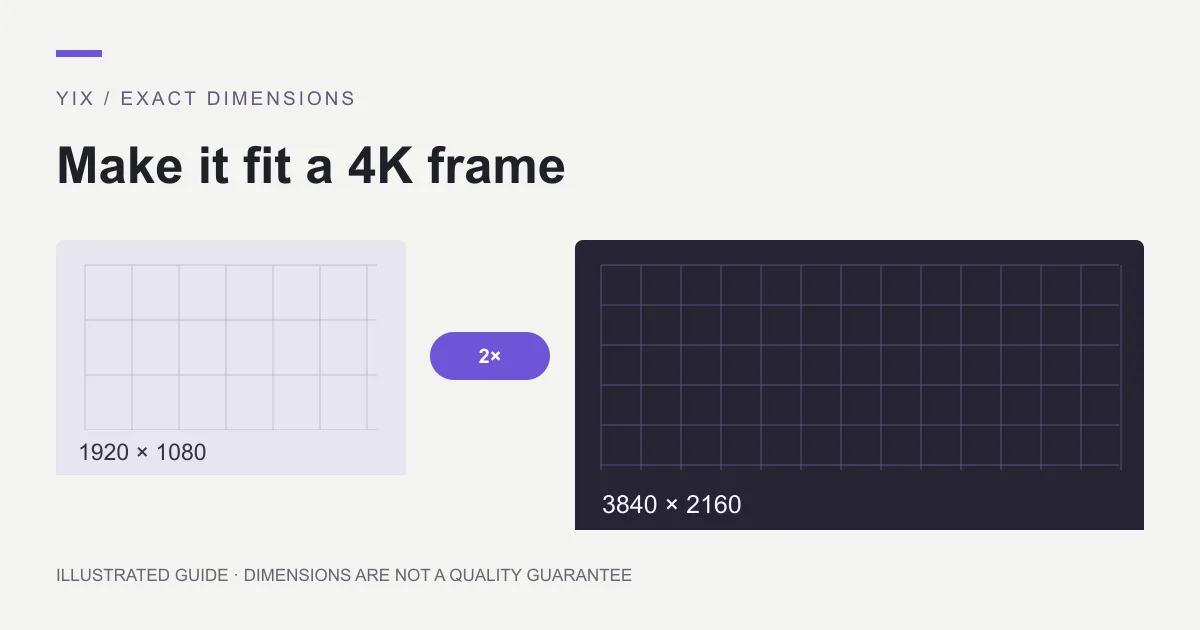
Upscale image to 4K: calculate size and crop correctly
Make a 3840 × 2160 image by checking source dimensions, aspect ratio and the right scale factor. Learn when 2× or 4× works and when cropping is required.
Yix Team
Picsart upscale image: AI Enhance steps and limits
Use Picsart AI Enhance on web or mobile, distinguish enhancement from resizing, and check subscription, credit and export conditions before processing.
Yix Team
FLUX 3 Image Klein: create your first image from text
Create images with FLUX 3 Image Klein on Yix. Follow the text-to-image workflow, choose 1K or 2K, and try prompts for product concepts, portraits and illustration.
Yix Team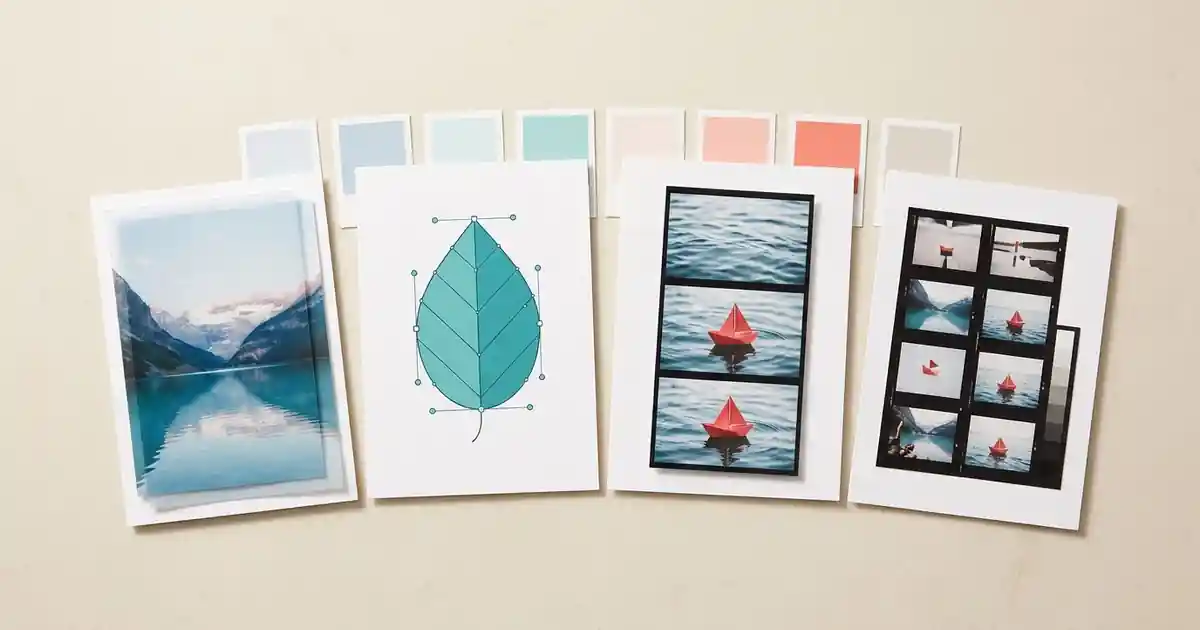
Get Craft Apps: ArtCraft Launcher & Download Guide
Find ArtCraft apps and official downloads for Windows, Mac and Linux. Learn which editor to choose and how ArtCraft Launcher works.
Yix TeamPrompt Saar: adapt a photo prompt without losing your subject
Turn Prompt Saar inspiration into a clear photo-editing brief. Use original portrait, cinematic and couple examples while keeping your subject and framing.
Yix Team
Zombie love story AI: plan two characters and a readable memory cut
Plan a zombie love story AI short with fixed character roles, matching keyframes and original prompts. Check faces and hand positions before adding motion.
Yix Team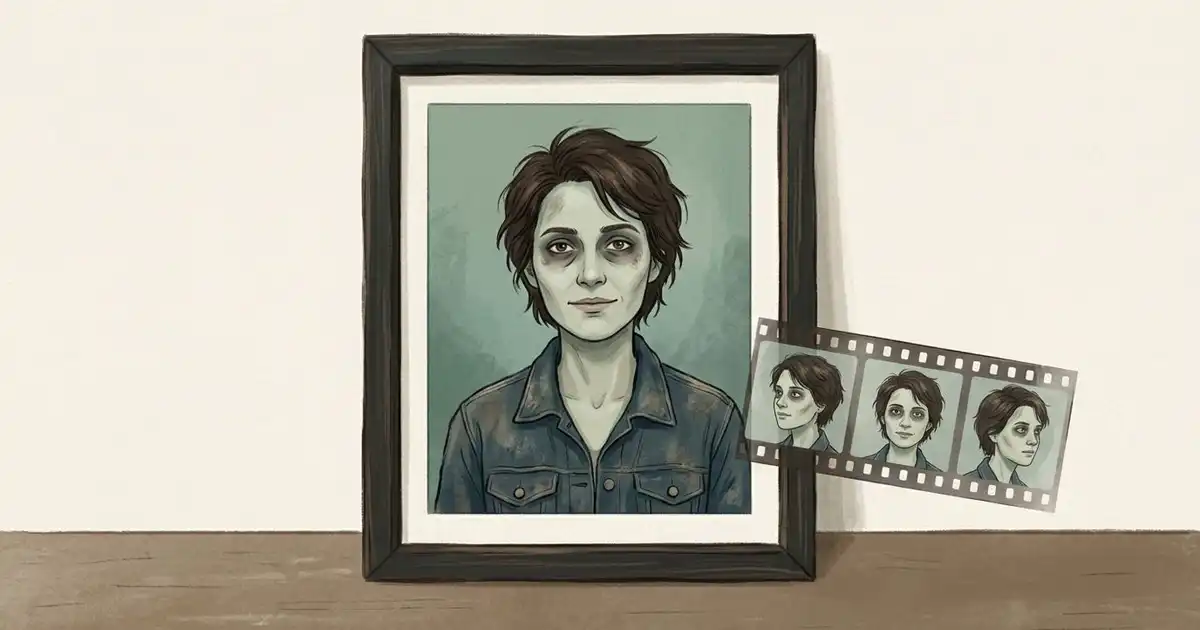
AI zombie trend: make an original non-gory portrait, then plan a short clip
Create a non-gory zombie portrait from a reference photo, preserve key details and plan a short video. Includes an original prompt and clear template limits.
Yix Team
PhotoCraft vs VectorCraft: choose by the file you need to deliver
Compare PhotoCraft and VectorCraft by photo layers, editable vector paths, file handoffs and alpha-stage limits. Choose a workflow for the output you need.
Yix Team
MiniMax H3 Recast: prepare a character replacement and check the result
Plan a MiniMax H3 Recast character replacement with source-video checks, reference-photo mapping, current fal limits and output review before a larger edit.
Yix Team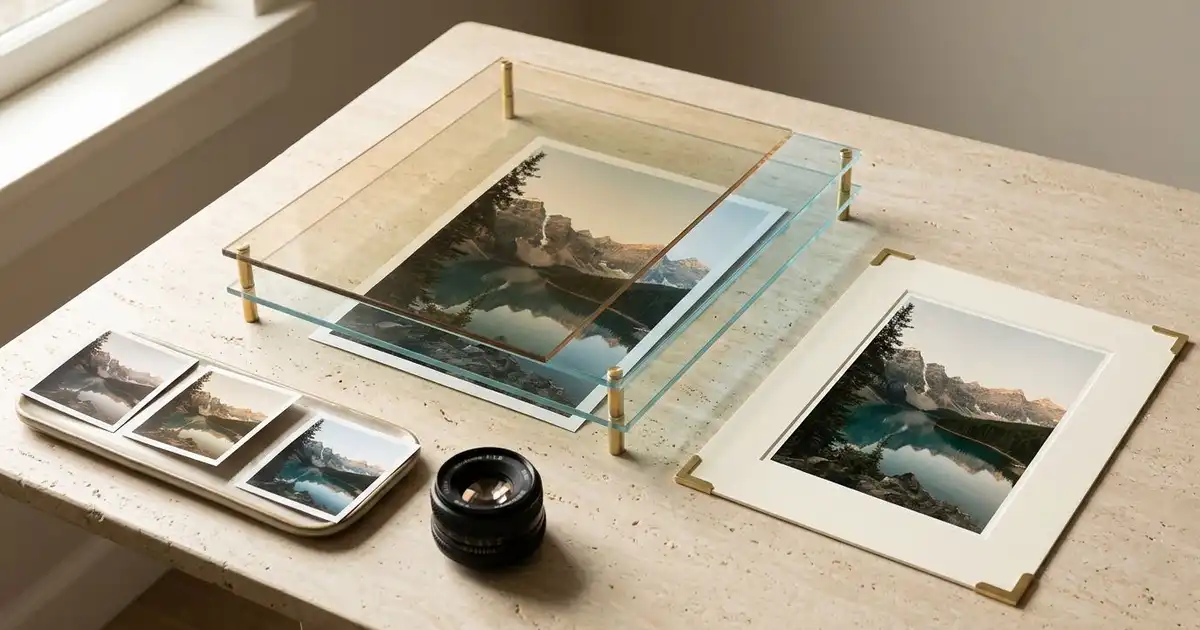
LightCraft: choose the official RAW editor and plan a first photo edit
Find the official LightCraft RAW editor, check camera and format support, and plan a small non-destructive photo workflow before moving your library.
Yix Team
FilmCraft: find the official editor and plan your first timeline
Find the official FilmCraft release, choose the right desktop package, organize generated clips, and check timeline edits and exports before a larger project.
Yix Team
Pruna AI Playground: choose a task and prepare your reference images
Find Pruna’s official image tools, distinguish generation, editing and upscaling, and prepare reference photos with clear change and preservation instructions.
Yix Team
PhotoCraft GitHub: Download & Installation Guide
Find the official PhotoCraft repository and download for Windows, Mac or Linux. Choose the right installer and check PSD compatibility.
Yix TeamRoy Editz AI Prompts: 3 Portrait Ideas to Try
Looking for Roy Editz AI prompts? Try three original portrait prompts, upload your photo, and customize the background, lighting and style.
Yix TeamKenerate AI: edit a product photo and make a video
Learn how Kenerate AI handles photo edits and short videos. Follow a product-background workflow, check credit costs, and try a Yix editing alternative.
Yix TeamDrake Burning Bridges AI: reference motion or an original party clip?
Make a Drake Burning Bridges AI video with permitted motion references, or plan an original party clip on Yix. Includes prompts, setup and a review checklist.
Yix Team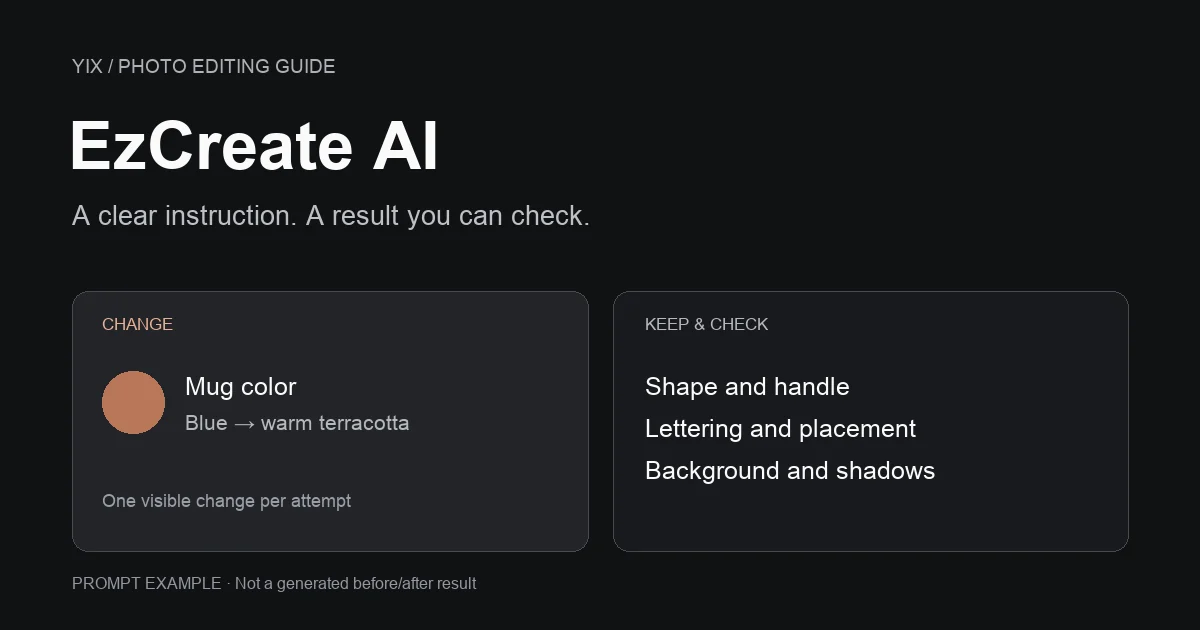
EzCreate AI: edit a photo with a clear instruction
Find the EzCreate AI website, understand free credits, and write clearer photo-editing prompts. Follow the editing steps or try a Yix photo-editing alternative.
Yix Team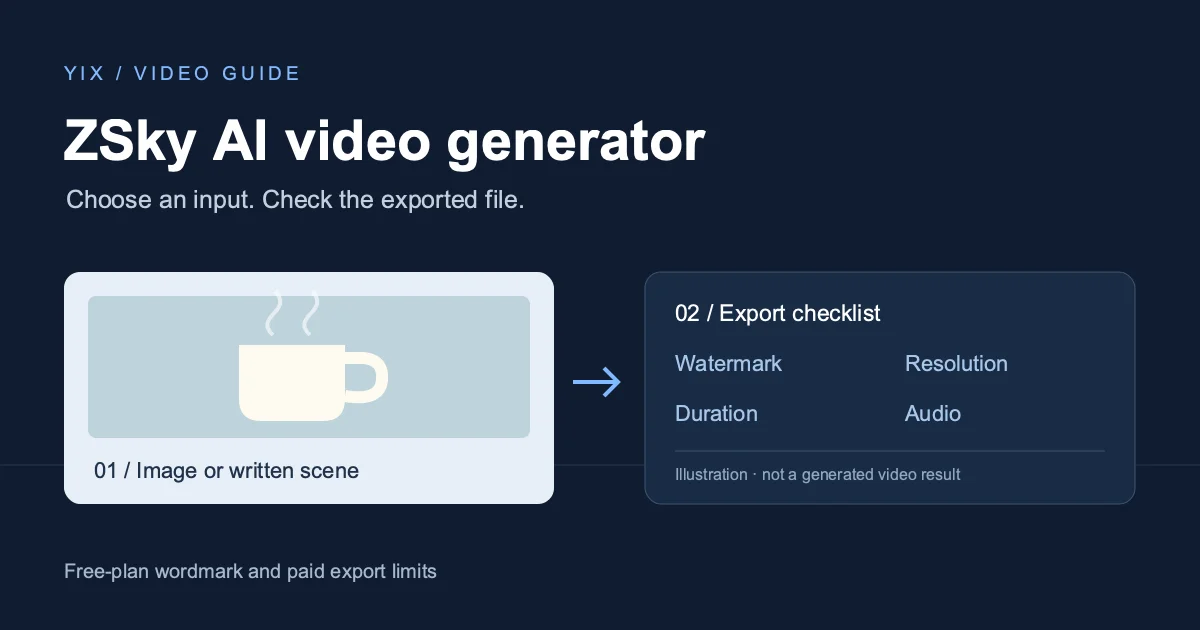
ZSky AI video generator: getting started and watermark limits
Use ZSky AI for text or image to video, understand free-plan watermarks and paid exports, and follow a practical checklist before downloading your first clip.
Yix TeamRumpelstiltskin AI meme: the origin and an original video recipe
Find the Rumpelstiltskin AI meme’s original creator and song, clear up the movie confusion, and plan your own fairy-tale dance video with a starting image.
Yix Team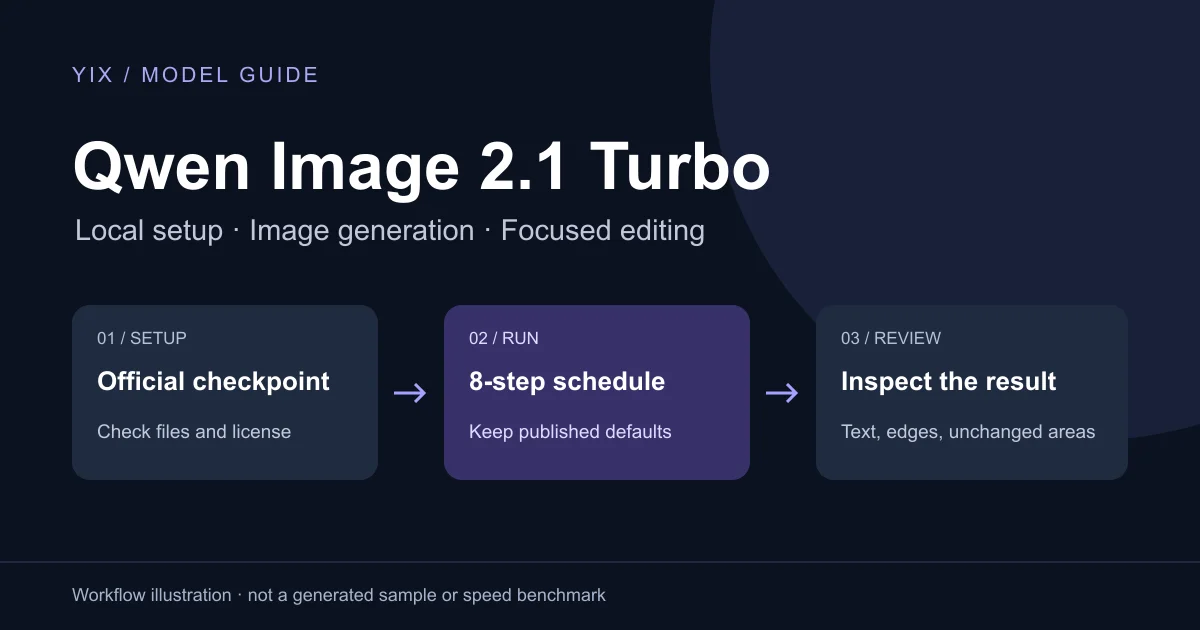
Qwen Image 2.1 Turbo: a practical generation and editing guide
Get started with Qwen Image 2.1 Turbo: official downloads, the eight-step setup, ComfyUI files, practical prompts, editing checks and license terms.
Yix Team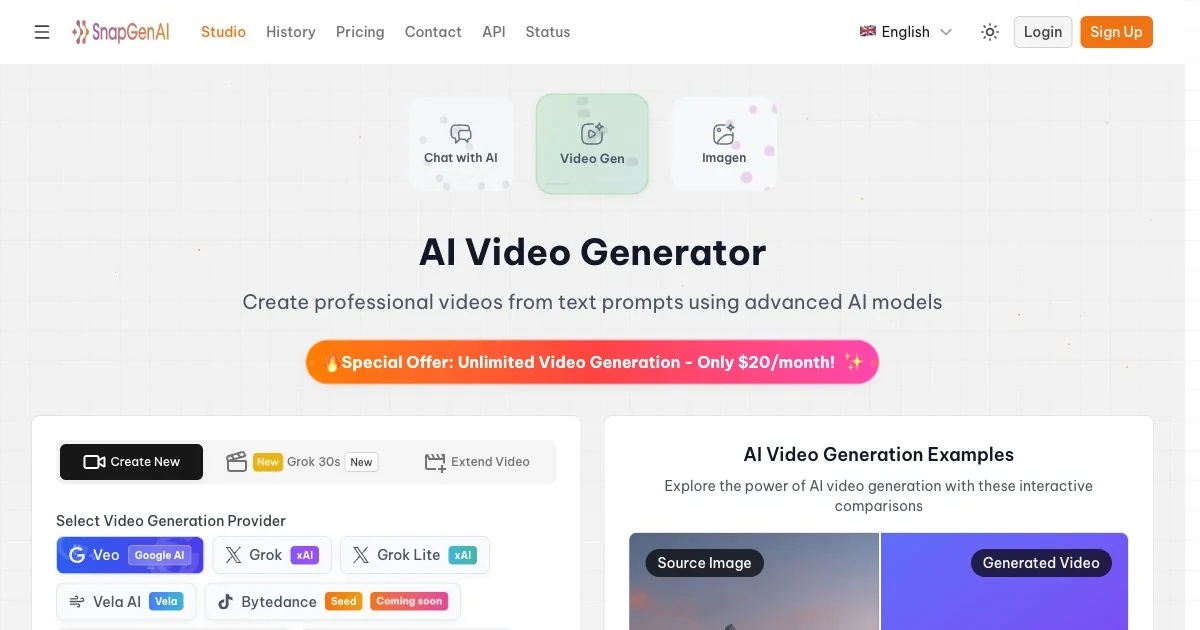
Snapgen AI: video tutorial and free access limits
Find the official Snapgen AI site, check free access and credit costs, and plan your first video with a practical prompt, export checklist and Yix alternative.
Yix Team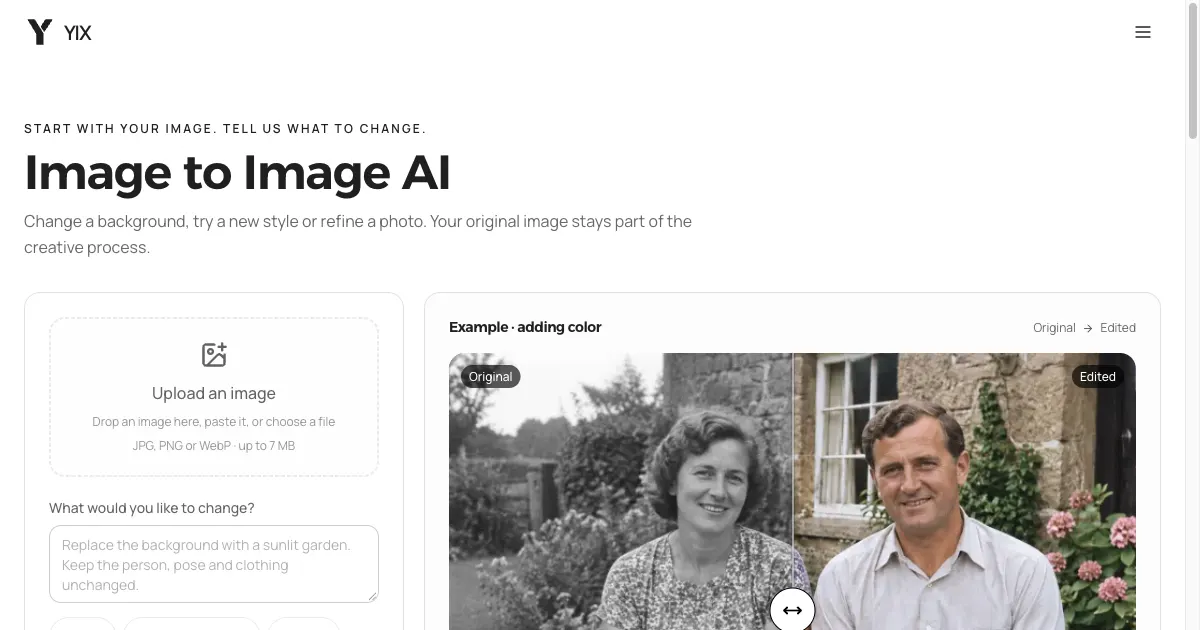
ArtCraft on GitHub: downloads and image editing
Find the official ArtCraft GitHub repository, desktop downloads and web app. Follow a practical image-editing workflow and try a focused browser alternative.
Yix TeamEverygen AI Video Generator: Guide & Yix Alternative
Learn what Everygen offers and how to create short videos from text or photos. Follow a separate Seedance workflow on Yix with example prompts.
Yix Team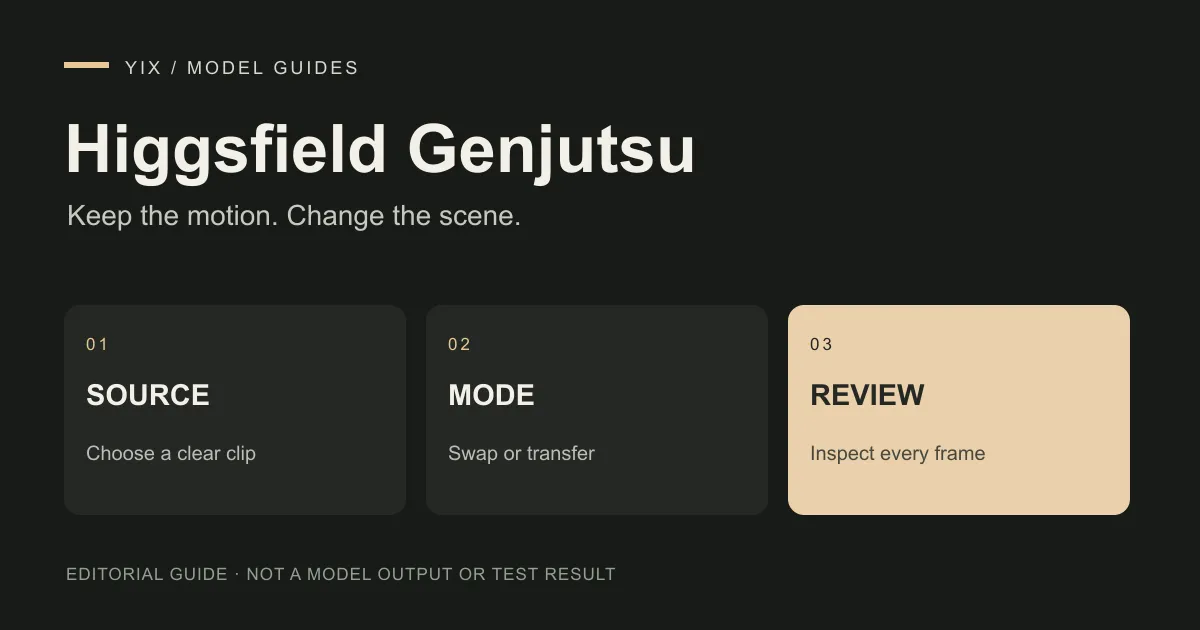
Higgsfield Genjutsu: how to edit an existing video
Choose Motion Transfer or Object Swap in Higgsfield Genjutsu. Follow a source-video workflow, check credit costs and review edits against the original clip.
Yix Team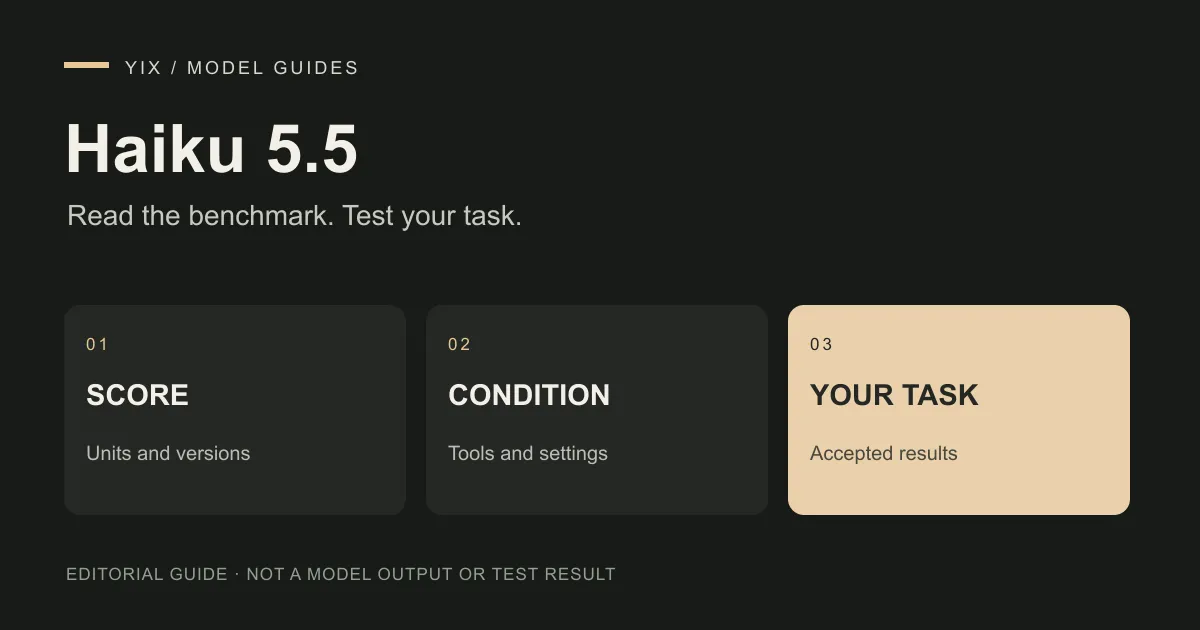
Haiku 5.5 benchmark: what the scores mean for your work
Read the Haiku 5.5 benchmarks with their tool and offline conditions. Use a practical test sheet for summaries, creative briefs and image-prompt preparation.
Yix Team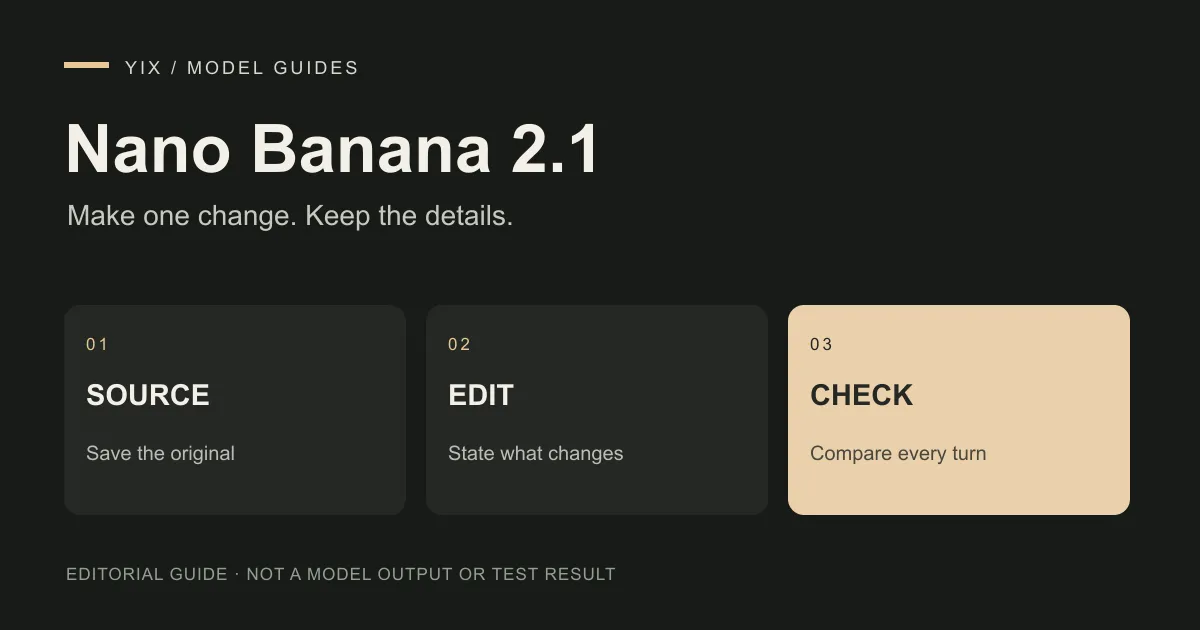
Gemini Nano Banana 2.1: version names and image-editing tests
Understand Gemini Nano Banana 2.1, its reference-image and multi-turn editing features, and a practical test for preserving products, faces and exact text.
Yix Team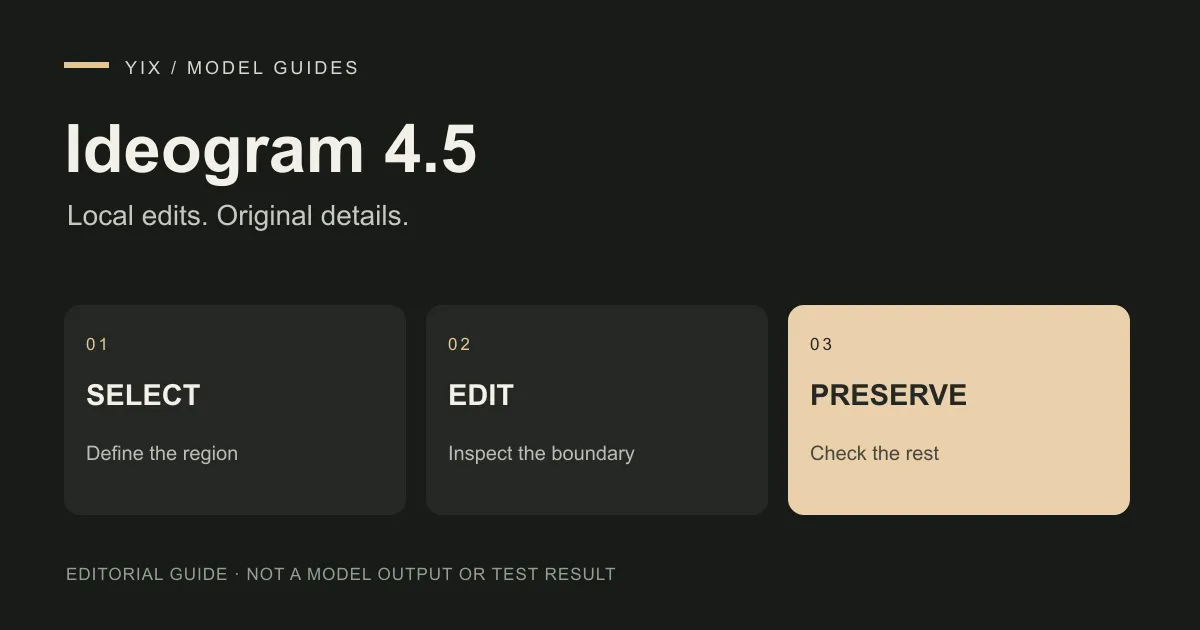
Ideogram 4.5: local edits, repeated changes and image fidelity
Learn how to assess Ideogram 4.5 image edits, distinguish crop-and-stitch from full-image generation, and check text, products and unchanged regions.
Yix Team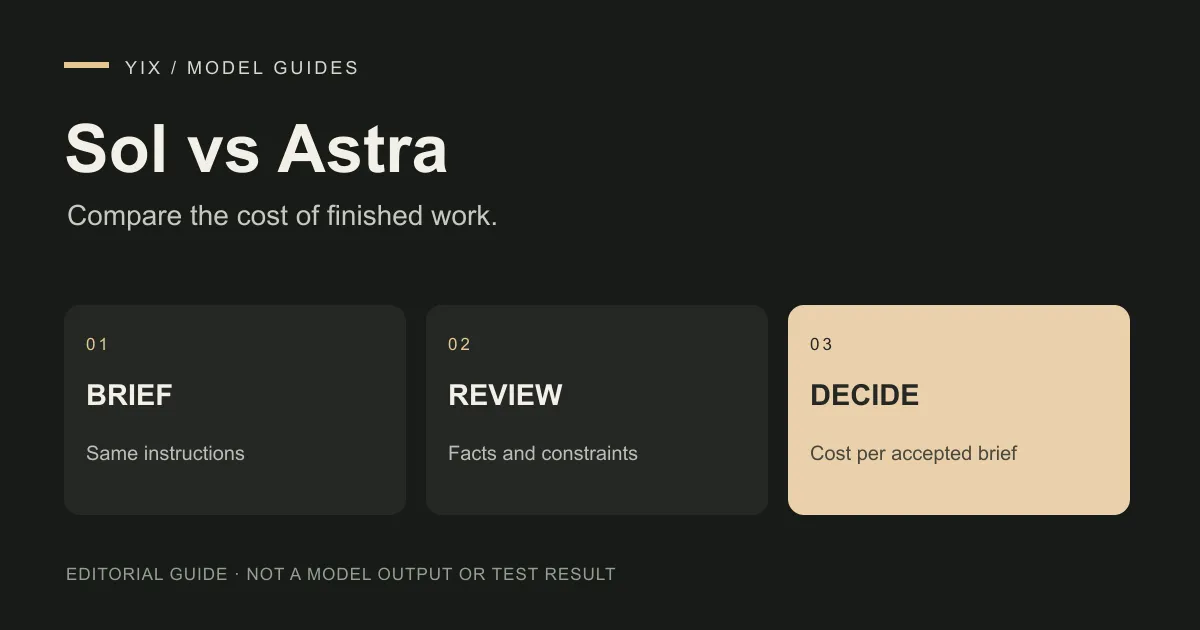
6.1 Sol vs 6 Astra: choosing a model for creative planning
Compare GPT-6.1 Sol and GPT-6 Astra for creative briefs and image-prompt planning. See standard token costs, image-input support and a repeatable task test.
Yix Team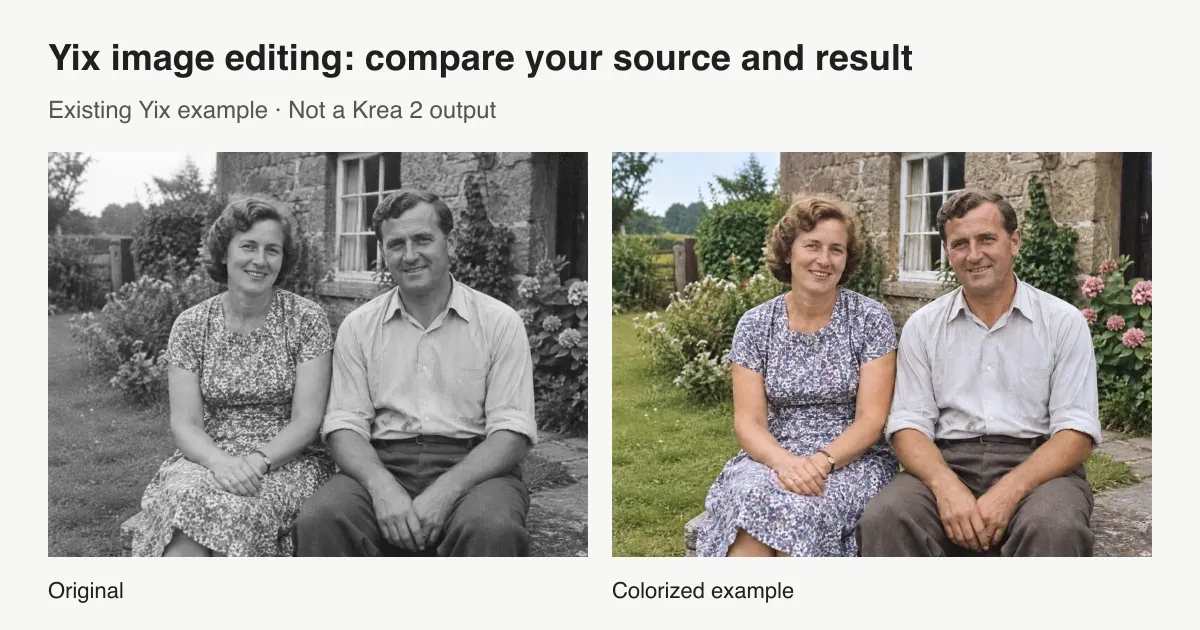
Krea 2 edit: choose the right image-editing path
Looking for Krea 2 image edit? Compare official style reference, community Identity Edit, and Yix image editing, with setup links, costs, and practical limits.
Yix TeamGemini 4 Argon: Availability, API Pricing and Access
What Google has confirmed about Gemini 4 Argon access and announced API pricing, what remains unknown, and whether it is available on Yix.
Yix Team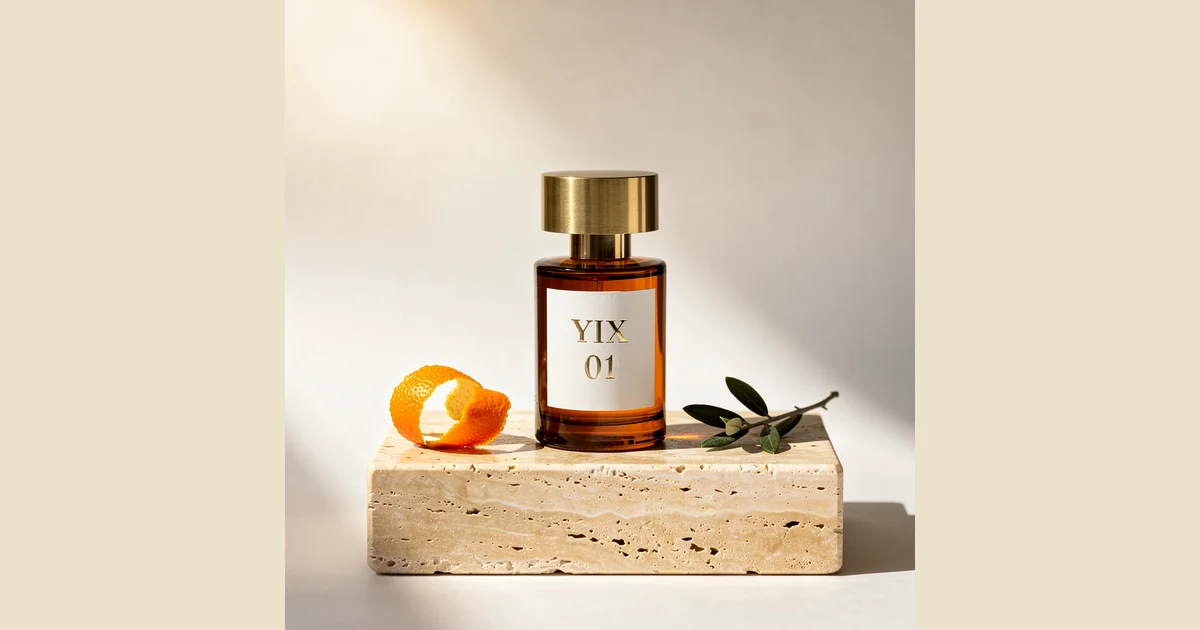
Image to Prompt for Product Photos: A Three-Model Test
Follow a real perfume-photo example from reference image to extracted prompt, then compare Nano Banana 2, FLUX.2 Pro and Seedream 5 Lite results and a revision.
Yix Team
80年代風の写真をAIで作る:すぐ試せる4つのプロンプト
80年代風の写真を作る4つのAIプロンプトを紹介。スタジオ写真、家族アルバム、学生時代のスナップ、ネオンの夜景の作例を見て、自分の写真で試せます。
Yix Team
Wan 3.0の使い方:テキストや画像から動画を作る
Yixでwan 3.0を使い、テキストや開始画像から動画を作る方法。解像度とクレジット料金を確認し、カメラの動きを指定するプロンプトを試せます。
Yix Team
ChatGPT Images 2.5の新機能:高速生成・部分編集・Sketch
2026年9月8日に登場したChatGPT Images 2.5を解説。生成速度、部分編集、Sketchの新機能と、Flare・SunburstのAPIモデルを紹介します。
Yix Team
AIで商品写真を作る:3つのシーン別プロンプト
香水・スキンケア・飲料の商品写真をAIで作る3つのプロンプトを紹介。背景の調整、商品の再現度の確認、短い動画への展開まで解説します。
Yix Team
Qwen3.8 2.4T A95B (batch):API料金とローカル実行を比較
Qwen3.8 2.4T A95BのバッチAPIとローカル量子化推論を比較。料金、モデル規模、コンテキスト、必要メモリ、処理性能、ライセンスを確認します。
Yix Team
Seedream 5.0 Proで画像編集:レイヤー・範囲選択・制限
Seedream 5.0 Proの画像編集を解説。領域指定、レイヤー分離、複数画像の合成、制作手順、既知の制限を確認できます。
Yix Team
MetaのMuse Spark 1.2 Contributor:データ共有の仕組み
Muse Spark 1.2 Contributorの料金、入力・出力データの学習利用条件、1Mコンテキストを解説。コーディングでの用途と機密情報の扱いを確認できます。
Yix Team
FLUX 2 Pro Editの使い方:複数の参照画像で編集する
FLUX 2 Pro Editの画像編集を解説。最大8枚のAPI参照画像、指示を重ねた編集、メガピクセル単位の料金、制作時の確認事項を紹介します。
Yix Team
Ox Alphaの正体はGLM-5.3-Flash:公開後にわかったこと
Ox Alphaの正体はGLM-5.3-Flash。Z.AIの発表に基づき、公開までの経緯、1Mコンテキスト、API料金、公開ウェイトを解説します。
Yix Team
Qwen3.8 FlashとFlash-Nextの違い:API・公開重み・1Mコンテキスト
Qwen3.8 FlashとQwen3.8-Flash-Nextの違いを解説。ホスト型APIと公開ウェイト、1Mコンテキスト、料金、必要ハードウェア、用途を比較します。
Yix Team
DeepSeek V4 Flash Vision Exp:API料金と画像入力の制限
DeepSeek V4 Flash Vision Expの対応画像、API形式、トークン料金、OCRでの活用方法を解説。導入前に確認したい制限と注意点もまとめました。
Yix Team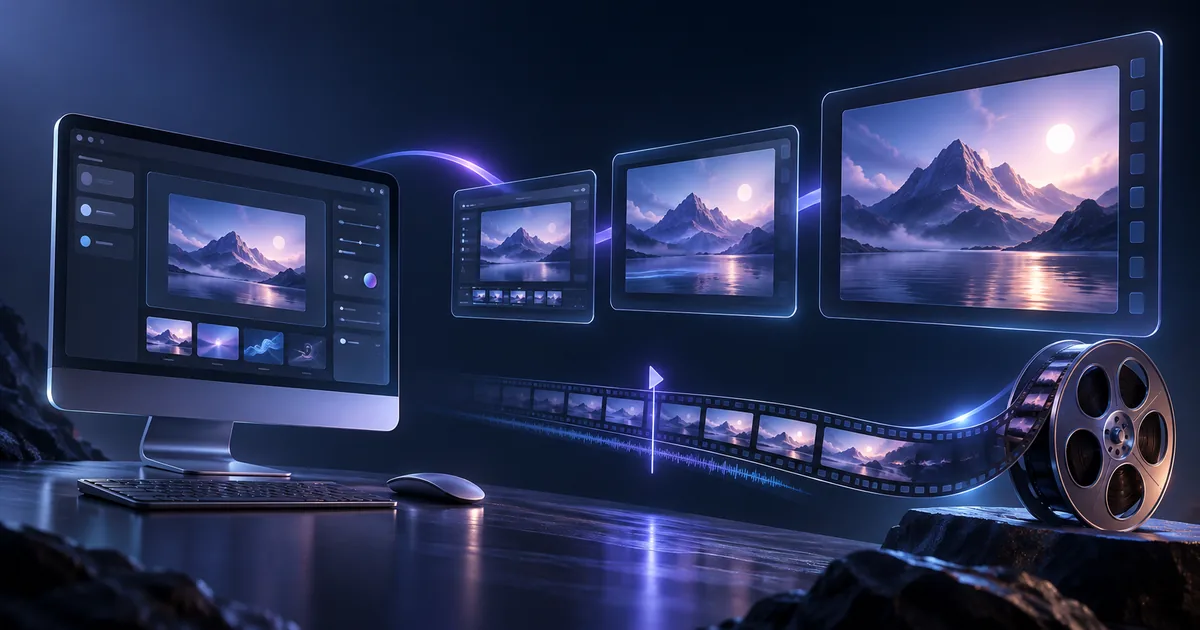
Seedance 2.5でUIモックアップから商品紹介動画を作る
Seedance 2.5でUIモックアップを15秒の製品紹介動画にする方法。カット構成、コピーして使えるプロンプト、UIを正確に再現する際の注意点を紹介します。
Yix Team
Seedance 2.5公開:30秒の動画と最大50個の参照素材
Seedance 2.5の長尺動画、大量の参照素材、部分編集を解説。モデル全体の機能と、現在Yixで使える機能を分けて紹介します。
Yix Team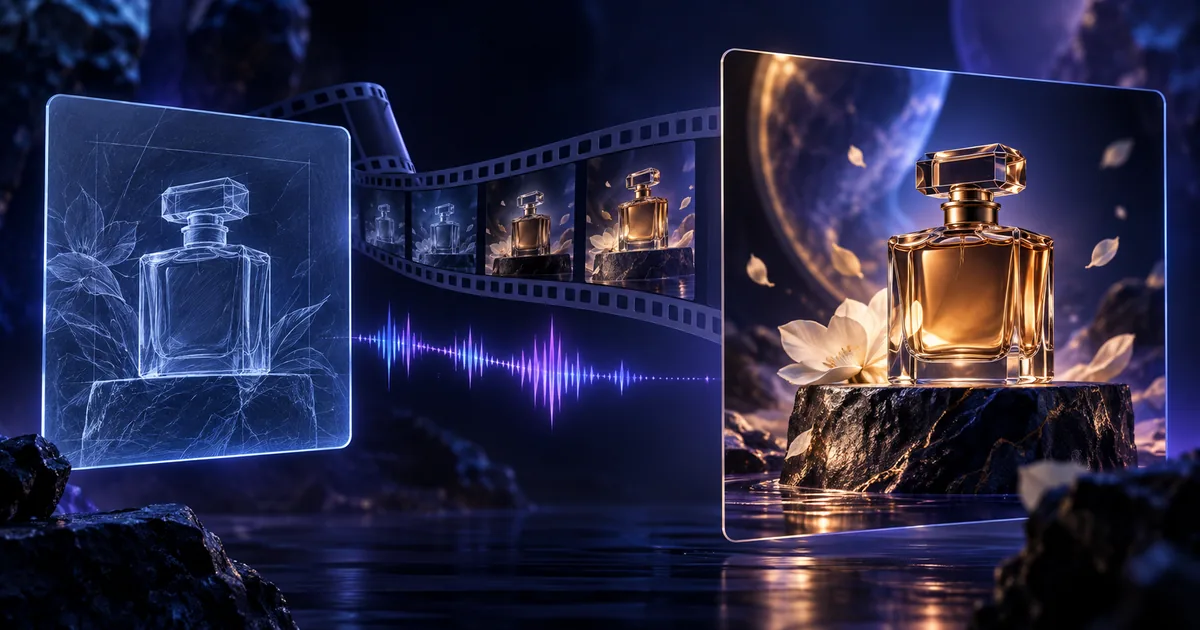
YixでFLUX 3を使う:動画生成・下書き・クレジット料金
Yixでテキストや開始画像からFLUX 3の動画を生成する方法。720p・1080p・ドラフトプレビューの違いと、生成前のクレジット確認手順を紹介します。
Yix Team
Muse Imageとは?Metaの画像生成AIを解説
Meta Superintelligence Labs初の画像生成モデルMuse Imageとは。検索やツールを使った生成、Arenaでの評価、Instagram写真の参照、利用条件を解説します。
Yix Team
Muse ImageにAPIはある?開発者向けの代替モデル【2026年】
Muse Imageには公開APIがありません。Meta製品内での提供状況、MetaモデルAPIとの違い、APIで使える他の画像生成モデルを解説します。
Yix Team
2026年版 Muse Imageの代わりに使える画像生成AI
米国限定・Metaアカウント必須・API未公開のMuse Imageに代わるAI画像生成ツールを比較。画質、料金、得意分野から用途に合うモデルを探せます。
Yix Team
Muse Videoはいつ使える?公開日・機能・最新情報
2026年7月7日に予告されたMuse Videoの発表内容を整理。Muse Imageと共通の事前学習基盤、音声生成、提供予定について確認します。
Yix Team
Instagramの写真をMetaのMuse Imageに使わせない設定方法
Muse Imageによる公開Instagram写真の参照を停止する設定を紹介。対象となるアカウント、停止できる範囲、Metaが撤回した機能も解説します。
Yix Team
2026年版 AI画像生成モデル比較:用途別の選び方
Nano Banana 2、FLUX.2、Seedream、GPT Image 2、Grok Imagineを品質・速度・料金で比較。用途に合ったAI画像生成モデルの選び方を紹介します。
Yix Team