
PhotoCraft vs VectorCraft: choose by the file you need to deliver
Compare PhotoCraft and VectorCraft by photo layers, editable vector paths, file handoffs and alpha-stage limits. Choose a workflow for the output you need.
 Yix Team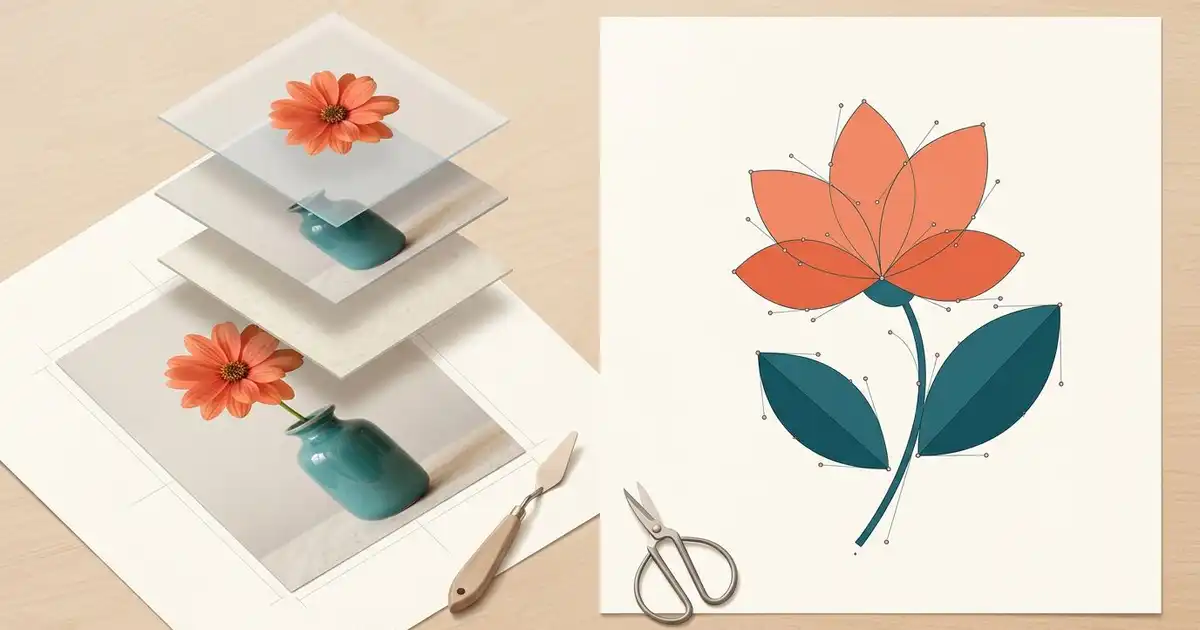
Choose PhotoCraft to edit photographs and layered pixel compositions; choose VectorCraft when editable paths, shapes and vector delivery are central to the job. Both are open-source applications from the ArtCraft team. This is a workflow distinction: PhotoCraft also has shape tools, and VectorCraft can place raster images. The deciding question is what must remain editable in the finished file.
We checked the official repositories on October 11, 2026: PhotoCraft v0.7.0 and VectorCraft v0.9.0. Both projects describe themselves as alpha. We have not installed either release or tested a file transfer between them. The comparison uses their current documentation and provides a small acceptance plan you can run on copies of your own work.
Cover: an Imagen-generated illustration comparing a layered flower photograph with a geometric flower drawing. It is not a screenshot or an output created in either editor.
Start with the deliverable
| Your task | Application to evaluate first | What must survive the edit |
|---|---|---|
| Retouch a product photo or combine image layers | PhotoCraft | Pixel detail, masks, adjustments and the required layer structure |
| Draw a logo, icon or scalable illustration | VectorCraft | Editable paths, fills, strokes and the intended vector output |
| Add a photo to a vector poster | VectorCraft, with photo preparation elsewhere if needed | Both the vector elements and the placed image at sufficient resolution |
| Prepare a layered PSD for another editor | PhotoCraft | The particular text, effects and masks your recipient needs |
| Deliver SVG artwork for a website | VectorCraft | Real vector objects, supported appearance and sensible file structure |
An export extension does not tell the whole story. A PNG made by a vector editor is still a raster delivery file. An SVG containing an embedded photograph does not turn that photograph into editable curves. Ask the recipient whether they need a flat image, editable artwork or both before choosing a tool.
What PhotoCraft is built to handle
The PhotoCraft README describes layers, selections, masks, adjustment layers, filters, text and PSD handling. Those are relevant when a photograph needs local correction, a background change or a composition assembled from separate images. Keep the layered document as the working file and export a flattened copy for delivery when that is what the destination accepts.
Consider an original planning example: a small flower shop needs a product poster. In the photo stage, you might isolate the vase, adjust the photograph's color and retain a separate background layer. A flat JPEG can show the final appearance, but it cannot preserve that separation for the next edit. Save a working copy before flattening anything.
PhotoCraft's own status notice says it is not yet a replacement for daily professional Photoshop work. Its known gaps cover missing depth in tools, typography, AI features and professional workflows. A menu command being present is not the same as every file or effect behaving as expected. If a client document depends on a particular effect, test that effect rather than relying on a broad compatibility label.
For release selection and the save/reopen checklist, use the existing PhotoCraft GitHub guide. This comparison focuses on choosing a file workflow rather than repeating the installation instructions.
What VectorCraft is built to handle
The VectorCraft README describes paths, direct selection, shape operations, fills, strokes, gradients, type and artboards. Its native .vectorcraft format retains its document structure, while SVG and PDF are documented interchange and delivery options. It also exports raster images for destinations that need them.
In the flower-shop example, the shop's simple flower emblem is a different asset from the vase photograph. Drawing the emblem as a few editable curves lets you adjust its silhouette and reuse it at several sizes. You can then place the prepared product image beside it in a layout. Scaling the emblem does not increase the detail available in the placed photograph; check the photo at the final output size.
Keep the native document as well as the exported files. SVG is useful for web artwork, but text, effects and embedded images still need inspection in the destination renderer. PDF is a delivery choice, not an automatic guarantee that the recipient can edit every object exactly as you did.
Check handoffs before a real deadline
Begin with a small copy containing one photograph, one masked area, one text element and a simple vector shape. Keep a reference image of the intended appearance. This is a proposed test document, not a benchmark we ran.
- Open the copy in the application you want to evaluate. Compare dimensions, visible objects, fonts and crop boundaries with the reference.
- Change one item and save to a new file. Close and reopen it to check that the edit and the required structure remain available.
- Export the format your recipient actually needs. Open that file in the destination application or browser, not only in the editor that created it.
- Check transparency, text wrapping, masks and effects. For raster output, inspect actual pixel dimensions; for vector output, inspect paths and placed images separately.
- If another person must continue editing, confirm which objects they can change. A visually similar export can still have a very different editable structure.
VectorCraft documents PDF-compatible .ai support, with limits in Illustrator's private editing data and real-file layer structure. It also documents PSD/PSB input as the merged image. Neither claim should be read as a promise that a complex Illustrator or Photoshop document retains all of its original editability.
A concrete issue worth including in a handoff check is VectorCraft issue #1125, where a user reports placed images from an .ai document being cropped at the page boundary. That is an attributed report, not a failure we reproduced or a claim about every release. The gap list gives the wider context for format and interface limitations.
Where an AI-generated image fits
A generated product scene or illustration can be a source image for either workflow. Keep its role clear: a JPG, PNG or WebP is a raster asset. A model producing a clean, flat-color logo-like picture has not necessarily produced editable SVG paths, a layered PSD or production-ready typography.
If you need a vector emblem, use the generated image as a visual reference and build or trace the shapes in a suitable editor, then inspect and simplify the result. If you need photo retouching, preserve a high-quality source and keep the adjustments you may need to revisit. Do not promise a client an editable vector deliverable merely because a generated picture looks sharp at one size.
For camera RAW development before either stage, the LightCraft guide covers a separate application and its format checks. The ArtCraft overview explains the broader family. Choose the smallest trial that exercises your real handoff, retain the original files, and decide from the output and editability you can verify.