
Security Audit Skill: audit a codebase with Claude Code or Codex
Install Cloudflare’s security audit skill for Claude Code or Codex. Set the scope, read findings and verify fixes with example prompts and report checks.
 Yix Team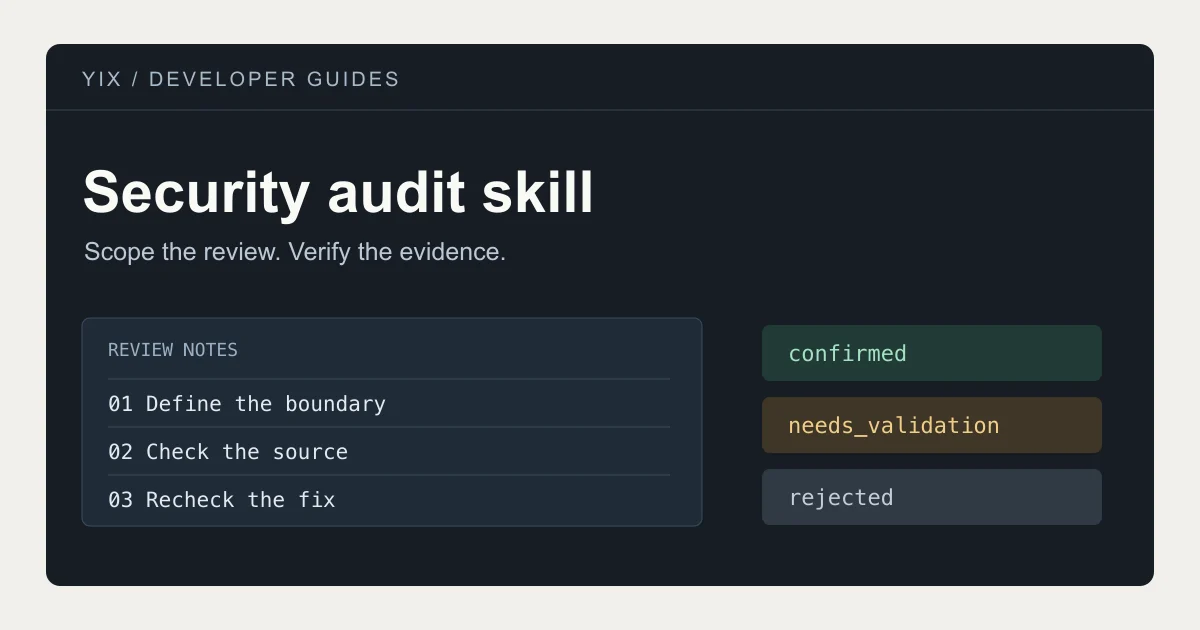
Cloudflare’s security audit skill is a set of instructions and supporting files that helps a coding agent examine a repository for security weaknesses. You install it in an agent such as Claude Code or Codex, give it access to source code you are authorized to review, and ask for an audit with a defined scope. Start with the official repository.
This is a developer tutorial, not a security scanner inside Yix. You will need a local code checkout, a compatible coding agent and Node.js. The skill is MIT-licensed; your agent’s model usage may still cost money. The cover is an editorial illustration, not an audit result.
Choose the right kind of review
“Security audit skill” can describe two different jobs. This guide uses Cloudflare’s security-audit to review application code. Inspecting an unfamiliar skill before installing it is a separate job: you are checking the instructions, scripts and permissions of that skill itself.
For an application review, begin with a question you can answer from the code. “Can one account download another account’s private upload?” is more useful than “Is everything secure?” The first question gives the reviewer an actor, a resource and an access rule to trace.
If your project handles generated images, payments or shared media, separate those concerns. A public image URL, a private upload URL and an authenticated download route may deliberately have different access rules. Write down the intended rule before deciding that the implementation violates it.
1. Install from the official source
Read the repository and its skill files before installing. Check the publisher and repository name, especially when following a directory listing or a copied command. From a terminal in your project, the official installation command is:
npx skills add https://github.com/cloudflare/security-audit-skill --skill security-audit
Use the installer’s prompts to select your agent. Add --global only if you want the skill available across projects. Review the changes the installer proposes; do not replace an existing customized skill without checking it first.
For a manual installation, copy the complete skills/security-audit directory from the repository. Copying only SKILL.md leaves out the companion instructions and validators.
| Agent | Project installation | Personal installation |
|---|---|---|
| Claude Code | .claude/skills/security-audit/ | ~/.claude/skills/security-audit/ |
| Codex | .agents/skills/security-audit/ | ~/.agents/skills/security-audit/ |
The locations are documented in the Claude Code skill guide and Codex skill guide. Start a fresh agent session if the installed skill is not visible. Ask the agent to identify the skill file it loaded before beginning.
2. Define the target and stop conditions
Use a checkout you control and note its commit. Save or commit your current work so the review has a clear baseline. Keep production credentials and private customer files outside the review environment.
Make these choices before running:
- Scope: name the directories and the question they need to answer.
- Execution: allow source inspection first; approve only bounded local reproduction under suitable isolation.
- Output: choose a new directory outside the repository for the report.
- Budget: set an agent-call or spending limit appropriate to your account.
- Completion: require an explicit account of what was checked and what remains unresolved.
Cloudflare’s skill instructions distinguish focused guidance from a full audit. They also require OS-enforced isolation for running target code: restricted networking, a sanitized environment, limited writable paths and resource limits. A sentence in a prompt does not create that isolation. If your environment cannot provide it, keep execution disabled and retain the unresolved validation work.
3. Give the agent a concrete audit request
Here is a starter brief for a fictional application. Replace the paths and output directory with your own; this is an example prompt, not a report from a tested project.
Use the security-audit skill for a scoped audit of this repository.

Target: src/uploads and src/downloads.
Question: can a signed-in account read or overwrite a different
account's private upload?

Record the source commit and any uncommitted changes.
Start with source inspection. Do not contact production services,
use customer records, or change application code.
Run target code only if the required OS-enforced sandbox is available.
Use dummy accounts and files for any permitted local reproduction.

Write the report to a new directory outside this repository.
Propose an agent-call budget before starting and stop at that limit.
Explain uncovered paths and unresolved evidence separately.
For a payment review, replace the target and question with your checkout and webhook handlers, then ask whether a repeated payment event can grant the same entitlement twice. Keep actual card charges, live webhook replays and customer subscriptions outside the test brief.
Inspect the proposed scope before the agent starts. If it includes unrelated systems, narrow it. If it cannot inspect an important dependency, record that gap rather than allowing a claim about the entire application.
4. Read the findings before changing code
The upstream workflow separates discovery from independent verification. Its reports include findings.json, a coverage ledger and human-readable summaries. The reporting instructions define how evidence becomes a finding.
| Verdict | What it means for your next action |
|---|---|
confirmed | Review the demonstrated boundary failure and proposed fix. |
needs_validation | Resolve the named missing fact; do not treat it as a proven vulnerability. |
rejected | The candidate was disproved; retain the reason to avoid repeating the same claim. |
Ask five questions about any proposed fix: Who can trigger the behavior? Which resource is affected? Where is the controlling code? What was actually observed? Does a separate control already prevent the claimed result?
For example, a download handler might accept a file identifier and return metadata without checking ownership. That alone is a lead. A useful review follows the route middleware, the lookup query and the storage access rules. A local test with two dummy accounts can then check the intended boundary. If deployment configuration decides the result but is unavailable, that fact stays unresolved.
The absence of a finding is not a clean bill of health. Read the coverage ledger alongside the report, especially when the run stopped because of a budget or environment limit.
5. Fix one confirmed issue and recheck it
Keep the original report. Make a small patch in a separate branch, add a regression test for the specific boundary, and ask for a fresh review of the changed path. For the upload example, test both the owner’s allowed access and another account’s denied access. A patch that blocks everyone closes the test case but breaks the product.
Record the fix commit and the new test result. Compare them with the original reproduction instead of asking the agent to simply declare the issue resolved. Revisit related paths only when the same cause is present; do not turn every small fix into an unrelated rewrite.
When installation or the audit stalls
The skill does not appear: confirm the active agent, its working directory and the installed path. Check for an extra nested directory and confirm SKILL.md is present. A copy installed for Claude Code is not automatically a Codex installation.
The agent only answers a question: explicitly request a scoped codebase audit and report files. A question about one risk may invoke guidance rather than the complete workflow.
The run cannot create independent reviewers: use an agent environment with the required delegation capabilities, or limit the session to a preliminary review. Do not label that preliminary review as the complete Cloudflare workflow.
The report contains unresolved items: inspect the exact missing evidence. Provide a safe local fixture or an owner-reviewed configuration excerpt when appropriate. Do not solve the gap by pasting production secrets into the chat.
Continue with the right tool
Run the audit in your coding environment using the official security-audit repository. Yix does not execute this skill or certify code security.
If your separate task is to illustrate your app’s documentation after the review, Yix’s image creator can help make visual assets. Keep code, secrets and private audit findings out of creative prompts. You can find other AI workflow tutorials in the Yix blog.