
Gidsen voor AI-afbeeldingen en video’s
Praktische uitleg over AI-modellen en prompts voor afbeeldingen en video’s die je in YIX kunt proberen.
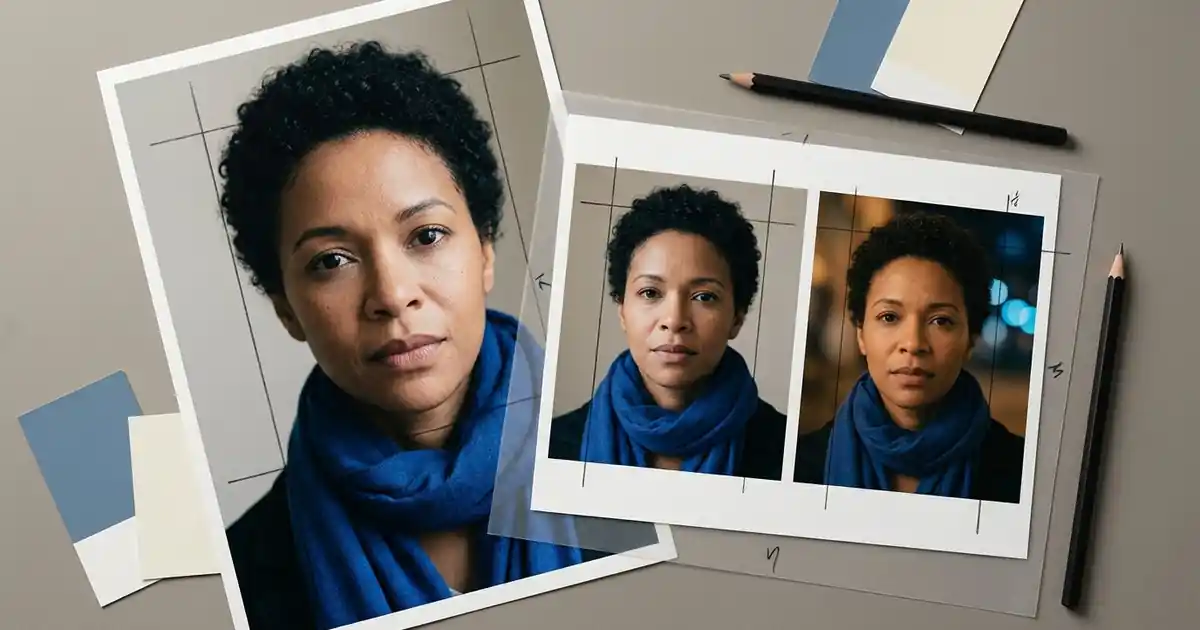
Prompt Seen: copy photo prompts for your own pictures
Copy four original Prompt Seen photo-editing prompts for portraits, couples and 3D looks. Adapt them to your photo, then use the Yix editor with credits.
 Yix Team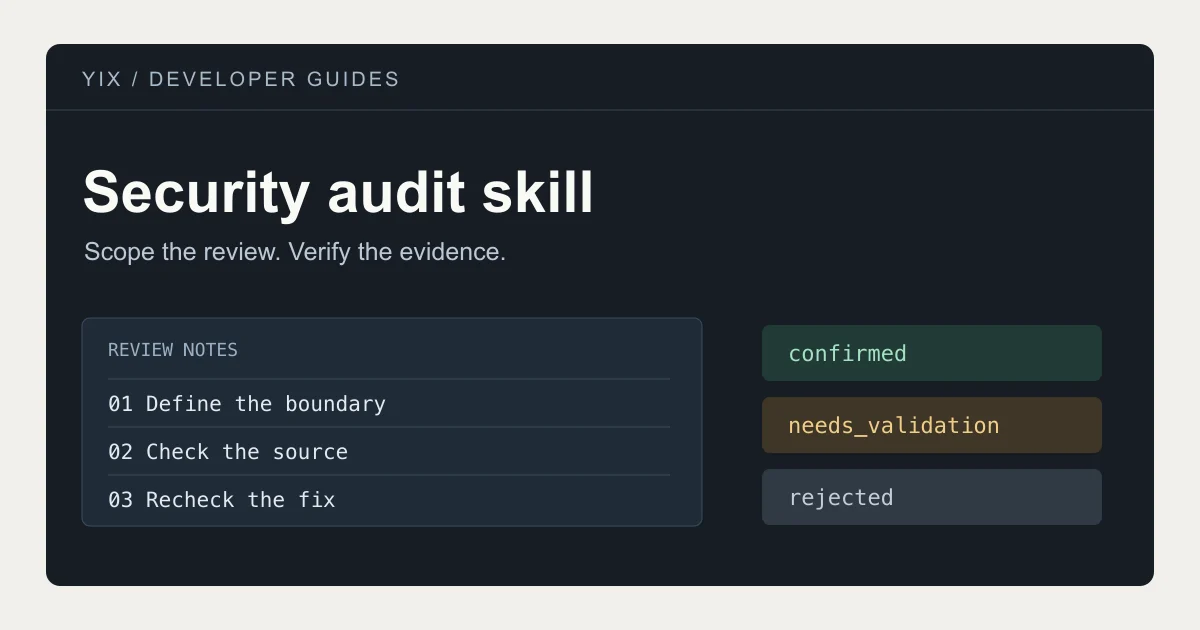
Security Audit Skill: audit a codebase with Claude Code or Codex
Install Cloudflare’s security audit skill for Claude Code or Codex. Set the scope, read findings and verify fixes with example prompts and report checks.
Yix Team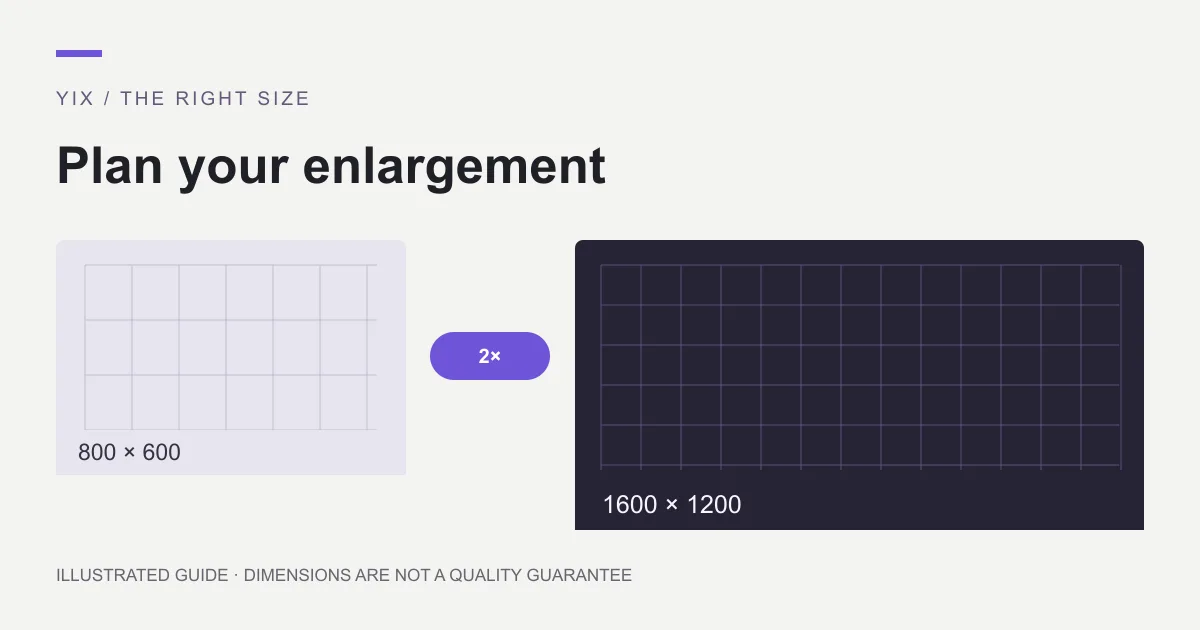
Upscale image: choose a method and the right size
Learn when to upscale an image, how 2× and 4× change its dimensions, and when a new export is better. Choose a method for photos, graphics or printing.
Yix Team
Upscale image free: desktop options and trial limits
Find a genuinely free desktop route to enlarge images, check hardware requirements, and distinguish free previews from paid downloads and credit-based tools.
Yix Team
Upscale image with AI: an upload-to-download workflow
Follow a practical AI image upscaling workflow: prepare one photo, choose 2× or 4×, review the credit quote, and inspect the downloaded PNG before use.
Yix Team
AI upscale image: check detail before you publish
Review an AI-upscaled image for altered text, faces, halos and false texture. Compare at equal display size and decide whether to keep, retry or replace it.
Yix Team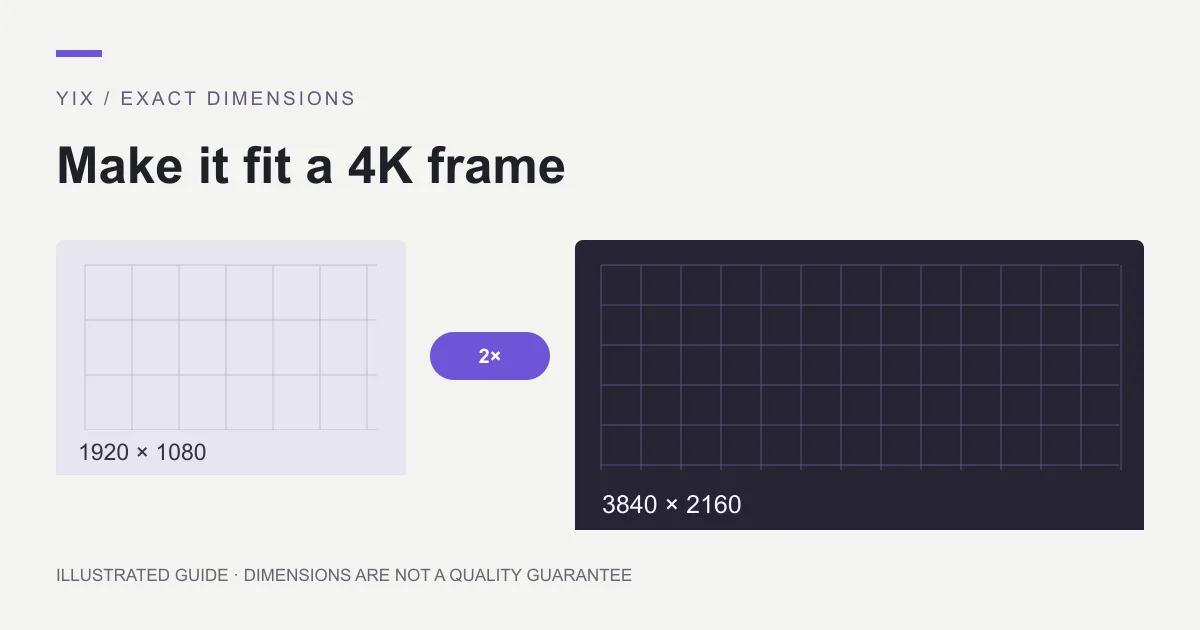
Upscale image to 4K: calculate size and crop correctly
Make a 3840 × 2160 image by checking source dimensions, aspect ratio and the right scale factor. Learn when 2× or 4× works and when cropping is required.
Yix Team
Picsart upscale image: AI Enhance steps and limits
Use Picsart AI Enhance on web or mobile, distinguish enhancement from resizing, and check subscription, credit and export conditions before processing.
Yix Team
FLUX 3 Image Klein: create your first image from text
Create images with FLUX 3 Image Klein on Yix. Follow the text-to-image workflow, choose 1K or 2K, and try prompts for product concepts, portraits and illustration.
Yix Team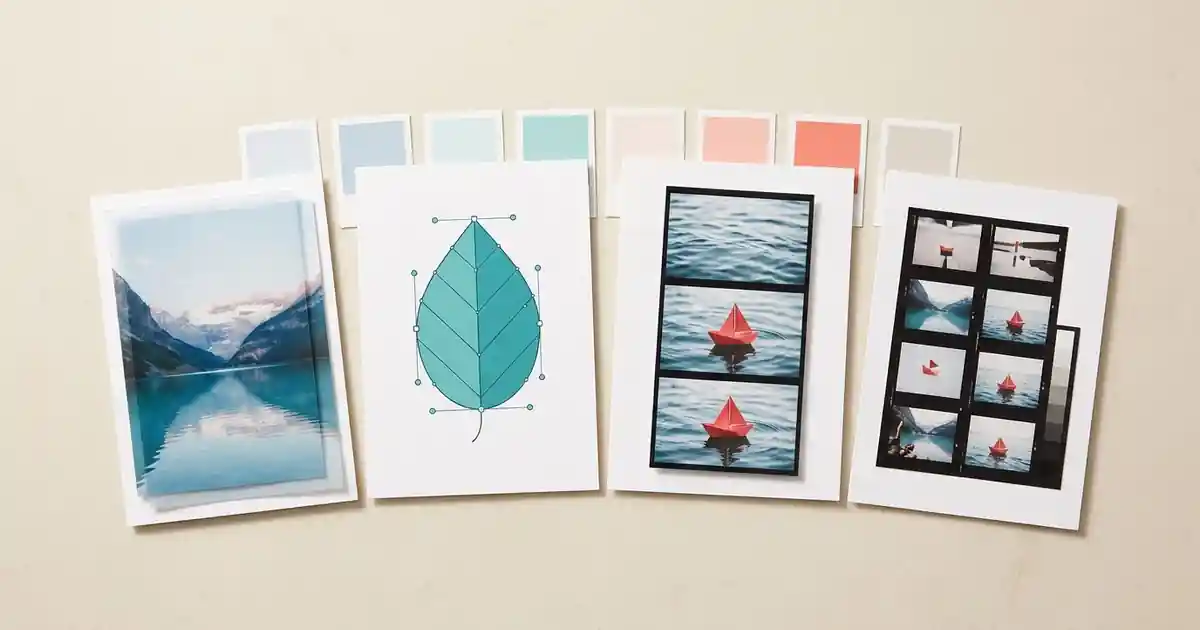
Get Craft Apps: ArtCraft Launcher & Download Guide
Find ArtCraft apps and official downloads for Windows, Mac and Linux. Learn which editor to choose and how ArtCraft Launcher works.
Yix TeamPrompt Saar: adapt a photo prompt without losing your subject
Turn Prompt Saar inspiration into a clear photo-editing brief. Use original portrait, cinematic and couple examples while keeping your subject and framing.
Yix Team
Zombie love story AI: plan two characters and a readable memory cut
Plan a zombie love story AI short with fixed character roles, matching keyframes and original prompts. Check faces and hand positions before adding motion.
Yix Team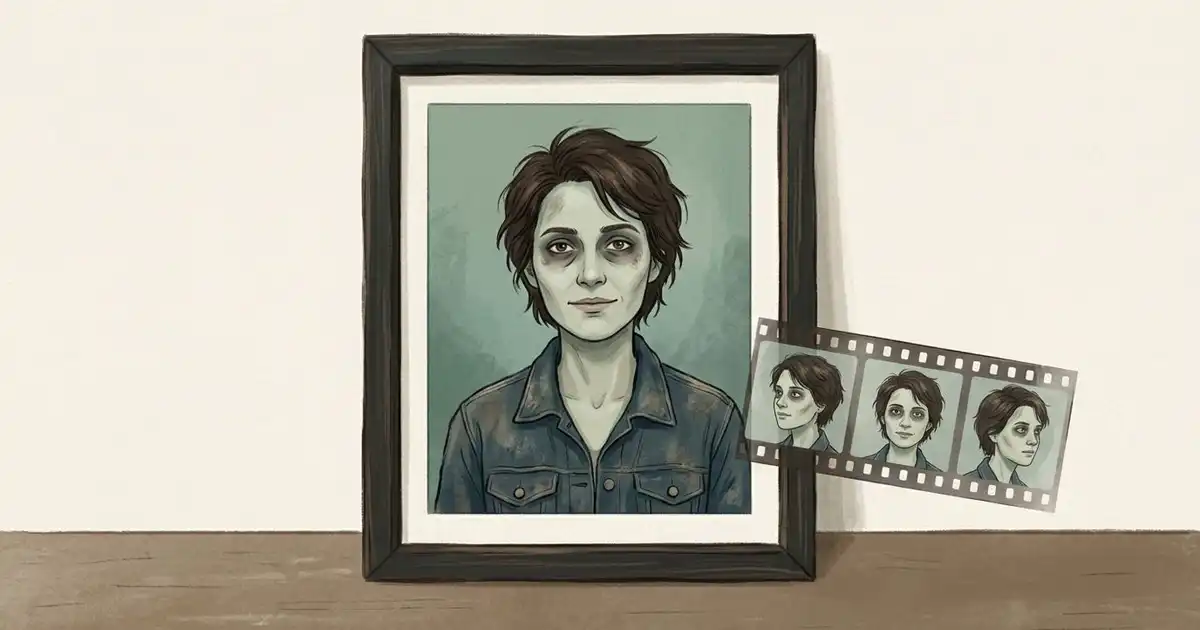
AI zombie trend: make an original non-gory portrait, then plan a short clip
Create a non-gory zombie portrait from a reference photo, preserve key details and plan a short video. Includes an original prompt and clear template limits.
Yix Team
PhotoCraft vs VectorCraft: choose by the file you need to deliver
Compare PhotoCraft and VectorCraft by photo layers, editable vector paths, file handoffs and alpha-stage limits. Choose a workflow for the output you need.
Yix Team
MiniMax H3 Recast: prepare a character replacement and check the result
Plan a MiniMax H3 Recast character replacement with source-video checks, reference-photo mapping, current fal limits and output review before a larger edit.
Yix Team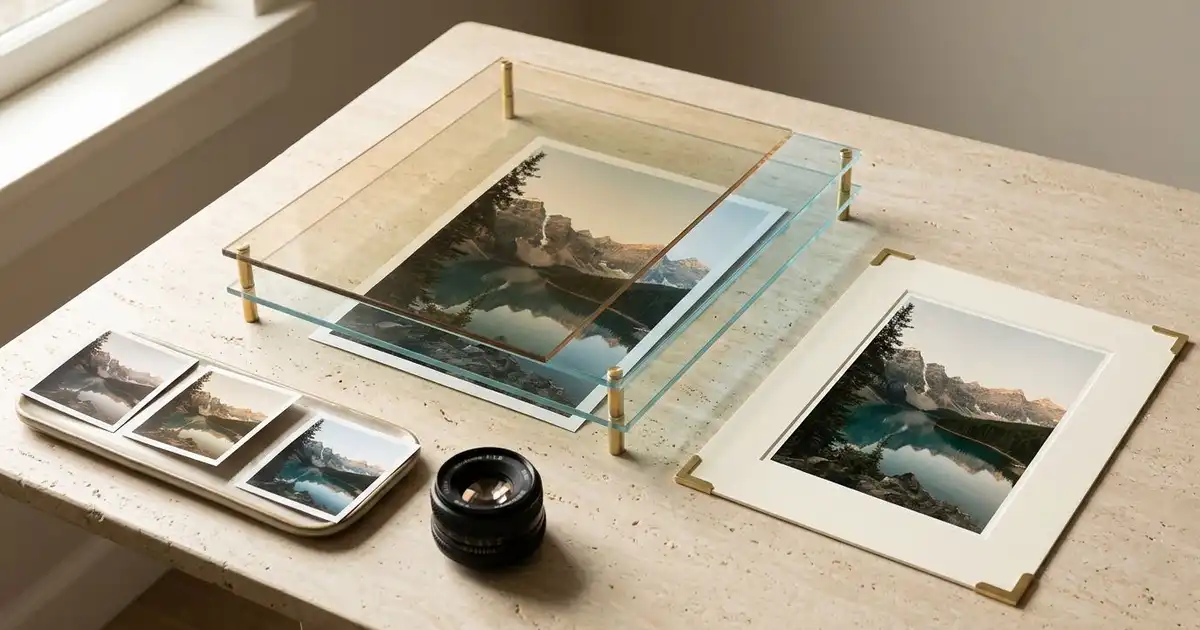
LightCraft: choose the official RAW editor and plan a first photo edit
Find the official LightCraft RAW editor, check camera and format support, and plan a small non-destructive photo workflow before moving your library.
Yix Team
FilmCraft: find the official editor and plan your first timeline
Find the official FilmCraft release, choose the right desktop package, organize generated clips, and check timeline edits and exports before a larger project.
Yix Team
Pruna AI Playground: choose a task and prepare your reference images
Find Pruna’s official image tools, distinguish generation, editing and upscaling, and prepare reference photos with clear change and preservation instructions.
Yix Team
PhotoCraft GitHub: Download & Installation Guide
Find the official PhotoCraft repository and download for Windows, Mac or Linux. Choose the right installer and check PSD compatibility.
Yix TeamRoy Editz AI Prompts: 3 Portrait Ideas to Try
Looking for Roy Editz AI prompts? Try three original portrait prompts, upload your photo, and customize the background, lighting and style.
Yix TeamKenerate AI: edit a product photo and make a video
Learn how Kenerate AI handles photo edits and short videos. Follow a product-background workflow, check credit costs, and try a Yix editing alternative.
Yix TeamDrake Burning Bridges AI: reference motion or an original party clip?
Make a Drake Burning Bridges AI video with permitted motion references, or plan an original party clip on Yix. Includes prompts, setup and a review checklist.
Yix Team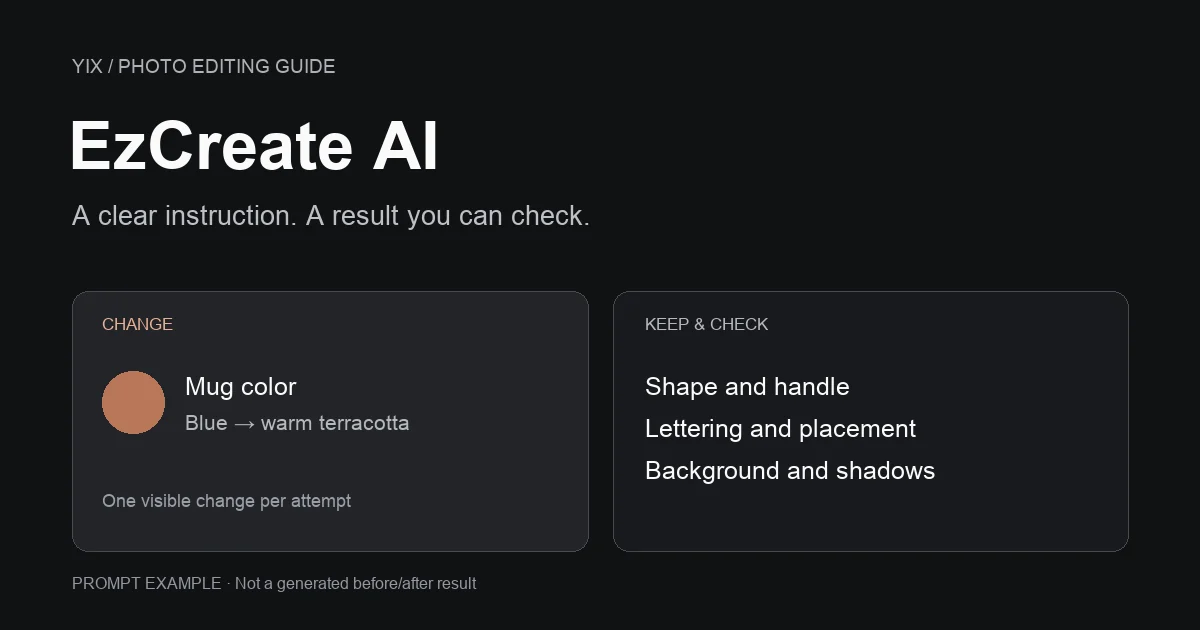
EzCreate AI: edit a photo with a clear instruction
Find the EzCreate AI website, understand free credits, and write clearer photo-editing prompts. Follow the editing steps or try a Yix photo-editing alternative.
Yix Team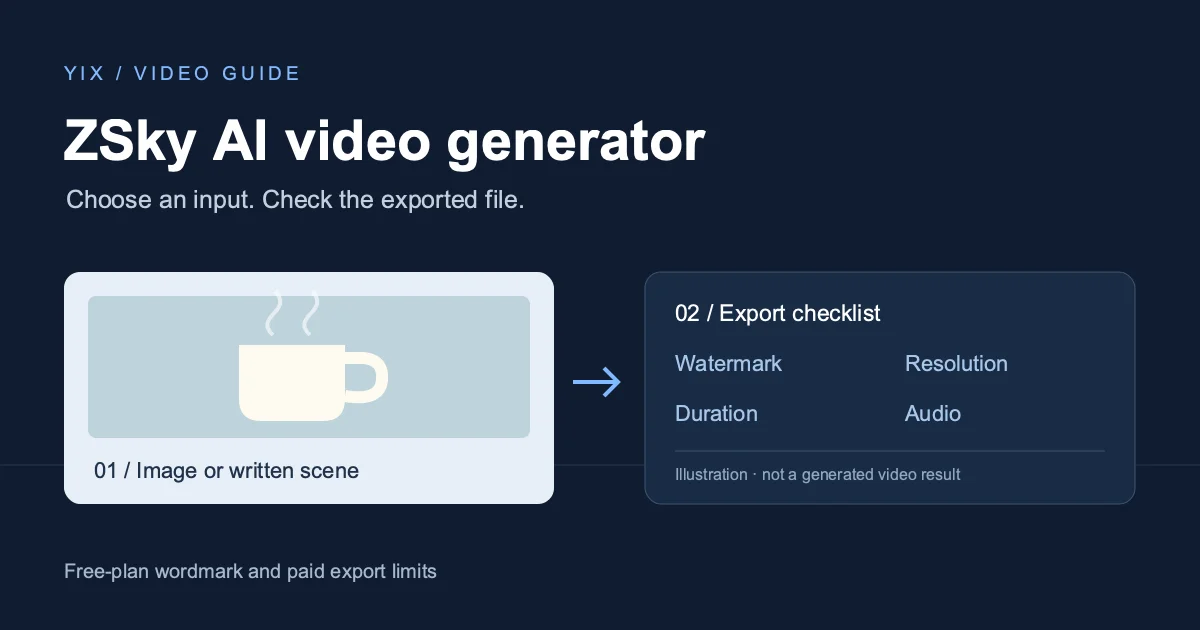
ZSky AI video generator: getting started and watermark limits
Use ZSky AI for text or image to video, understand free-plan watermarks and paid exports, and follow a practical checklist before downloading your first clip.
Yix TeamRumpelstiltskin AI meme: the origin and an original video recipe
Find the Rumpelstiltskin AI meme’s original creator and song, clear up the movie confusion, and plan your own fairy-tale dance video with a starting image.
Yix Team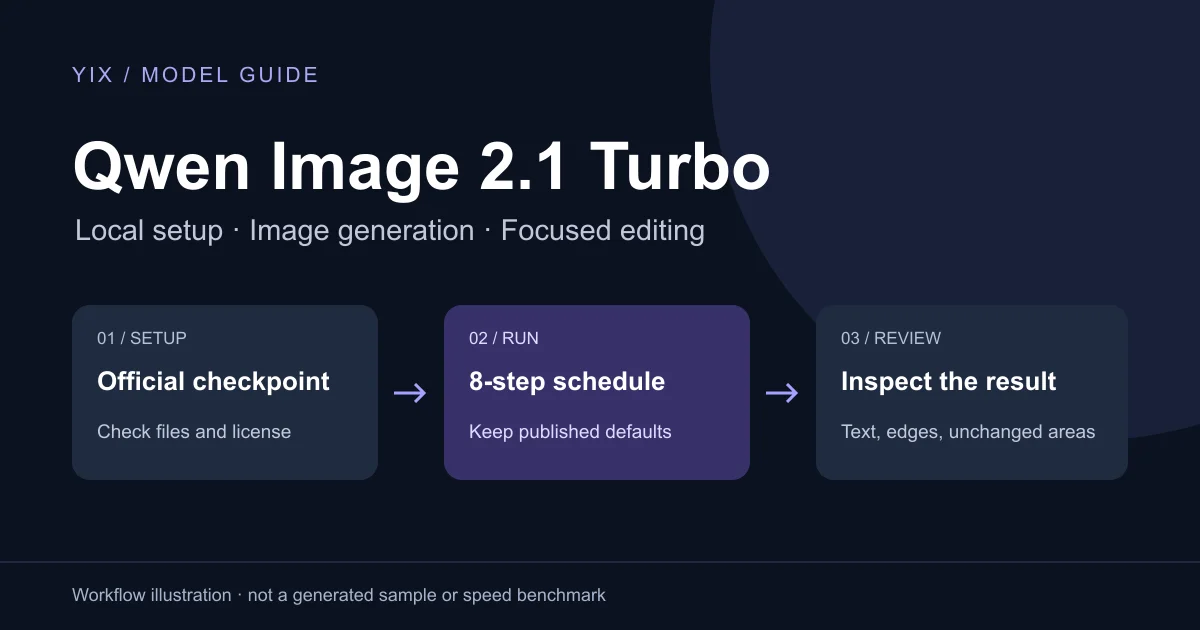
Qwen Image 2.1 Turbo: a practical generation and editing guide
Get started with Qwen Image 2.1 Turbo: official downloads, the eight-step setup, ComfyUI files, practical prompts, editing checks and license terms.
Yix Team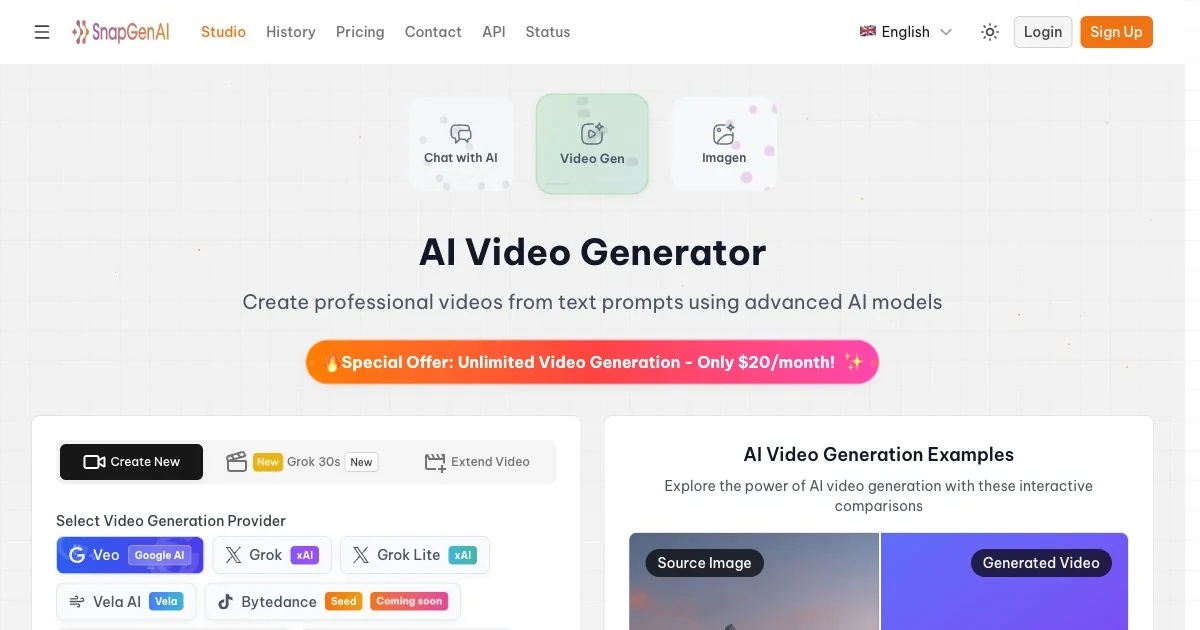
Snapgen AI: video tutorial and free access limits
Find the official Snapgen AI site, check free access and credit costs, and plan your first video with a practical prompt, export checklist and Yix alternative.
Yix Team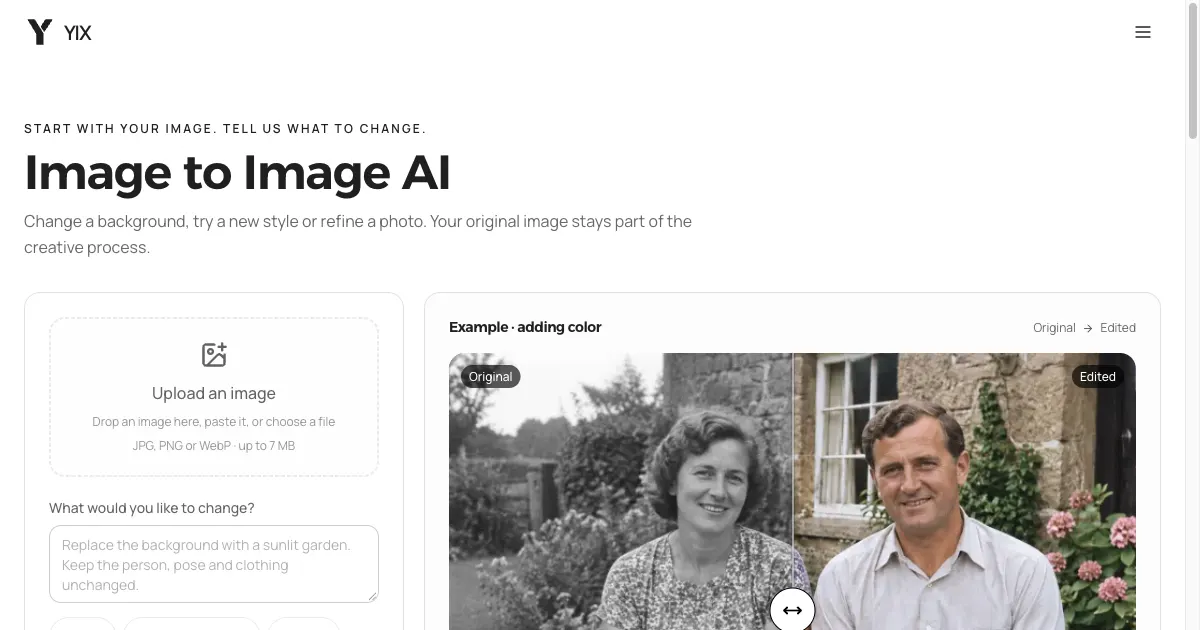
ArtCraft on GitHub: downloads and image editing
Find the official ArtCraft GitHub repository, desktop downloads and web app. Follow a practical image-editing workflow and try a focused browser alternative.
Yix TeamEverygen AI Video Generator: Guide & Yix Alternative
Learn what Everygen offers and how to create short videos from text or photos. Follow a separate Seedance workflow on Yix with example prompts.
Yix Team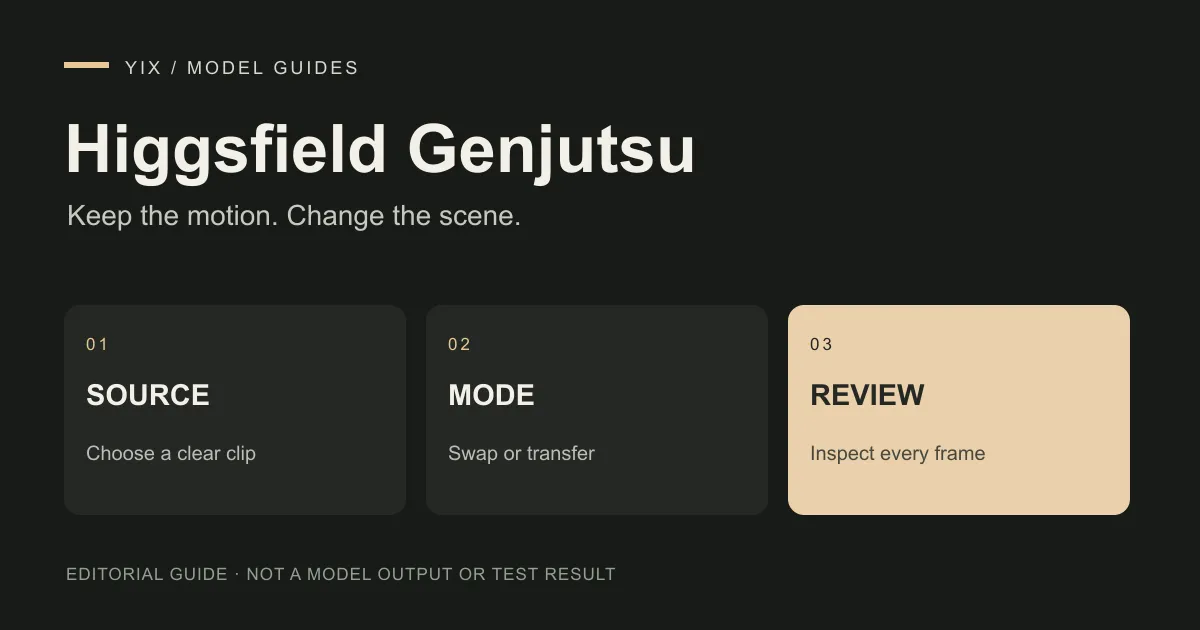
Higgsfield Genjutsu: how to edit an existing video
Choose Motion Transfer or Object Swap in Higgsfield Genjutsu. Follow a source-video workflow, check credit costs and review edits against the original clip.
Yix Team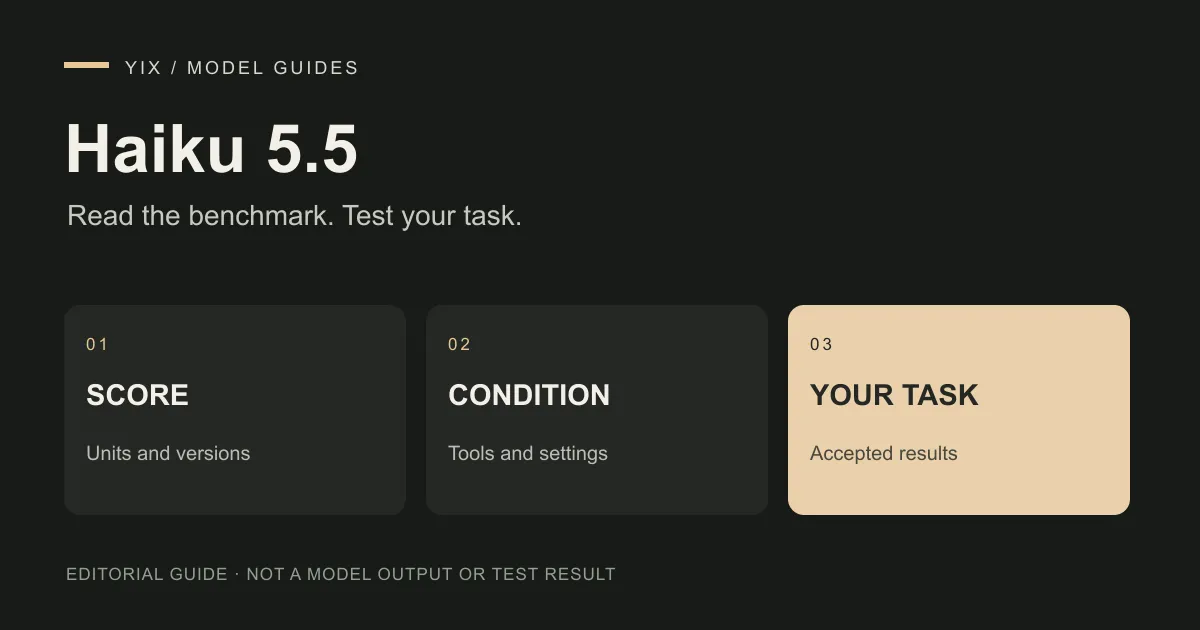
Haiku 5.5 benchmark: what the scores mean for your work
Read the Haiku 5.5 benchmarks with their tool and offline conditions. Use a practical test sheet for summaries, creative briefs and image-prompt preparation.
Yix Team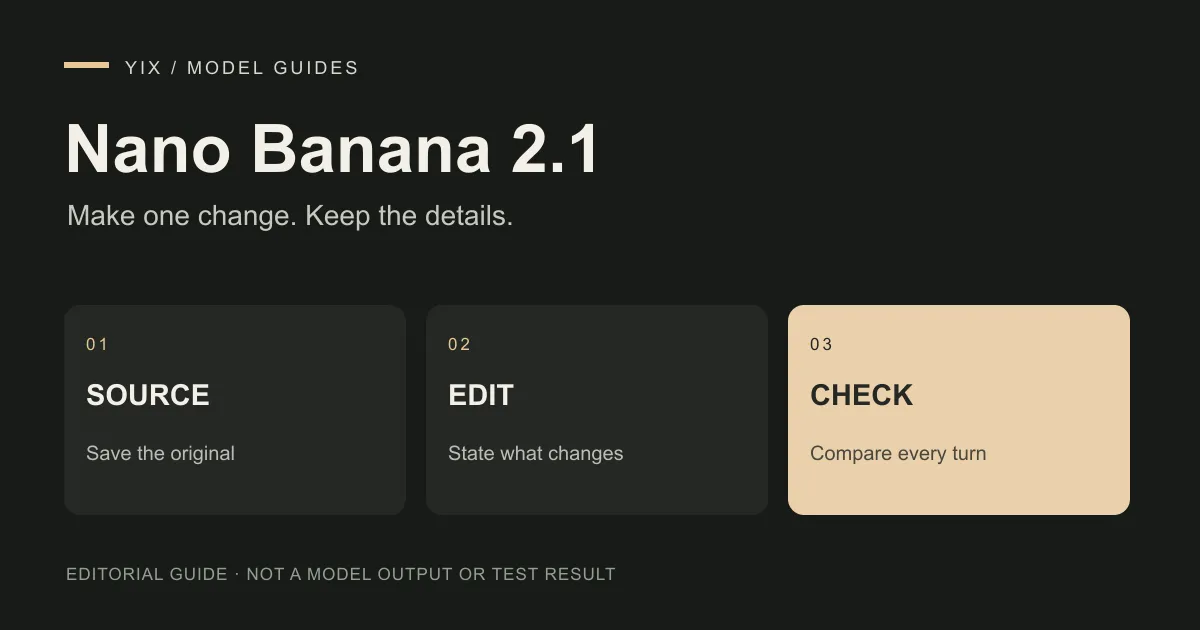
Gemini Nano Banana 2.1: version names and image-editing tests
Understand Gemini Nano Banana 2.1, its reference-image and multi-turn editing features, and a practical test for preserving products, faces and exact text.
Yix Team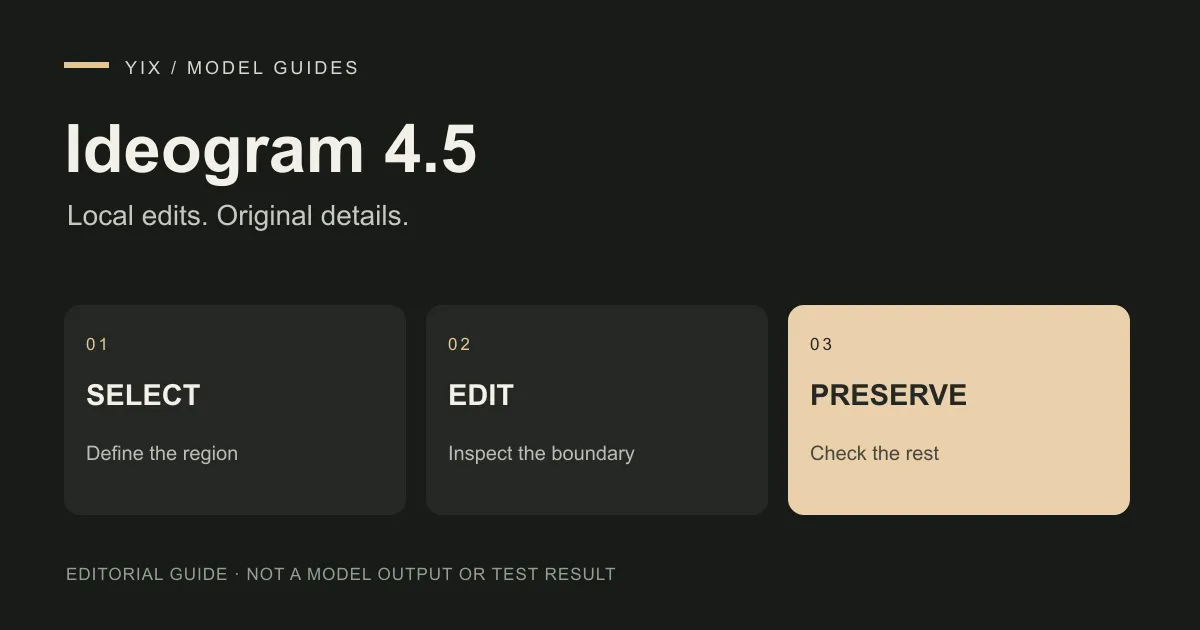
Ideogram 4.5: local edits, repeated changes and image fidelity
Learn how to assess Ideogram 4.5 image edits, distinguish crop-and-stitch from full-image generation, and check text, products and unchanged regions.
Yix Team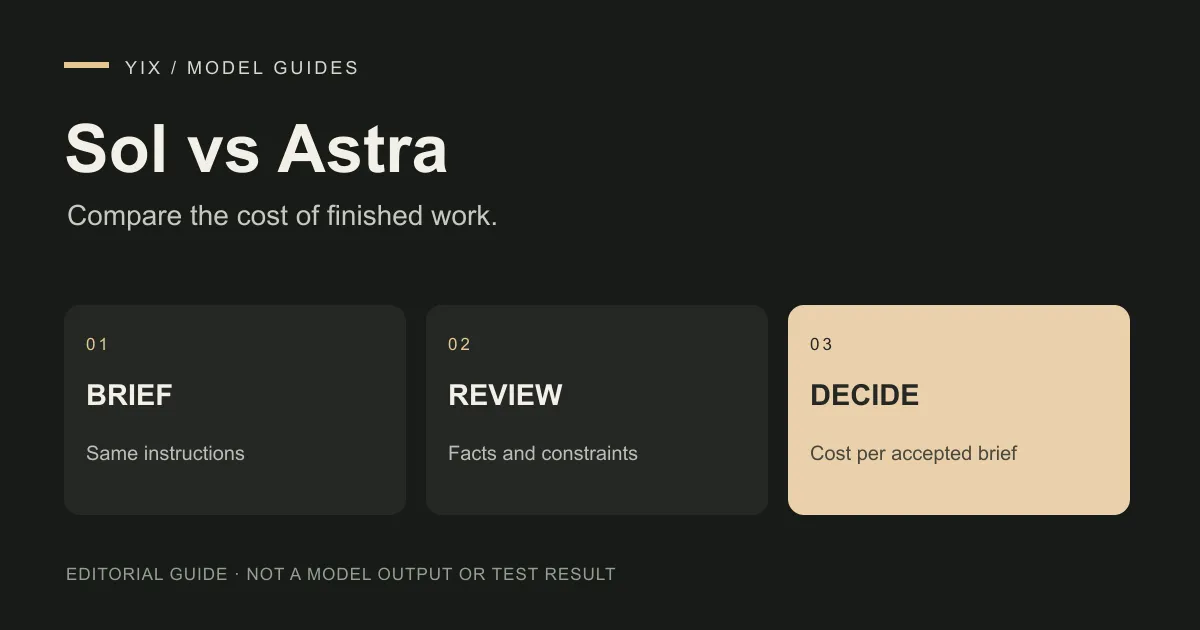
6.1 Sol vs 6 Astra: choosing a model for creative planning
Compare GPT-6.1 Sol and GPT-6 Astra for creative briefs and image-prompt planning. See standard token costs, image-input support and a repeatable task test.
Yix Team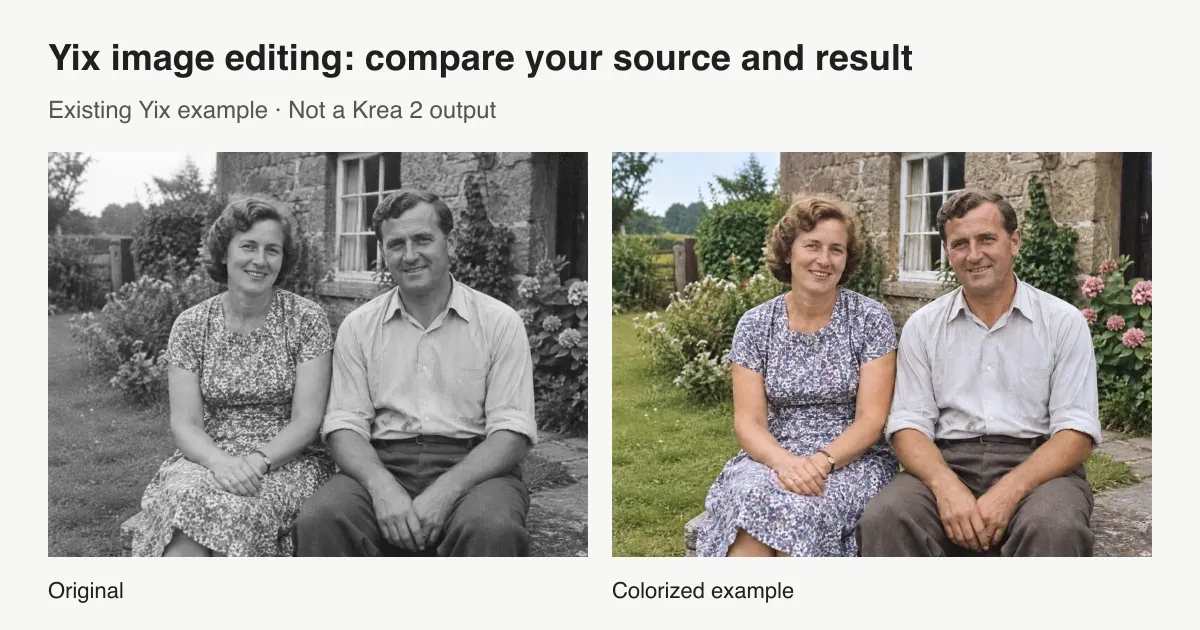
Krea 2 edit: choose the right image-editing path
Looking for Krea 2 image edit? Compare official style reference, community Identity Edit, and Yix image editing, with setup links, costs, and practical limits.
Yix TeamGemini 4 Argon: Availability, API Pricing and Access
What Google has confirmed about Gemini 4 Argon access and announced API pricing, what remains unknown, and whether it is available on Yix.
Yix Team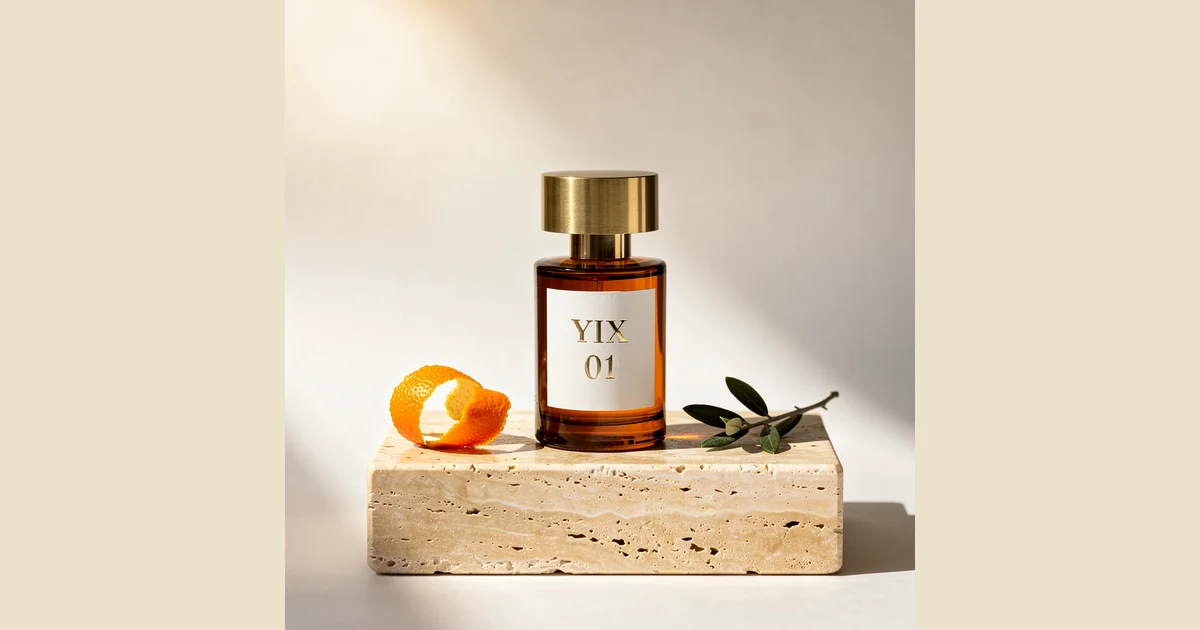
Image to Prompt for Product Photos: A Three-Model Test
Follow a real perfume-photo example from reference image to extracted prompt, then compare Nano Banana 2, FLUX.2 Pro and Seedream 5 Lite results and a revision.
Yix Team
Foto’s in jaren 80-stijl: 4 AI-prompts om te proberen
Kopieer een 1980s-fotoprompt voor studio-, familiealbum-, campus- of neon-nachtlooks. Bekijk voorbeeldresultaten, upload een foto en probeer vandaag nog elke prompt in Yix.
Yix Team
Wan 3.0: video’s maken van tekst en afbeeldingen
Gebruik wan 3.0 op Yix om tekst of een startafbeelding om te zetten in video. Vergelijk resoluties, controleer kredietkosten en probeer praktische aanwijzingen voor gecontroleerde camerabewegingen.
Yix Team
ChatGPT Images 2.5: sneller genereren, precies bewerken en Sketch
ChatGPT Images 2.5 gelanceerd in september 8, 2026. Leer meer over snellere generatie, nauwkeurige bewerkingen, Sketch en de Flare- en Sunburst API-modellen.
Yix Team
Productfoto’s maken met AI: prompts voor 3 scènes
Gebruik AI-aanwijzingen voor productfotografie met voorbeelden van parfums, huidverzorging en drankjes. Leer een scène bewerken, bekijk productdetails en maak een korte video in Yix.
Yix Team
Qwen3.8 2.4T A95B (batch): API-kosten of lokaal draaien?
Vergelijk Qwen3.8 2.4T A95B (batch) API-prijzen met lokale gekwantiseerde gevolgtrekking, inclusief modelgrootte, context, geheugen, doorvoer en licentiecontroles.
Yix Team
Afbeeldingen bewerken met Seedream 5.0 Pro: lagen, selecties en limieten
Een praktische gids voor Seedream 5.0 Pro-beeldbewerking, inclusief regionale controles, laagscheiding, samenvoeging van meerdere afbeeldingen, workflowontwerp en bekende limieten.
Yix Team
Muse Spark 1.2 Contributor van Meta: wat deel je aan gegevens?
Een praktische gids voor Meta: Muse Spark 1.2 Contributor, inclusief huidige prijzen, trainingsvoorwaarden, 1M-context, gebruiksscenario's voor coderen en beslissingen over gegevensveiligheid.
Yix Team
FLUX 2 Pro Edit: afbeeldingen bewerken met meerdere referenties
Ontdek hoe FLUX 2 Pro Edit omgaat met wijzigingen in natuurlijke taal, tot aan 8 API-referenties, opeenvolgende revisies, megapixelprijzen en productiecontroles.
Yix Team
Ox Alpha onthuld: het was GLM-5.3-Flash
Ox Alpha is niet langer een mysterie. Z.AI onthulde het stealth OpenRouter-model als GLM-5.3-Flash. Bekijk de tijdlijn, 1M-context, API-prijs en open gewichten.
Yix Team
Qwen3.8 Flash of Flash-Next: API, open gewichten en 1M context
Qwen3.8 Flash is niet dezelfde release als Qwen3.8-Flash-Next. Vergelijk de gehoste API, open gewichten, 1M-context, prijzen, hardware en de beste praktische gebruiksscenario's.
Yix Team
DeepSeek V4 Flash Vision Exp: API, prijzen en afbeeldingslimieten
Een praktische gids voor DeepSeek V4 Flash Vision Exp: ondersteunde afbeeldingen, API-formaten, tokenprijzen, OCR-gebruiksscenario's en de limieten en afwegingen die u eerst moet testen.
Yix Team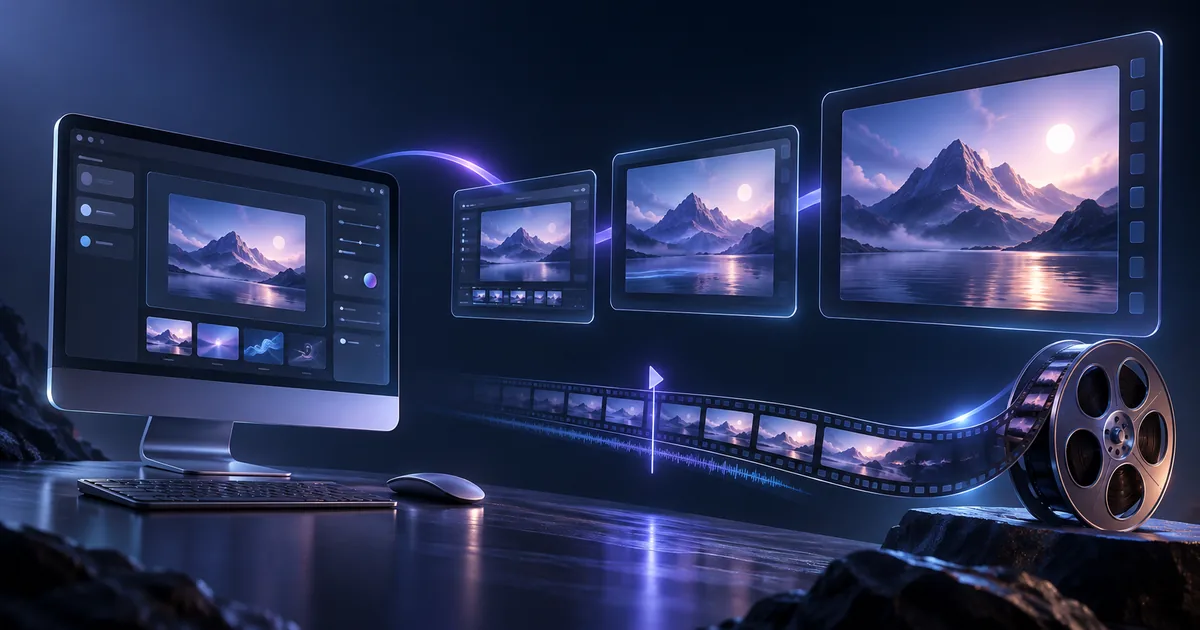
Van UI-ontwerp naar productvideo met Seedance 2.5
Een praktische Seedance 2.5-workflow waarmee u een UI-mockup kunt omzetten in een 15-tweede productpromovideo, met een opnameplan, een prompt voor kopieerklaar en getrouwheidslimieten.
Yix Team
Seedance 2.5: video’s van 30 seconden en tot 50 referenties
Seedance 2.5 zorgt voor langere opnamen, grote referentiesets en gerichte bewerking. Dit is wat het model kan doen en wat Yix vandaag de dag ondersteunt.
Yix Team
FLUX 3 op Yix: video’s maken, concepten en creditkosten
Genereer FLUX 3-video's van tekst of een startafbeelding op Yix. Vergelijk 720p, 1080p en conceptvoorbeelden, waarbij de exacte credits vóór het genereren worden weergegeven.
Yix Team
Wat is Muse Image? De AI-afbeeldingsgenerator van Meta uitgelegd
Muse Image is het eerste beeldmodel van Meta Superintelligence Labs - agentische generatie, Arena toprangen, Instagram-basis. Wat het doet, waar het te verkrijgen is en de grenzen ervan.
Yix Team
Heeft Muse Image een API? Alternatieven voor ontwikkelaars in 2026
Muse Image heeft geen openbare API; het draait alleen in Meta-producten. Hier is de huidige status, wat Meta Model API daadwerkelijk biedt, en de beste API-toegankelijke afbeeldingsmodellen van dit moment.
Yix Team
Muse Image-alternatieven die je in 2026 kunt gebruiken
Muse Image is alleen voor de VS, heeft een meta-account nodig en heeft geen API. Dit zijn de AI-beeldgeneratoren die u momenteel het dichtst kunt gebruiken – vergeleken op kwaliteit, prijs en sterke punten.
Yix Team
Muse Video: releasedatum, functies en wat we weten
Meta gaf in juli een preview van Muse Video 7, 2026 - dezelfde voortrainingsbasis als Muse Image, native audio, 'binnenkort beschikbaar voor makers'. Alles tot nu toe bevestigd en wat je kunt verwachten.
Yix Team
Voorkom dat Meta je Instagram-foto’s gebruikt in Muse Image
Muse Image kan zonder voorafgaande kennisgeving naar openbare Instagram-foto's verwijzen. Hier is de exacte opt-out-schakelaar, wie erdoor wordt getroffen en wat Meta al heeft teruggelopen.
Yix Team
De beste AI-afbeeldingsmodellen van 2026 vergeleken
Nano Banana 2, FLUX.2, Seedream, GPT Image 2 en Grok Stel je voor: hoe de beste AI-beeldmodellen zich verhouden op het gebied van kwaliteit, snelheid en prijs, en welke je wanneer kunt gebruiken.
Yix Team