
Start with your image. Tell us what to change.
Image to Image AI
Change a background, try a new style or refine a photo. Your original image stays part of the creative process.
One image per generation. Failed tasks restore credits. Each new version uses credits.
Example · adding color
Original Edited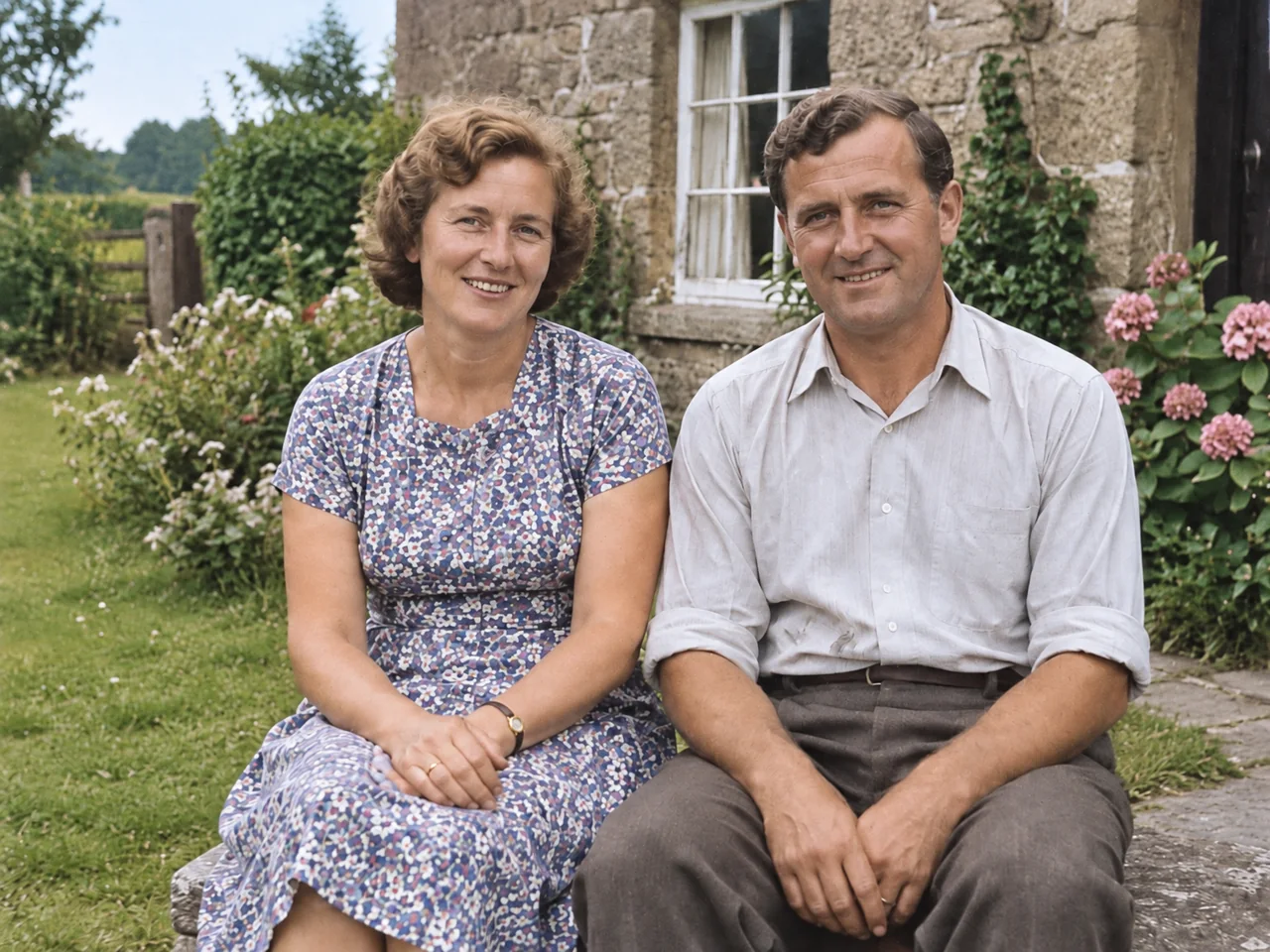
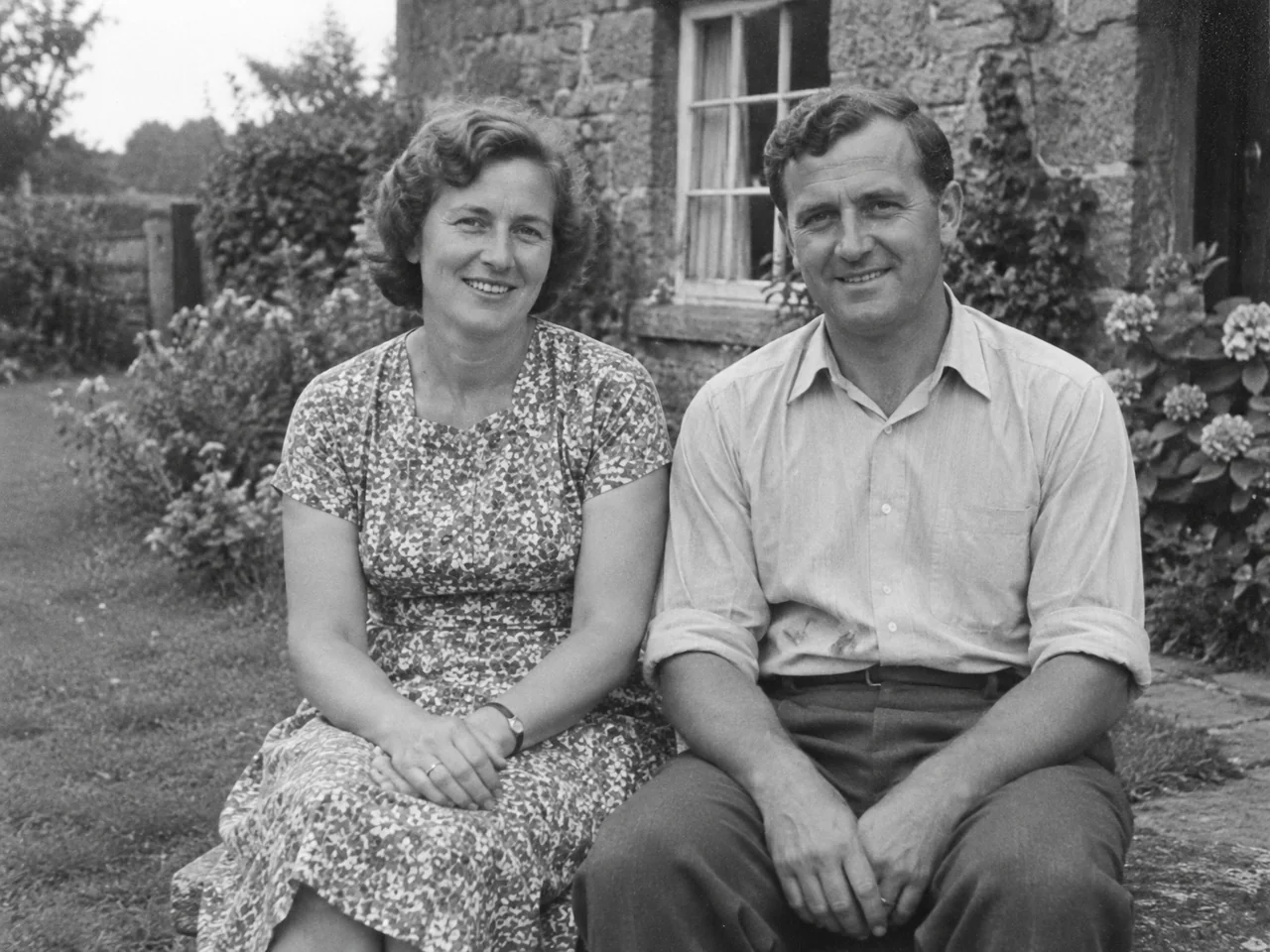
Drag the divider or use the arrow keys to compare.
A Yix-generated example. Your image and prompt will produce a different result.
Uploaded originals require your account to access. Generated image links can be opened by anyone who has the link. Avoid sensitive photos.
Shares the example and tool link. Your uploaded image and prompt are not shared.
From reference to finished image
- 1
Choose your starting image
Use a clear photo with the subject fully visible. You can prepare your image before signing in.
- 2
Describe one change
Say what should change and what should stay the same. Pick a model, quality and aspect ratio; check the credit cost before generating.
- 3
Compare and refine
Review the result beside the original. Download it, or use the result as the reference for another edit.
Keep the parts you like. Change the rest.
Image to image starts with a visual reference. For a background change, describe the new setting and ask to keep the subject, clothing and pose. For a restyle, name the look you want and the composition to preserve. Start with one change, then compare small details before another round. Faces, lettering and fine textures can shift; check them before using the final image.
Image to image questions
Can I use a photo of a person and describe the changes?
Yes. Upload the photo and write a specific edit, such as changing the background while keeping the face and pose. The original image is supplied alongside your instructions. Identity preservation is not guaranteed, so compare the face and small details before downloading.
Community questionCan I use an image as a style reference?
This tool uses one reference image. You can ask for a new style while retaining its subject and layout. It does not accept separate subject and style images in the same request.
Community questionDo I have to write or review a long prompt?
No. A short instruction or a preset is enough. The generation prompt is available in a collapsed panel if you want to inspect, edit or copy it. There is no separate prompt-review step before the image is generated.
Do I need an account, and what does it cost?
You can choose an image and prepare an edit without signing in. Generation requires a verified account and enough Yix credits. The selected model and quality determine the cost shown above the button. Downloads do not consume extra credits.
What if I close the page or the request times out?
A pending request can be checked again without starting another paid task. This tab keeps the working draft for 30 minutes; accepted generations are also available in My creations. Signing into a different account clears the previous account’s draft.