
Can’t recognize the face or subject?
Try a 128 or 256 grid to keep more detail. For a small icon, crop around the subject before choosing your image. Busy backgrounds and tiny text may disappear.
FREE · NO SIGN-UP · ON YOUR DEVICE
Turn a photo into pixel art without uploading it. Keep the details that matter, simplify the colors, and download a PNG. No account needed.
Your pixel art will appear here.
Adjusts the color tint. Retro looks still use 4 or 16 colors at 0%; choose Original to remove the style.
Adds small pixel patterns to soften color steps. No effect when keeping original colors.
Try new scenes, characters and styles. Opens an editable prompt; sign-in and credits are needed to generate. Your photo stays here.
Your image stays on your device. Conversion and download are free, with no account required.
Use AI to invent a subject, redraw a scene, or explore more pixel-art styles. Start with an editable prompt in the image generator.
AI generation requires sign-in and credits. Opening the tool does not generate an image or send your photo. Results vary; return here to set an exact pixel grid.
Try a 128 or 256 grid to keep more detail. For a small icon, crop around the subject before choosing your image. Busy backgrounds and tiny text may disappear.
Start with 16 colors. Try 32 or Original colors to keep subtle shading; use 4 or 8 for larger, simpler shapes. Compare the preview with your original.
Use 1× for the actual pixel dimensions, or 4× / 8× for a larger image. Export size enlarges the blocks without adding detail; grid size changes the detail itself.
Smoothing in an image viewer or editor can soften pixel edges. Download at 4× or 8× here for an integer-scaled PNG with smoothing disabled. Another app may still smooth its preview; check the file at 100% zoom.
Related community questionOnly for a square source. The grid sets the longest edge and keeps the aspect ratio: a 1200 × 800 image becomes 64 × 43. Existing transparent margins still count toward the dimensions; crop them beforehand if needed.
Related community questionChoose the number of colors for Original or Warm animation. Retro handheld uses 4 colors and Retro game uses 16; strength adjusts their tint. Custom palette import and exact color picking are not supported.
Related community questionYes, existing transparency is preserved. This tool does not remove a solid background or trim transparent margins. Start with a transparent PNG or WebP when you need a transparent result.
Related community questionConversion and PNG download are free and need no login. Your image is processed in your browser, not uploaded. PNG, JPG and WebP are supported, up to 10 MB and 40 megapixels.
Use local conversion to keep an existing composition. Try AI for a new subject, scene or style. The AI buttons open editable prompts and do not send your photo or generate automatically. Generation requires sign-in and credits; results may need pixel cleanup before use in a game.
AI-made workflow illustration; not a measured before-and-after result.
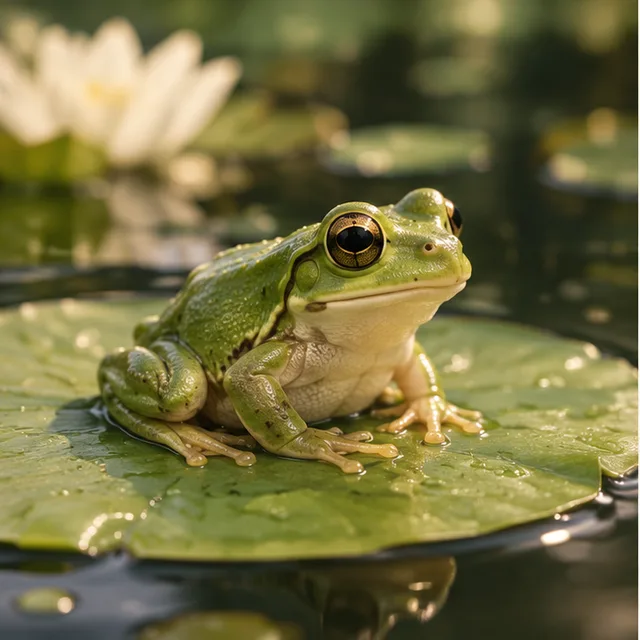
01 · Original / idea
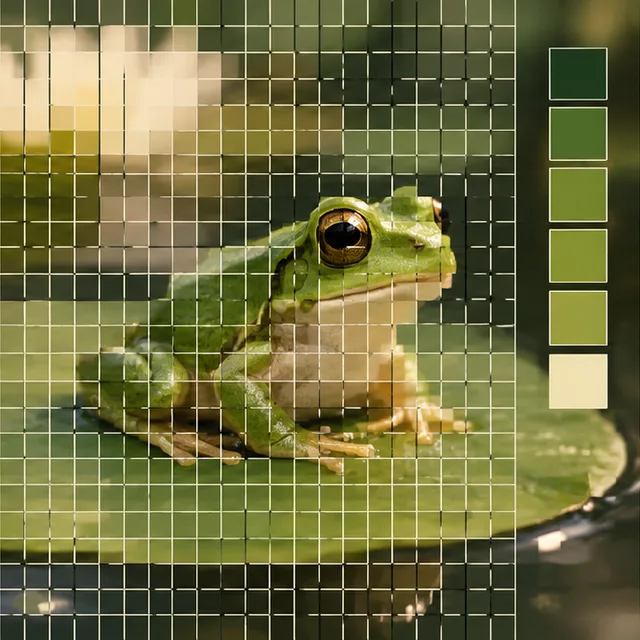
02 · Operation
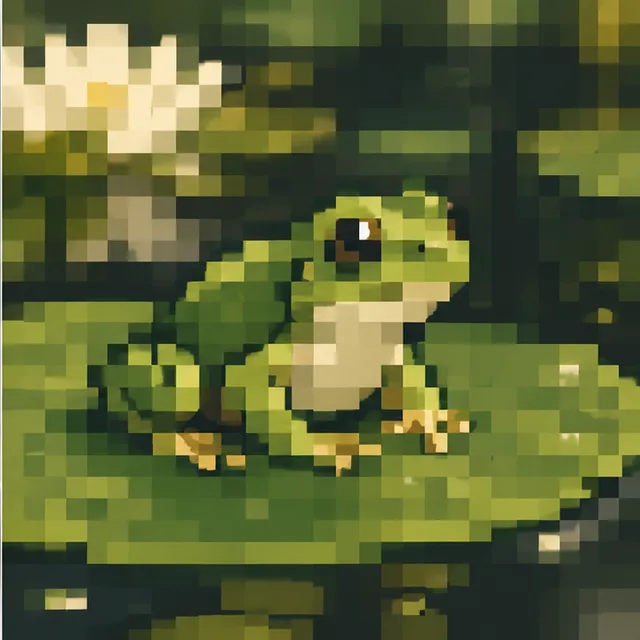
03 · Illustrated result