
Soft 3D pet portrait
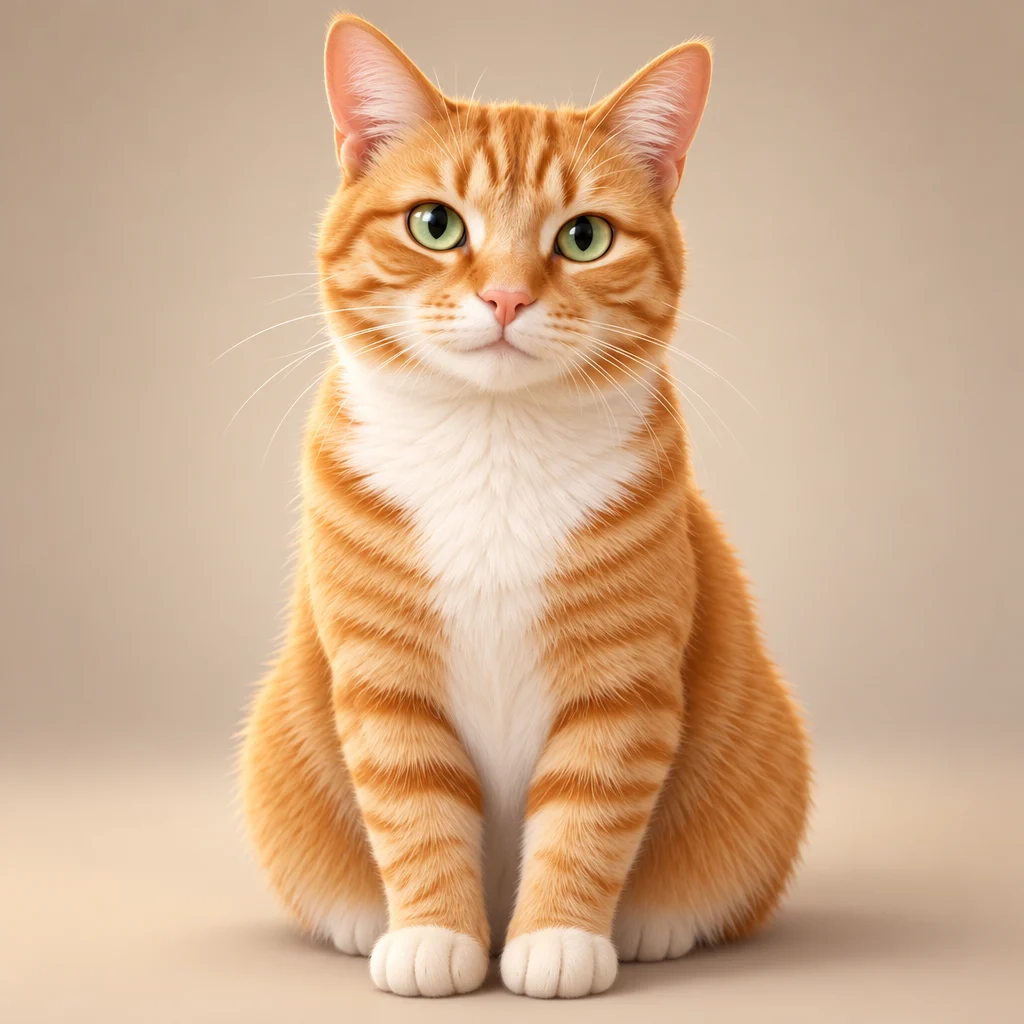
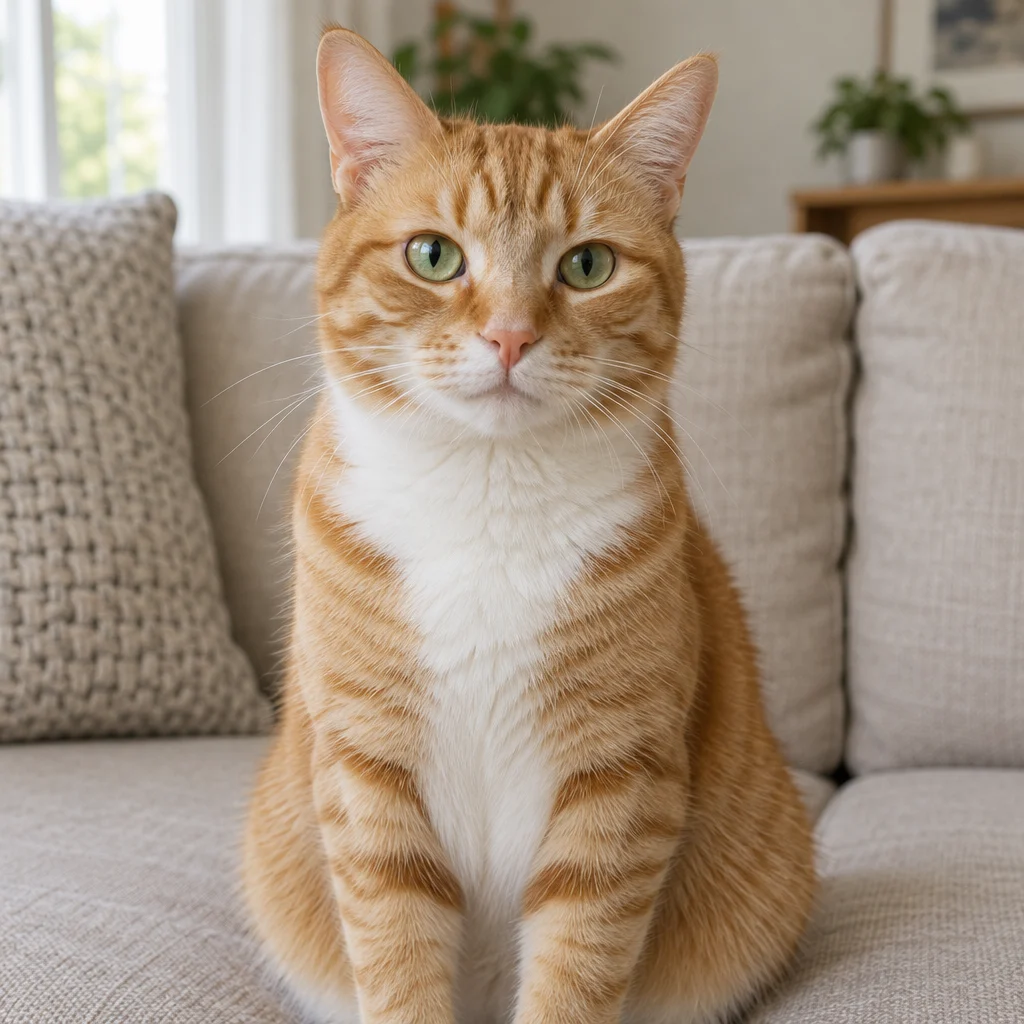
Turn a portrait or pet photo into colorful cartoon artwork. Choose flat illustration, soft 3D or sticker-like styling and generate with credits.
Upload the original fileGPT Image 2.5 Sunburst · medium · 1:1
One image per generation. Failed tasks restore credits. Each new version uses credits.
Upload one JPG, PNG or WebP up to 7 MB. Sign in and buy credits to generate; no signup credits. The model and quality determine the quote shown below.

AI-generated demo input and its actual Yix edit. One example, not a guarantee of every result.
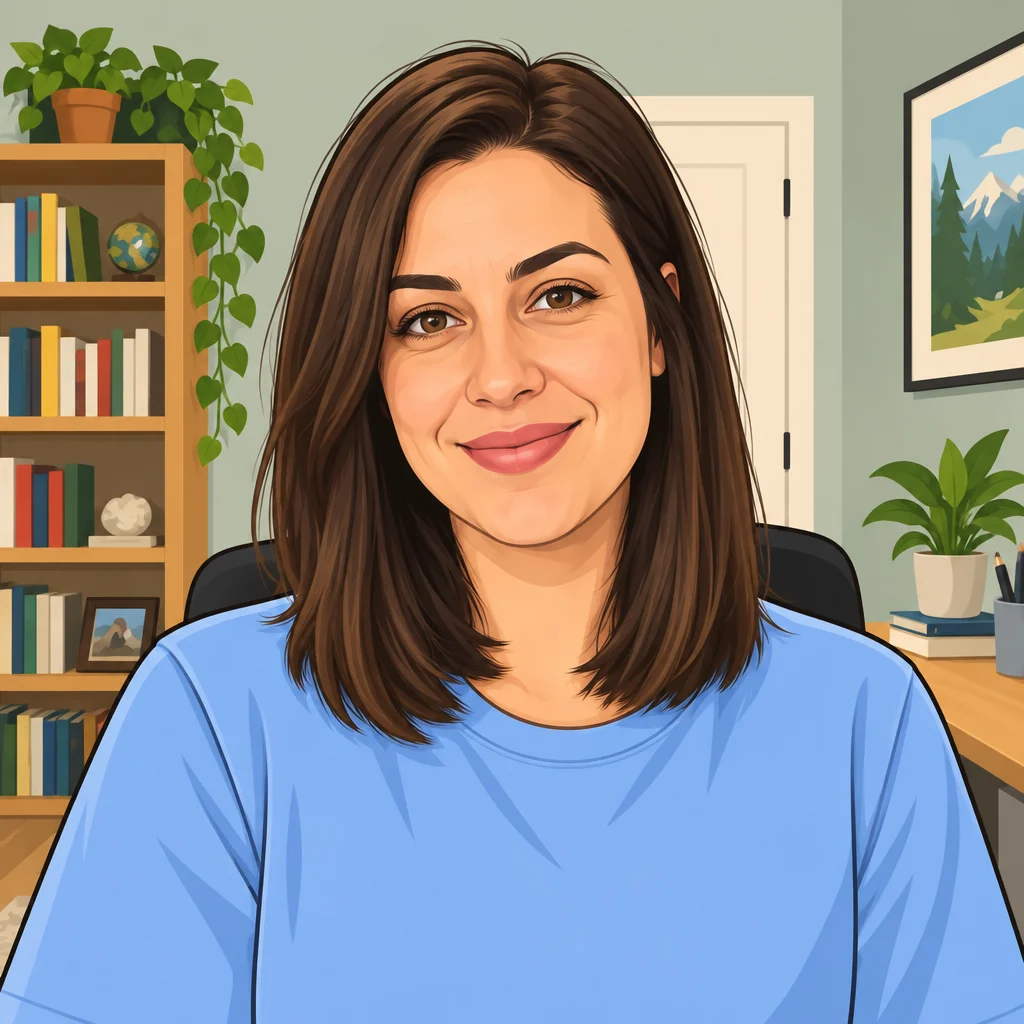
Check recognizable facial features or fur markings. Preview the image at avatar size to judge whether the expression still reads clearly.
Uploaded originals require your account to access. Generated image links can be opened by anyone who has the link. Avoid sensitive photos.
Turn a portrait or pet photo into colorful cartoon artwork. Choose flat illustration, soft 3D or sticker-like styling and generate with credits.
Start with a clear portrait or pet photo. Keep the whole head visible and avoid a busy background for a readable avatar.
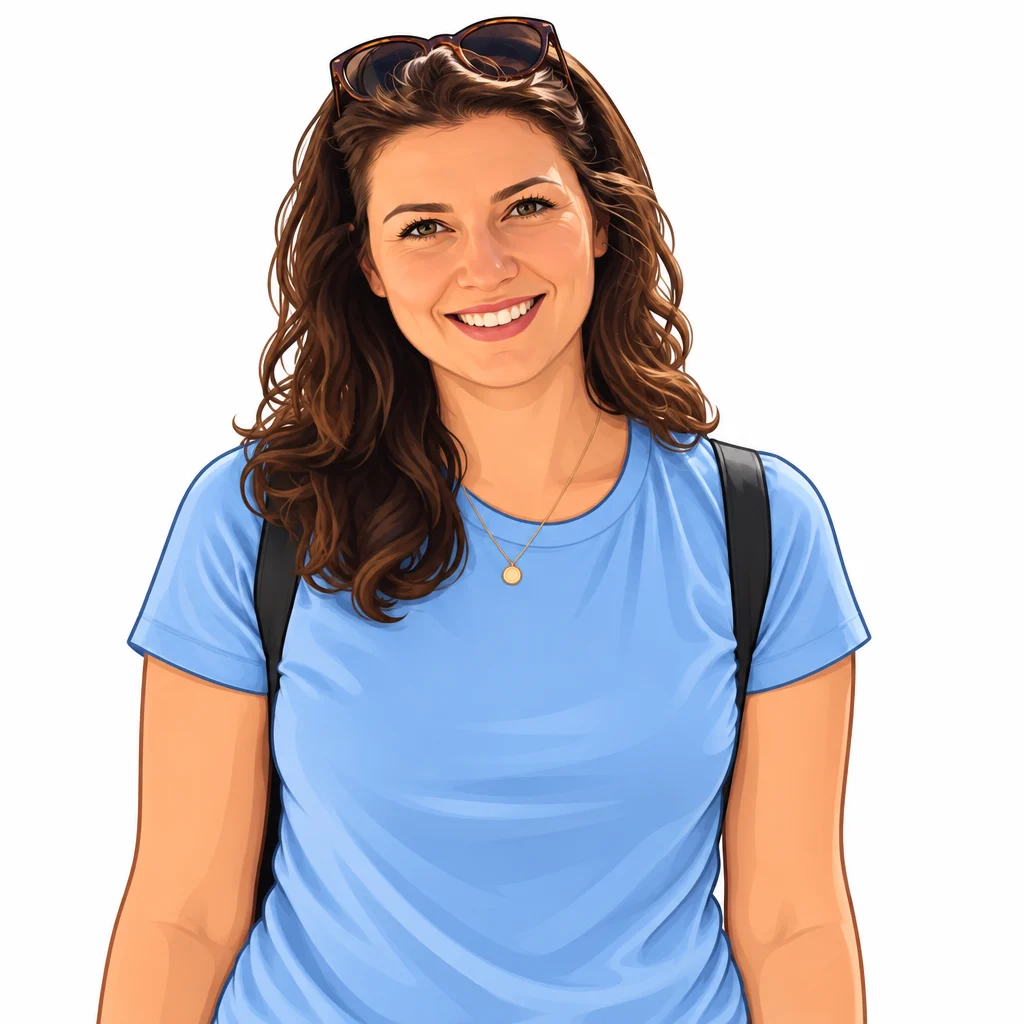
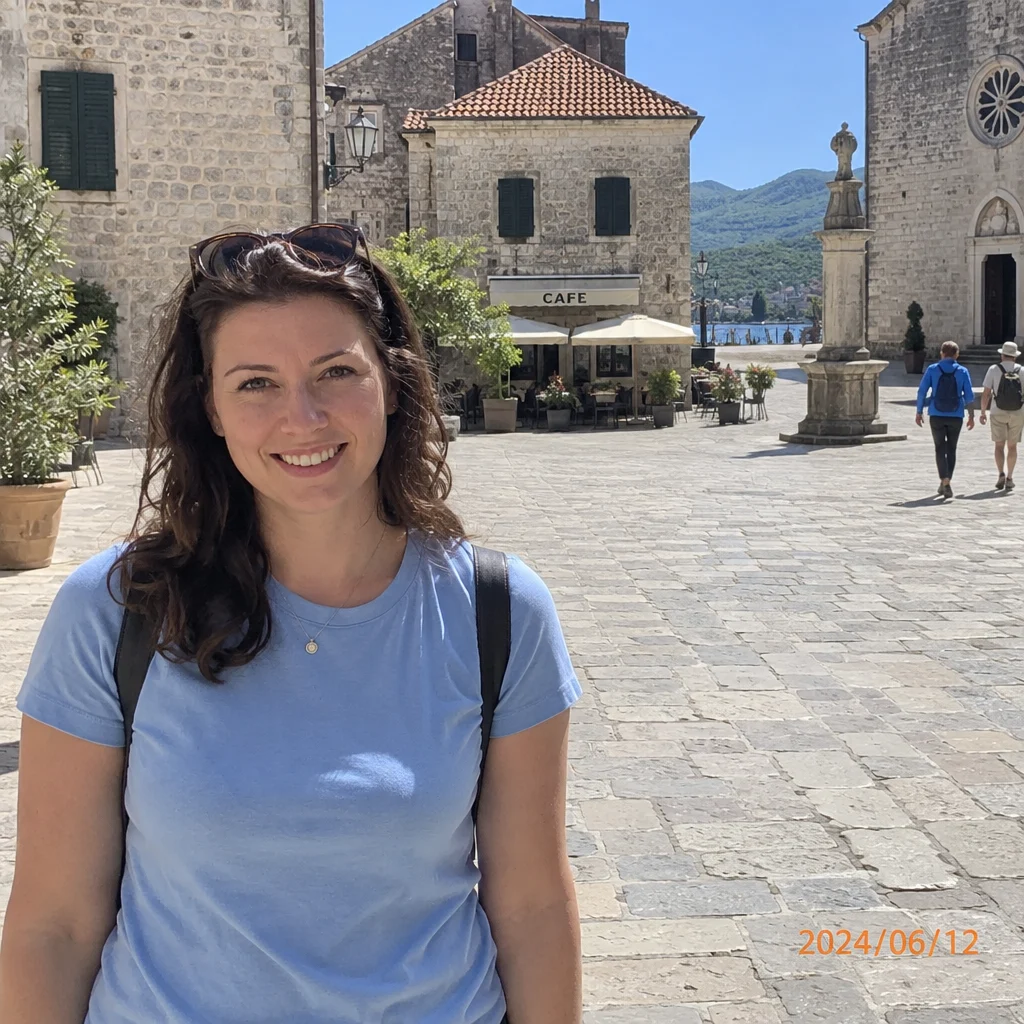
AI-generated demo input and its actual Yix edit. One example, not a guarantee of every result.
Use the largest original you have. Avoid screenshots, heavy compression and photos of a screen.
The task instructions are already filled in. Adjust them, choose a model, quality and ratio, and review the credit cost before generating.
Compare the result with your original, inspect important details, then download. A new attempt uses credits again; keep a copy of your original.
Cartoon conversion redraws the image and may alter details. Sticker styling produces a raster image; transparent backgrounds are not guaranteed.