
Clear the coffee table
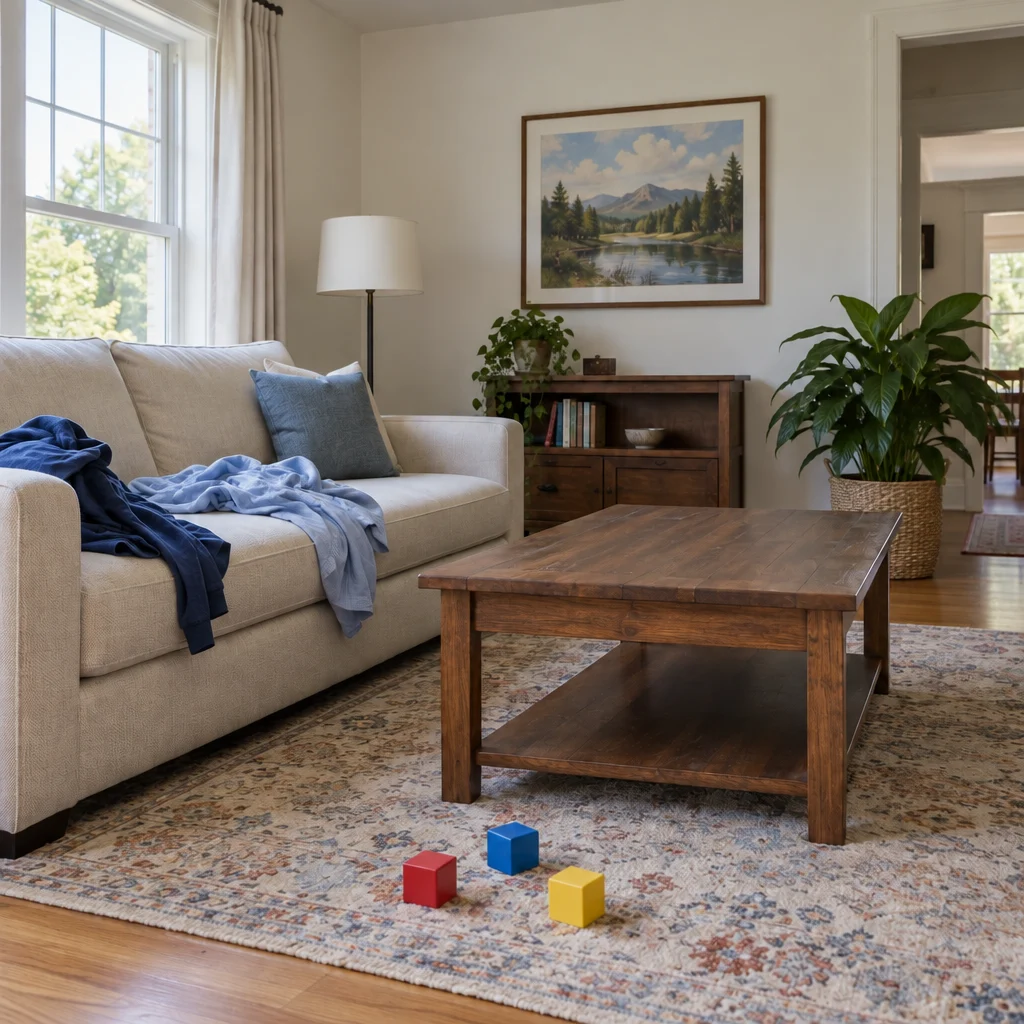
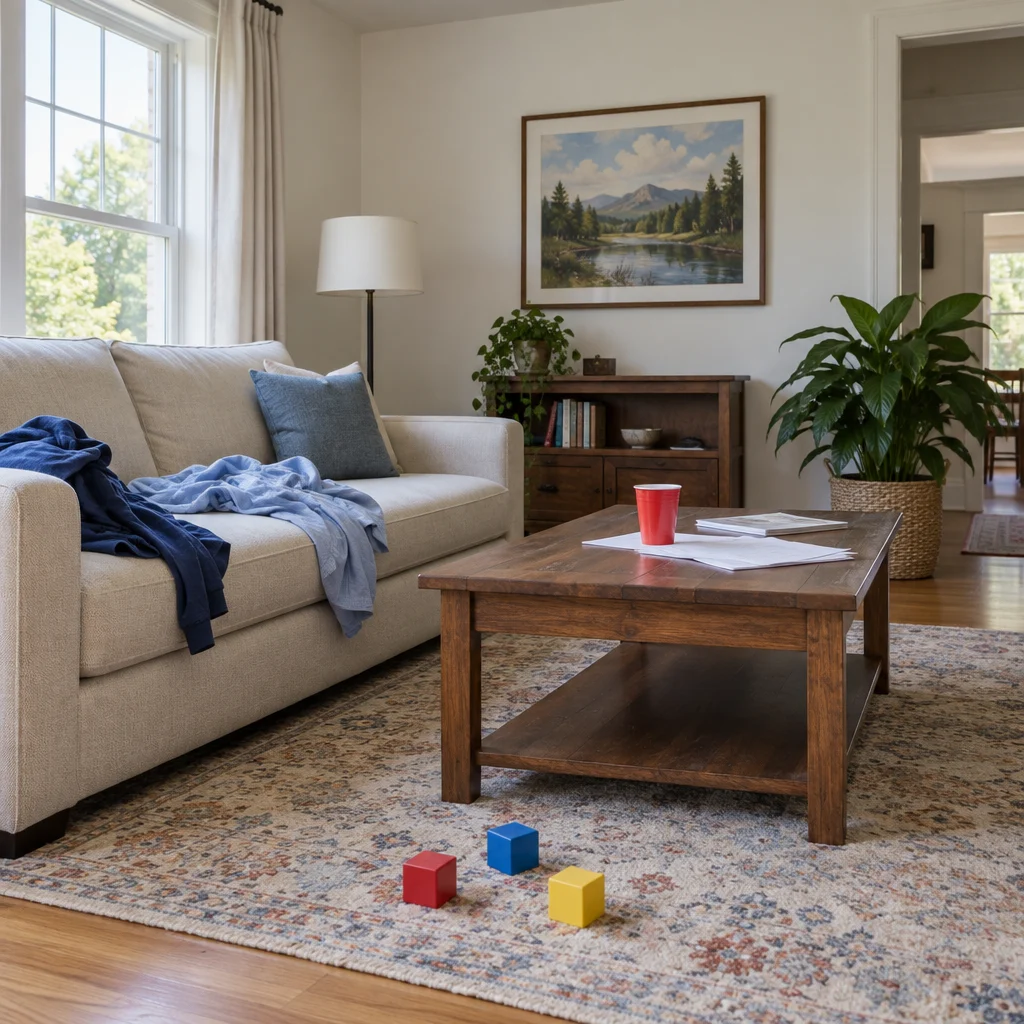
Clean up a room photo by removing everyday clutter. Specify what to keep, preserve the room layout and review the AI edit before use. Paid credits required.
Upload the original fileGPT Image 2.5 Sunburst · medium · 1:1
One image per generation. Failed tasks restore credits. Each new version uses credits.
Upload one JPG, PNG or WebP up to 7 MB. Sign in and buy credits to generate; no signup credits. The model and quality determine the quote shown below.
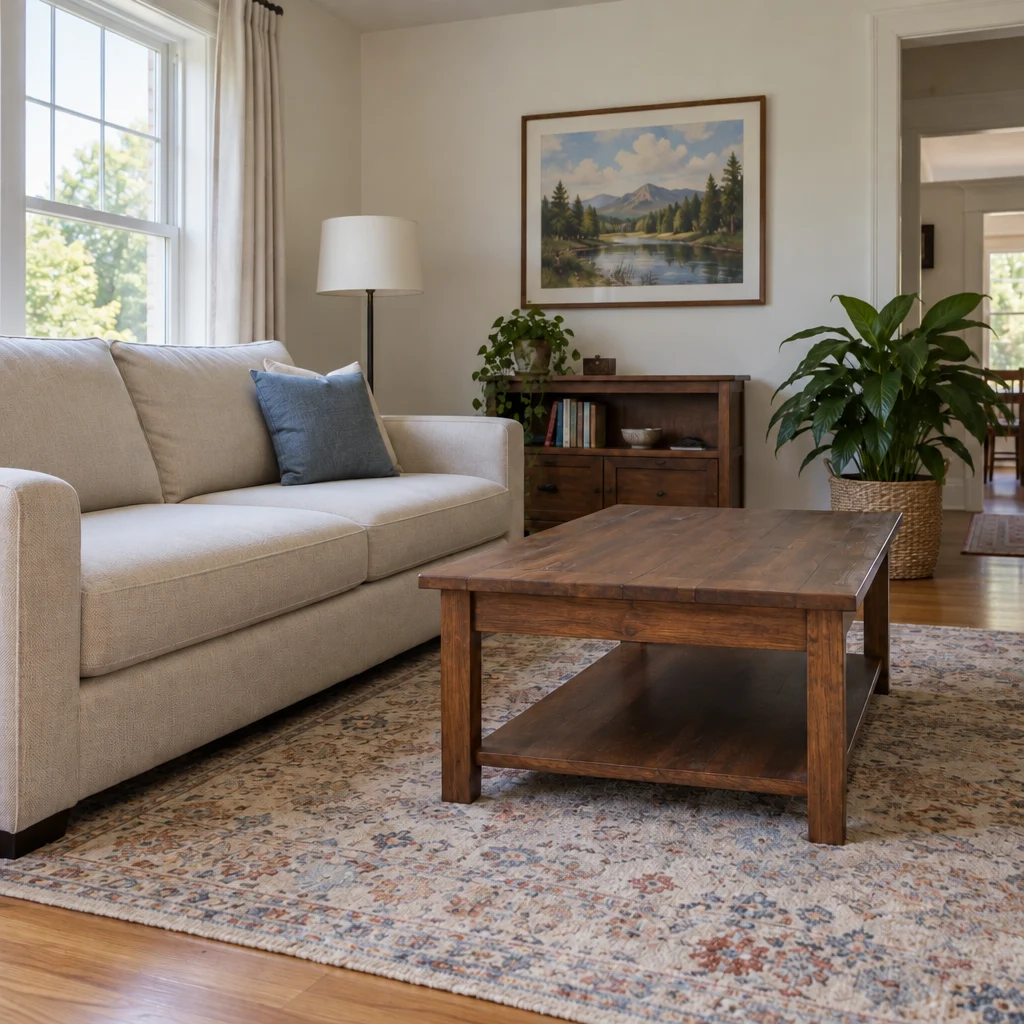
AI-generated demo input and its actual Yix edit. One example, not a guarantee of every result.
Compare doors, windows, walls and furniture against the original. Confirm only requested clutter changed and no property features were invented.
Uploaded originals require your account to access. Generated image links can be opened by anyone who has the link. Avoid sensitive photos.
Clean up a room photo by removing everyday clutter. Specify what to keep, preserve the room layout and review the AI edit before use. Paid credits required.
Use a wide, well-lit room photo. List important furniture, decor and fixtures to keep; describe clutter by object and position.
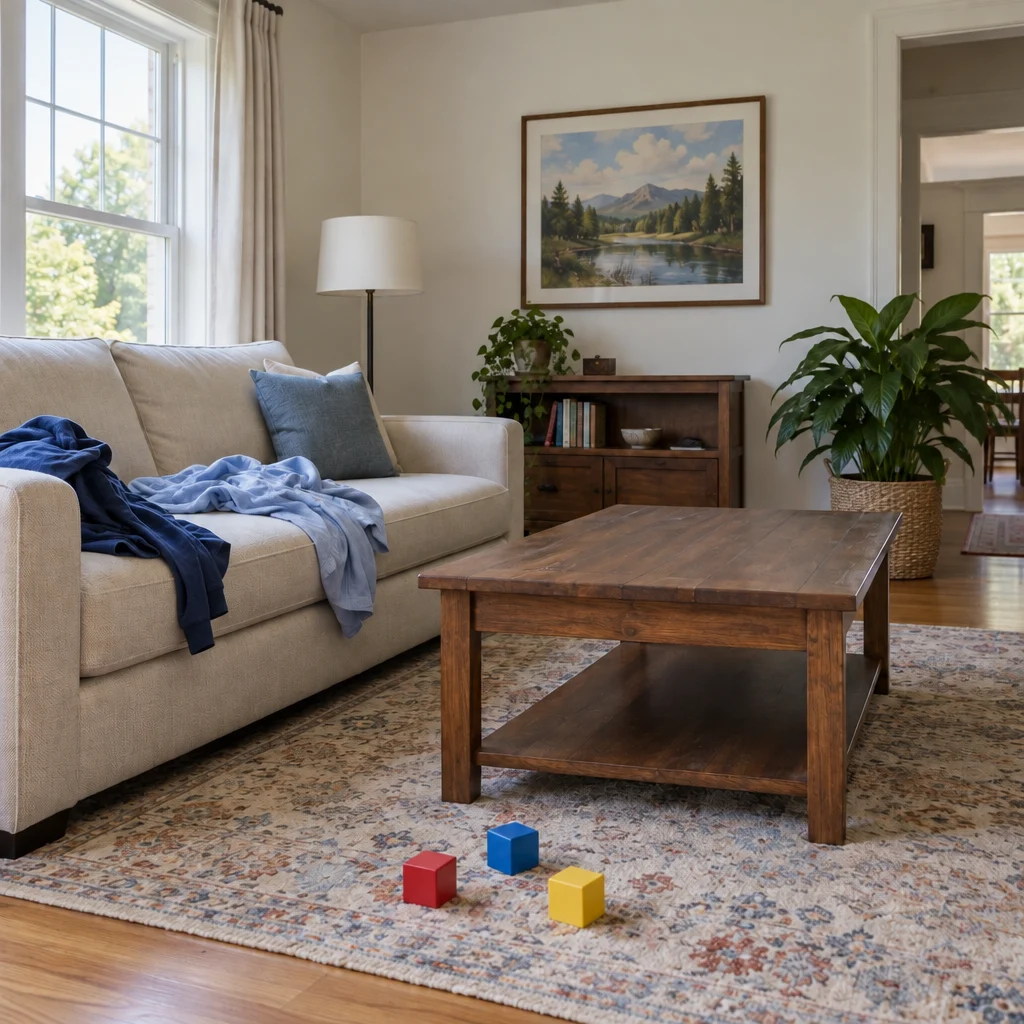
AI-generated demo input and its actual Yix edit. One example, not a guarantee of every result.
Use the largest original you have. Avoid screenshots, heavy compression and photos of a screen.
The task instructions are already filled in. Adjust them, choose a model, quality and ratio, and review the credit cost before generating.
Compare the result with your original, inspect important details, then download. A new attempt uses credits again; keep a copy of your original.
AI may alter furniture or room geometry. Review before publishing and identify digitally edited images where appropriate. This is not structural renovation or defect removal.