
PRODUCT STUDIO / SINGLE TO SET
Turn product photos into scenes and short videos
Style one product for a campaign, repeat it into an exact multipack, or combine several real products into one coherent photograph.
PHOTO → COMPOSE → CREATE
01 / Choose a workflow
Style reference · illustrative, not a YIX test result
From product to a moving scene
Amber & stone · A real example from this workflow
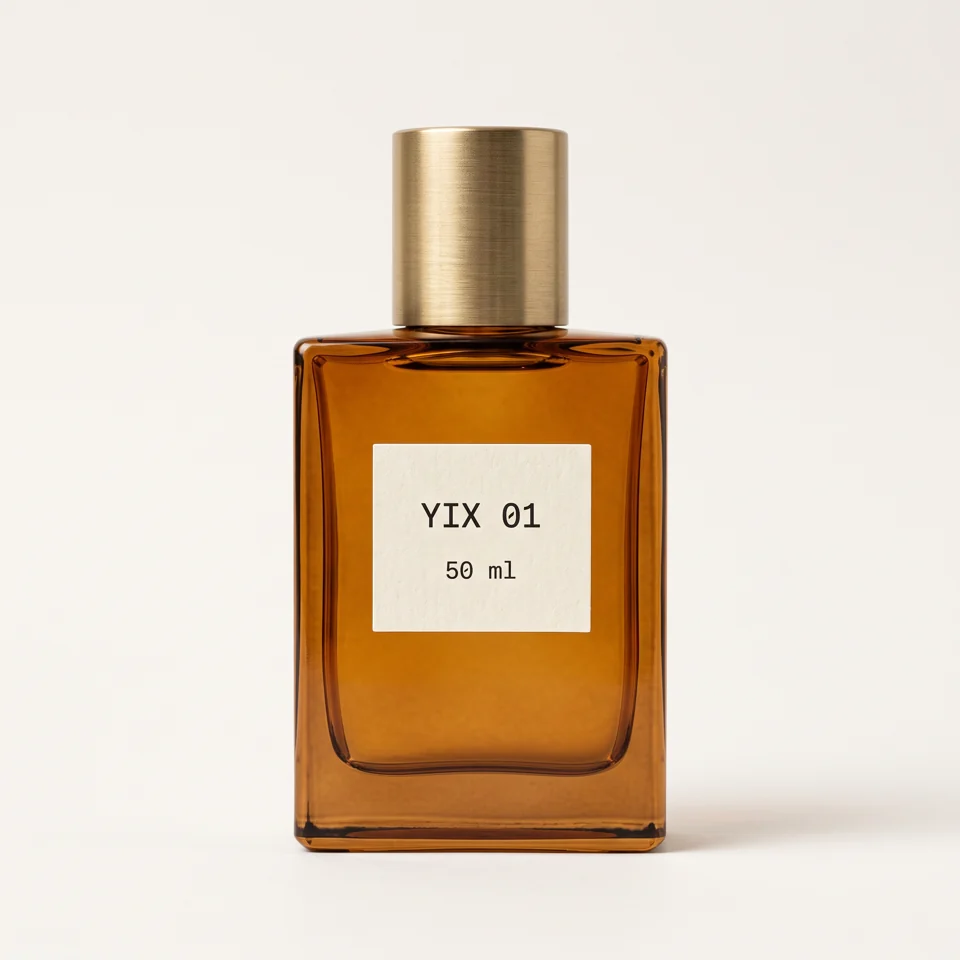
Original fictional product, made for this demo.
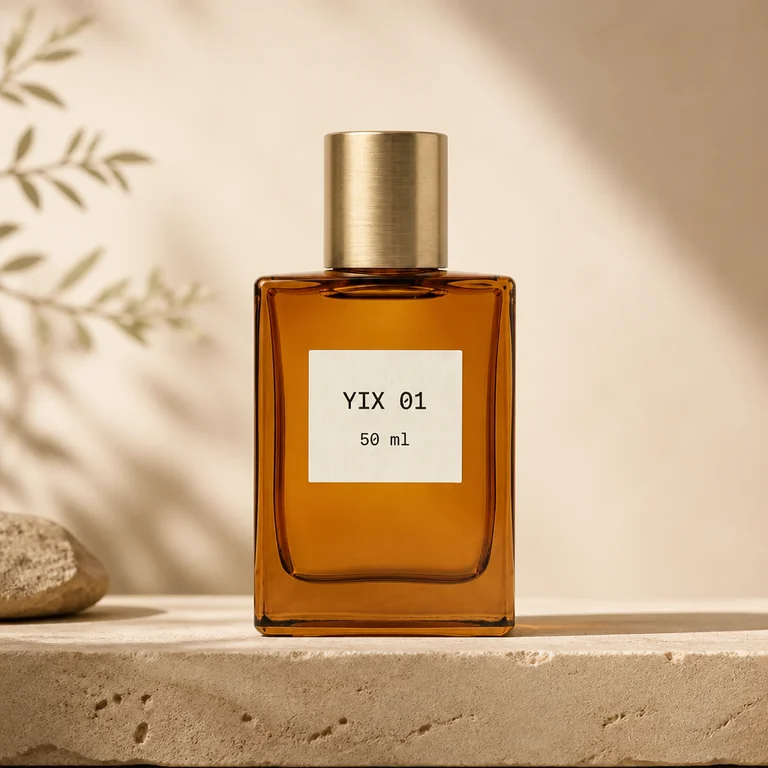
GPT Image 2 · Low · 1:1 · 10 credits
Seedance 1.5 Pro · 480p · 1:1 · 5s · Silent · 50 credits
Generated with the same prompts and settings available here. Results vary; check your packaging and label before making a video.Example recorded 2026-09-17
One product photo, one revised photo, then one 5-second silent video. Check the label before animating.
Plan your credits
230 credits per attempt
230 credits for this plan
Estimate before deducting your balance. Sign in to see your actual shortfall.
Enough for this generation · 400 credits · $4.90
400 credits · One-time payment · Valid for 365 days after purchase · No subscription
Continue with this taskExamples assume a fresh one-time pack, valid 365 days, with no subscription. These are credit budgets, not guaranteed successful results. New versions use credits again; different settings change the cost. Existing credits apply.
02 / Make it yours
Create your accountOne front-facing product. Sharp label, full silhouette, simple background. JPG, PNG or WebP · up to 10 MB.
Each generation is charged separately. Exact credits are shown before you start.Check the label, shape and framing before making a video. If they changed, use a clearer front-facing photo or simplify the scene. A completed result you dislike is still charged; another attempt uses credits again.
View or edit prompts
Editing may change the result from the example. Even the original template varies with your product image. Switching scenes restores that scene’s templates.
03 / Review & bring to life
Generation historyYour product belongs here.
Upload a photo and generate your first scene.
From input to result
AI-made workflow illustration; not a measured before-and-after result.
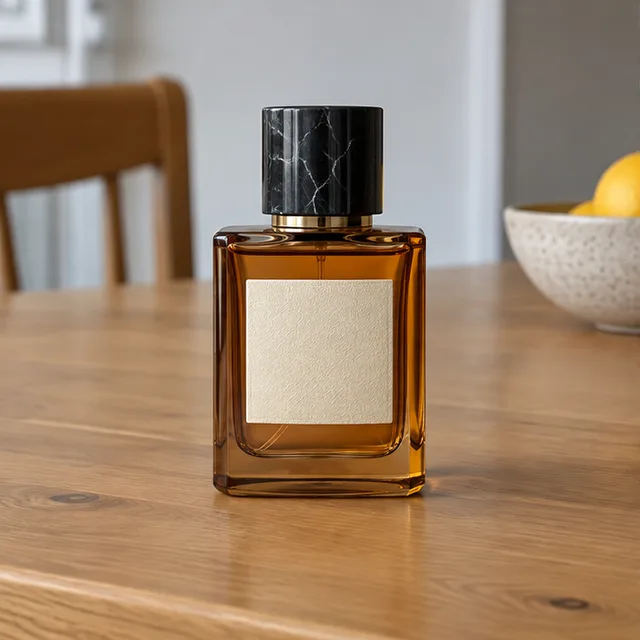
01 · Original / idea
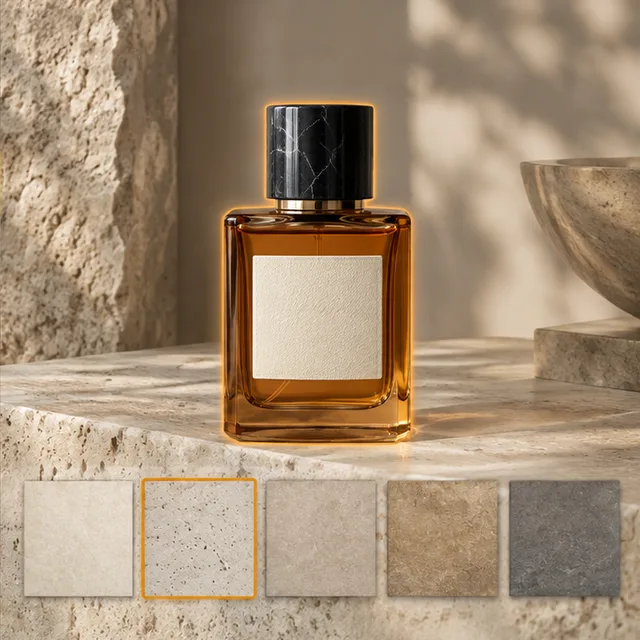
02 · Operation
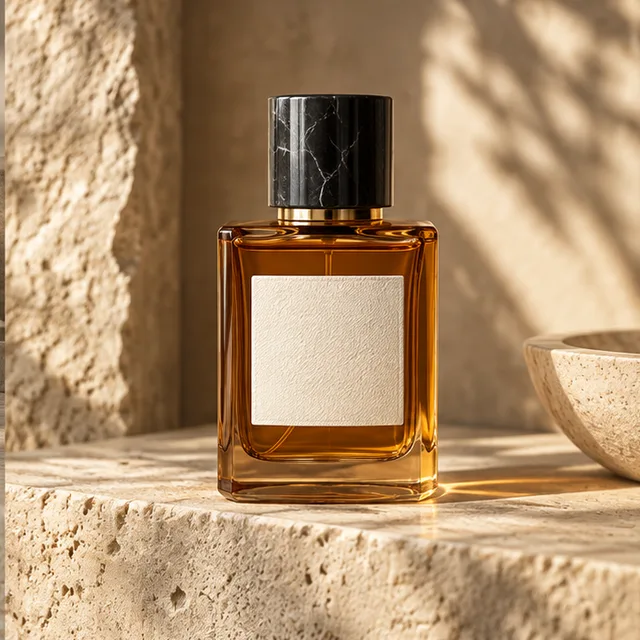
03 · Illustrated result
Check your result, then choose the next step
Compare the logo, label and shape with your original. Animate only the approved photo. For a spoken ad, prepare a brief in the UGC studio; for a larger still, download the photo and upload it to the upscaler.