
AI Comic Generator
Turn a story idea into a four-panel comic. Choose a hand-drawn style and edit the prompt before generating.
Style names are localized. Artist names and style instructions in the prompts retain the source wording.
Leave this blank to try the example. You can edit the full prompt before generating.
1:1 · GPT Image 2.5 FlareHand-drawn styles for comic panels
267 styles
Editorial & humor
Minimal Deadpan Dialogue Cartoon
Poorly Drawn Lines / Reza Farazmand
Examples from handraw-style help you choose a style. Only the text prompt is sent to the generator; results vary with your topic and model.
Browsing and editing are free. Generation uses your existing YIX credits; review the cost in the generator.
Reference library by yang0 / handraw-style. Adapted under the MIT License. License & attribution
Explore Prompt LabHow to make a four-panel comic
- Plan the story. Select Comic story and describe a character, setting and short sequence of events.
- Choose a hand-drawn style. Pick a style and use View & edit prompt to check the four-panel instructions. Open the prompt in the YIX image generator.
- Generate and review. Sign in, check the model and credit cost, then generate. Review the panels in order and download the image.
Plan a four-panel comic
Give the AI comic generator one character, a setting and a short change of events. For example, a bakery cat opens the shop, reaches for a bag of flour, disappears into a white cloud and hands a customer a perfectly clean pastry. One action per panel makes the order easier to follow. Name the details that should carry across the page, such as an apron color or a distinctive pair of glasses.
Pick a style that fits the story
Try a clean ink style for a visual gag, soft color for a quiet story or bold outlines when people will read the comic on a small screen. The gallery previews show the character of each style. Read the editable prompt and add instructions for the same outfit, proportions and recurring objects before you send it to the generator.
Review the result in reading order. Check that there are four panels, the character is recognizable throughout and the last panel delivers the ending. If captions or dialogue need exact spelling, generate with space for lettering and add it in your layout editor. For a longer comic, keep a character reference and compare each page against it as you go.
Frequently asked questions
Can I make a comic for free?
You can browse styles and edit the prompt without signing in. There are zero free generations. Sign in and use credits to generate the image.
Does the comic have a YIX watermark?
YIX does not add a visible watermark to the image. Check generated signatures or stray lettering before publishing.
How long does comic generation take?
There is no fixed time. The selected image model, settings and queue affect the wait.
Can I make illustrations as well as comics?
Yes. Use Comic story for a four-panel page. Other presets prepare prompts for illustrations, covers and stickers.
What do I download?
Comic story prepares a prompt for one image containing four panels. The chosen generator model controls available formats and dimensions. The panels are part of the image.
Can the tool create an entire comic book?
Plan and generate one page at a time. Compare the character, props and style across pages, and add exact lettering in an editor if needed.
Check your result, then choose the next step
Choose the cover, story or sticker format before generating. Review lettering and edges, then download the image. Upload it to the upscaler for a larger export, or the profile preview to check a circular crop.
From input to result
AI-made workflow illustration; not a measured before-and-after result.

01 · Original / idea
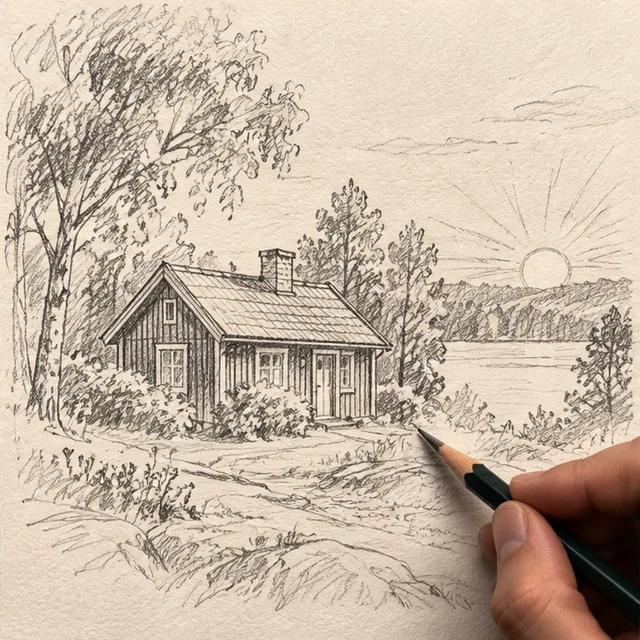
02 · Operation
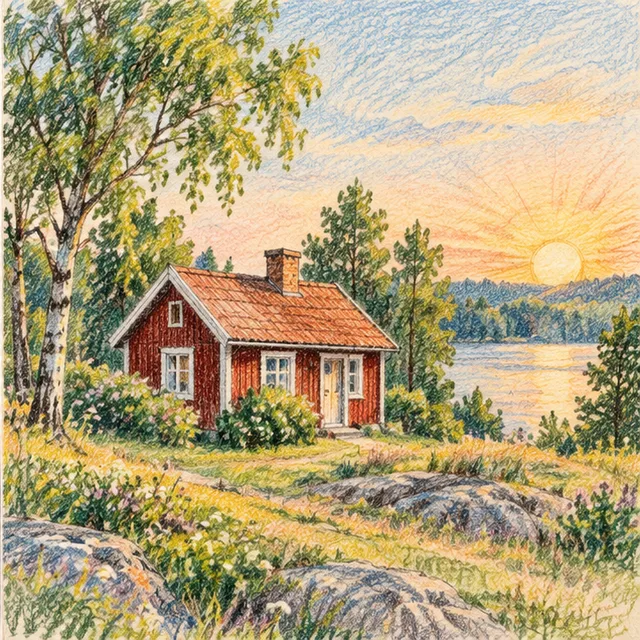
03 · Illustrated result