Product Photos
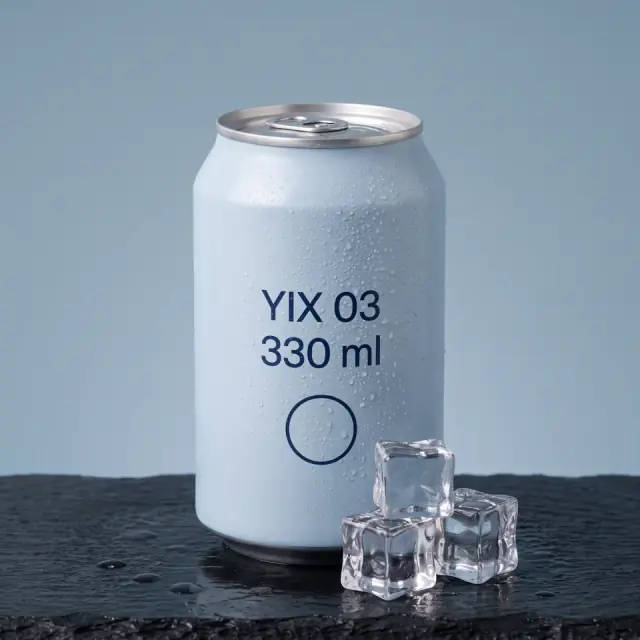
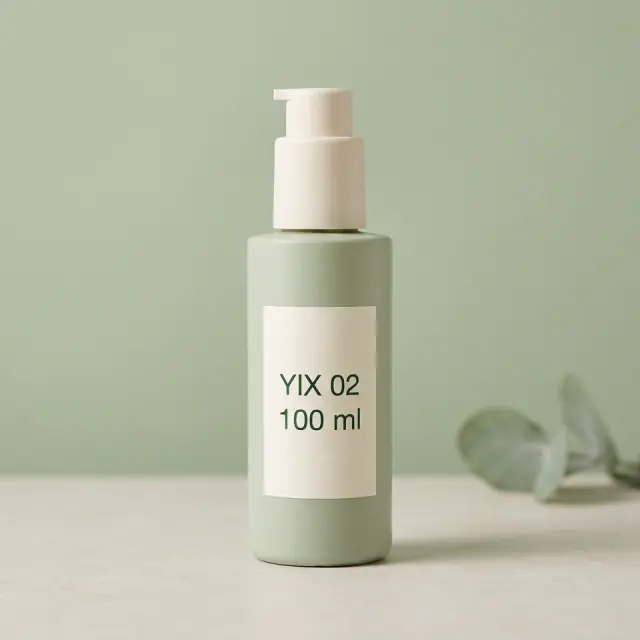
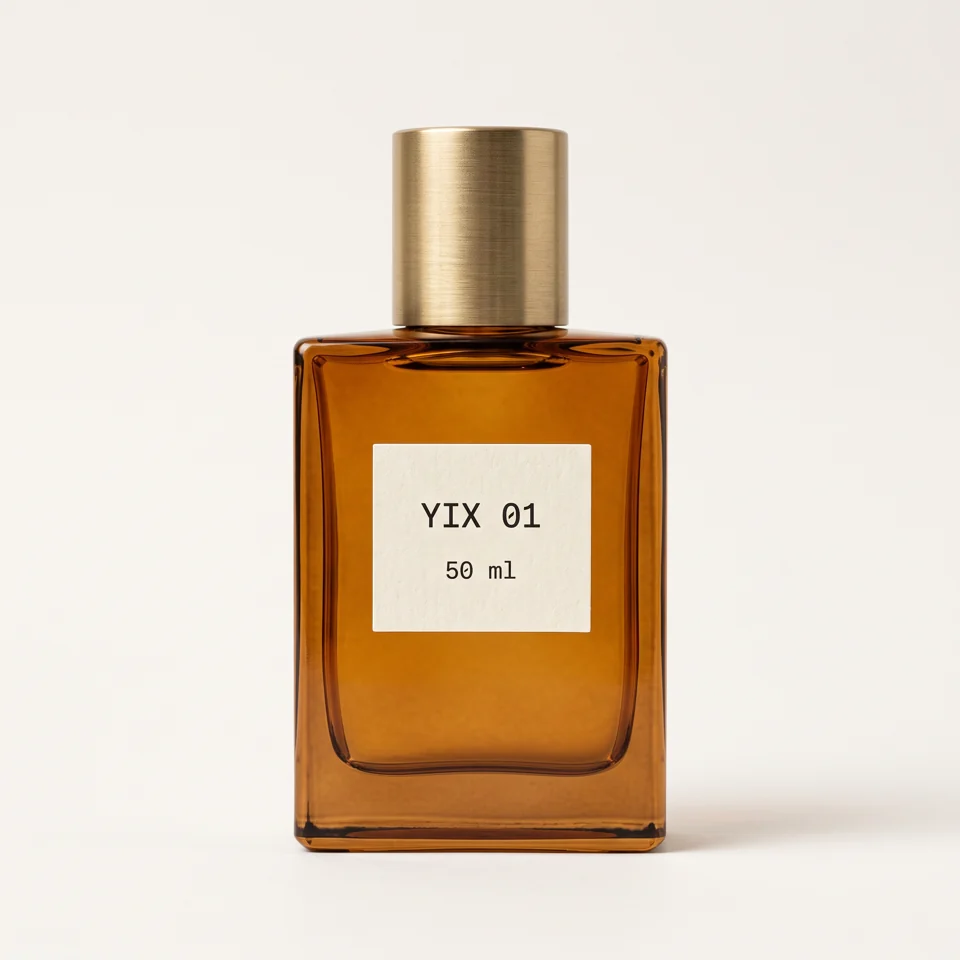
Upload your product, create a scene, then animate the approved photo.
AI product photographyGPT Image 2 · Low · 1:1 · 60 credits
YIX is an AI image generator for text to image creation and photo-based edits. Choose a model, enter a prompt and review the credit cost before generating. Sign-in and credits are required.
Your next idea starts here.
Product Photos · UGC Ads
Product photos, short videos and creator-style ads — choose an example to get started.
Upload your product, create a scene, then animate the approved photo.
AI product photographyGPT Image 2 · Low · 1:1 · 60 credits


Start with a travel mug brief, edit the script and create a vertical ad.
UGC ad generatorStarts with Seedance 1.5 Pro · 8s · 720p · 9:16 · audio. You can change the model and settings below.
PICK A TASK
AI-made workflow illustration; not a measured before-and-after result.
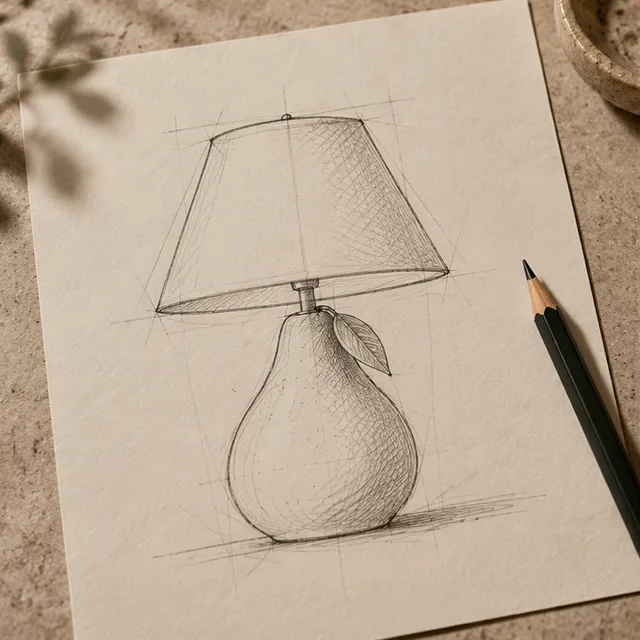
01 · Original / idea

02 · Operation

03 · Illustrated result
Tap any image to load its exact prompt and settings into the studio — then just hit Generate.
Generated from this example prompt. Results vary by model and settings.
WORKFLOWS
See the result, follow the steps and start with the tool you need.
Choose a look, upload your product and review the photo. Then bring it to life with a short video.
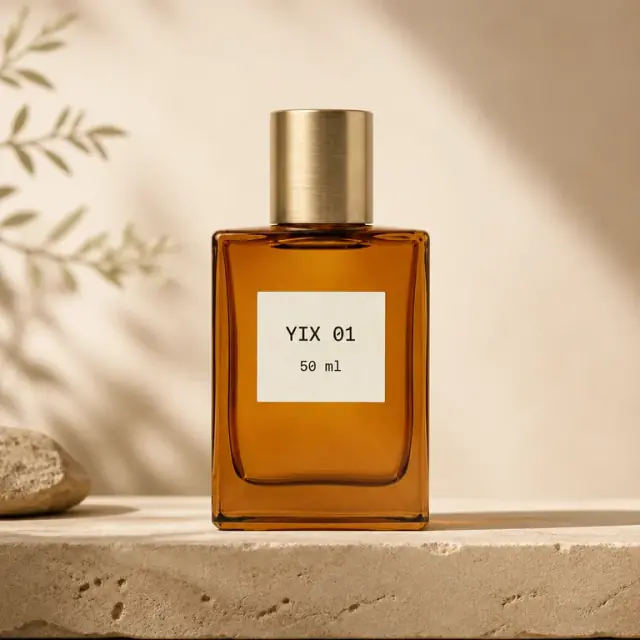
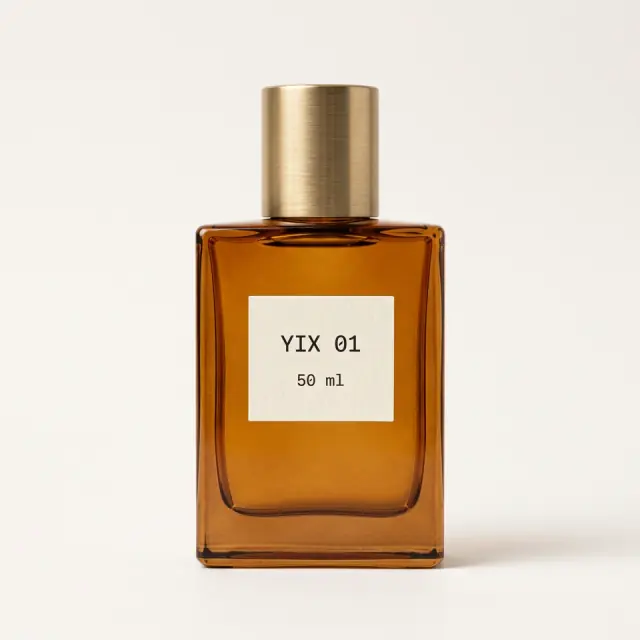
5-second video · Silent · Seedance 1.5 Pro · 480p · 50 credits
Generated scene · GPT Image 2 Low · 10 credits
Browsing examples and preparing prompts are free. Image and video generation require sign-in and purchased credits; signing up does not grant free credits.
230 credits
One product photo, one revised photo, then one 5-second silent video. Check the label before animating.
GPT Image 2.5 Flare Low · 90 + 90 · Seedance 1.5 Pro · 5s / 480p · 50
Plan your credits
230 credits per attempt
230 credits for this plan
Estimate before deducting your balance. Sign in to see your actual shortfall.
Enough for this generation · 400 credits · $4.90
400 credits · One-time payment · Valid for 365 days after purchase · No subscription
Continue with this taskExamples assume a fresh one-time pack, valid 365 days, with no subscription. These are credit budgets, not guaranteed successful results. New versions use credits again; different settings change the cost. Existing credits apply.
320 credits
Starts with Seedance 1.5 Pro · 8s · 720p · 9:16 · audio. You can change the model and settings below.
Plan your credits
320 credits per attempt
320 credits for this plan
Estimate before deducting your balance. Sign in to see your actual shortfall.
Enough for this generation · 400 credits · $4.90
400 credits · One-time payment · Valid for 365 days after purchase · No subscription
Continue with this taskExamples assume a fresh one-time pack, valid 365 days, with no subscription. These are credit budgets, not guaranteed successful results. New versions use credits again; different settings change the cost. Existing credits apply.
40 credits
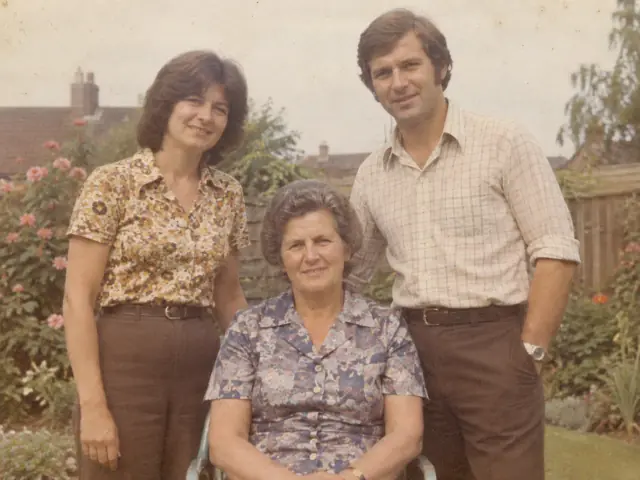
Lift faded tones and reduce dust. Keep the original color or black and white.
Plan your credits
40 credits per attempt
40 credits for this plan
Estimate before deducting your balance. Sign in to see your actual shortfall.
Enough for this generation · 400 credits · $4.90
400 credits · One-time payment · Valid for 365 days after purchase · No subscription
Continue with this taskExamples assume a fresh one-time pack, valid 365 days, with no subscription. These are credit budgets, not guaranteed successful results. New versions use credits again; different settings change the cost. Existing credits apply.
Examples assume a fresh one-time pack, valid 365 days, with no subscription. These are credit budgets, not guaranteed successful results. New versions use credits again; different settings change the cost. Existing credits apply.
Compare one-time packs and subscriptionsYIX turns text prompts or reference photos into downloadable AI images. Sign-in and credits are required to generate.
Everything about the models, credits and using YIX.