

From upload to download
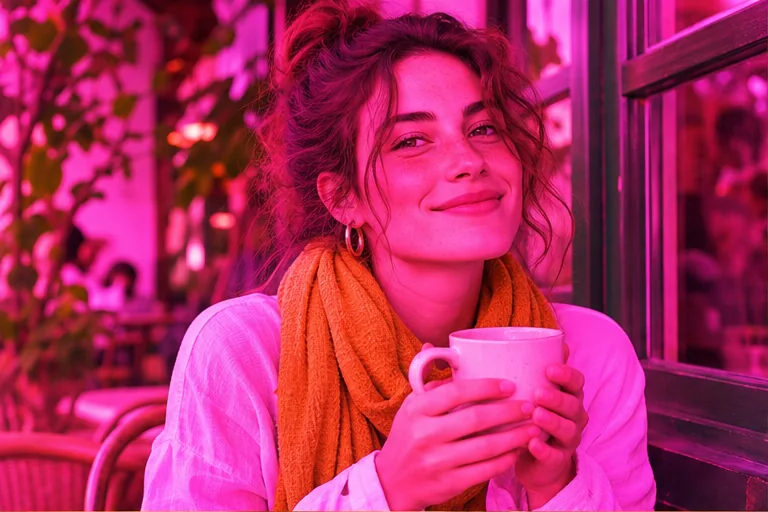
- Upload a reference image. Use the largest saved copy. Identify an object with a known color, such as a white shirt, and use it to describe the cast. If you still have the editable original, try switching off the effect in the source app first.
- Choose the edit. Review the prefilled instructions or select the narrower preset. Choose the model, quality and aspect ratio, then check the credit quote before starting.
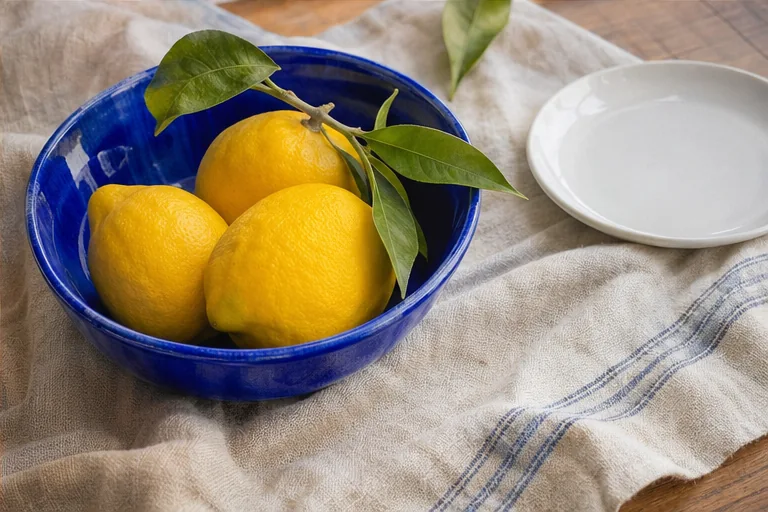
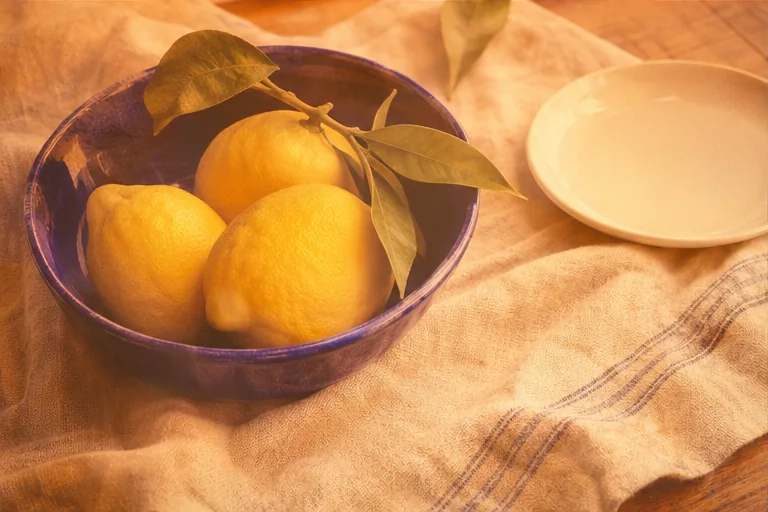
- Compare and download. Compare neutral colors, skin tone, hair and the outline of the face. Watch for a yellow cast turning blue or a restored cheek gaining texture that changes how the person looks.
Remove an Instagram filter from a saved photo
If the original photo or an editable draft is available, start there. For an exported image with a warm tint, choose Color only and identify a neutral reference in the scene. A white plate can help you judge the correction. Keep the warmth of an actual candle or sunset when the surrounding light supports it.
What a Snapchat filter remover can recover
A subtle color lens and a face-altering lens leave different evidence. A cast across the whole image can often be reduced. A sticker across an eye hides that eye; a face-warp lens changes the geometry in the saved pixels. Recover the original from your camera roll if facial accuracy matters. For this tool, leave the sticker in place and edit the visible colors around it.
Check a beauty filter on skin
Compare skin with the neck and hands in the same light. Start by asking for less smoothing or shine on one area. Inspect the edited cheek and eyelids at full size. If the tool adds freckles, changes age or reshapes a feature, discard that version. Keep both files so you can return to the filtered copy.
Frequently asked questions
Can I get the exact original photo back?
A saved JPEG or screenshot contains the visible filtered pixels. Covered areas, clipped highlights and face shapes changed by a lens cannot be recovered exactly from that file.
Which files can I upload?
Upload one JPG, PNG or WebP image up to 7 MB per edit. Use a still frame for a video source.
Can I try it for free?
You can read and edit the instructions before signing in. Generating one image requires a signed-in account with paid credits. There are no free signup credits.
How much does an edit cost?
The workbench shows the credit cost for the selected model and quality before you generate. Each new version is a separate edit; failed tasks restore credits.
What happens to the photo?
Your uploaded reference is private to your account. Anyone with the generated image link can open that output. Download a copy if you want to keep it.
How do I check the result?
Compare neutral colors, skin tone, hair and the outline of the face. Watch for a yellow cast turning blue or a restored cheek gaining texture that changes how the person looks.