AI Twerk Generator
Make a photo dance with Kling 2.6 Pro. Upload a clear image, choose a groove, and create a 5 or 10 second AI twerk video.
Make it yours
Use a clear full-body photo of an adult or an original character you have permission to animate. The video follows your photo’s shape.
Questions about making your video
How do I turn a photo into an AI dance video?
Upload a photo, choose a dance preset and edit the movement description. Start with a 5-second clip, check the credit quote, then generate. Preview the result before downloading it. No filmed performance is needed.
What kind of photo should I upload?
Use a clear photo of one adult or an original adult character, with the full body and feet visible and room to move. Avoid cropped limbs, heavy blur and overlapping people. Use an image you have permission to animate.
Can I copy an exact TikTok dance or upload a motion reference?
This page animates a photo from a written prompt. It does not accept a dance-reference video or transfer its exact moves. Describe one short movement at a time; use a dedicated motion-transfer tool if matching choreography is essential.
What should I write in the dance prompt?
Name the body movement, pace and camera view. For example: “Small knee bends and gentle hip bounces, feet planted, full body visible, fixed camera.” Keep the original outfit and background in the prompt, and avoid combining several complex moves.
Why do the face, hands or body look distorted?
Fast motion, hidden limbs and large turns can change the person’s appearance. Try a clearer full-body photo and smaller movements with a fixed camera. These changes may help, but identity and anatomy are not guaranteed; inspect the whole clip before sharing.
Can I animate an AI-generated character instead of a real photo?
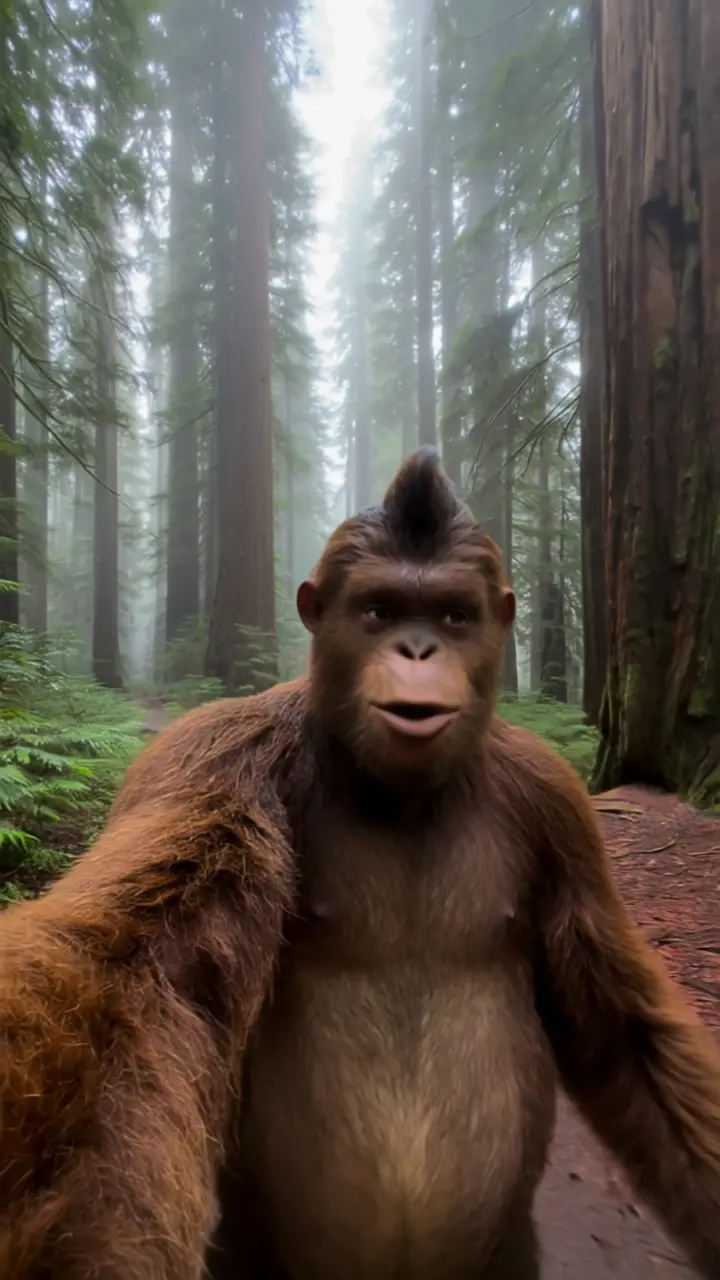
Yes. You can upload an original AI-generated adult character as the starting image. A clear, single-character full-body image is a useful starting point. The character may still change during movement, so the uploaded image is a reference, not an identity lock.
Can I add my own song or sync the dance to its beat?
This page does not accept a music upload or guarantee beat-matched choreography. You can enable generated audio, or download a silent clip and add music you have permission to use in a video editor. Check the timing yourself.
What should I do if the dance video is taking a long time?
Generation can take several minutes. If the page stops waiting, check your generation history before submitting the same job again; a pending job may still finish. A second submission starts another paid generation. If a job remains unresolved, contact support.
How are credits charged?
The Generate button shows the total before you start. Duration and audio change the price. This tool uses your existing account balance; failed generations follow the standard credit refund process.
Will every result look exactly like the example?
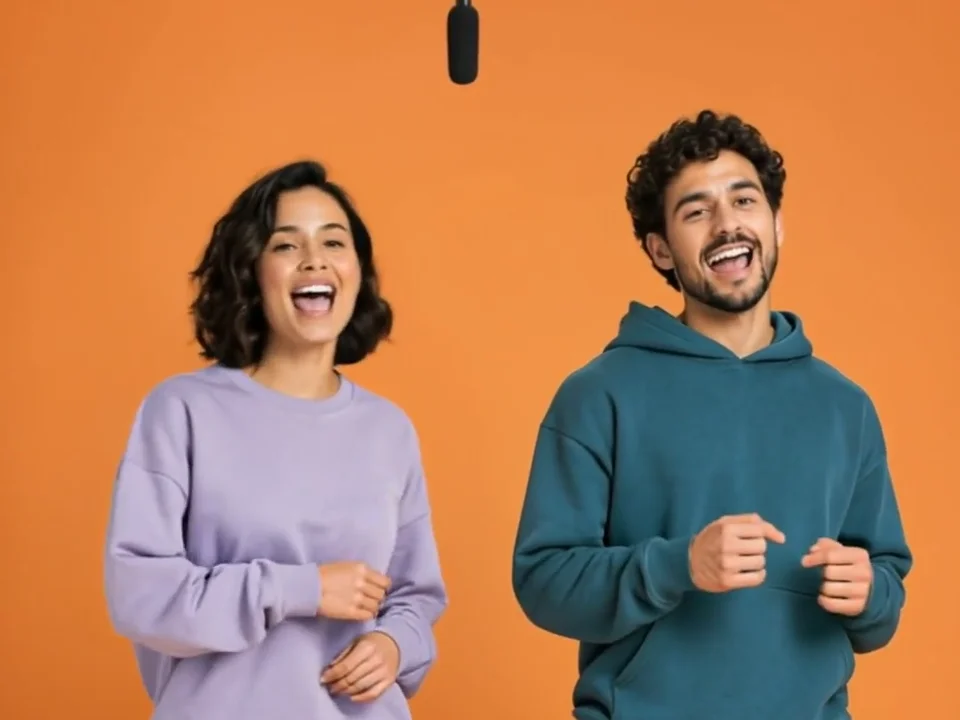
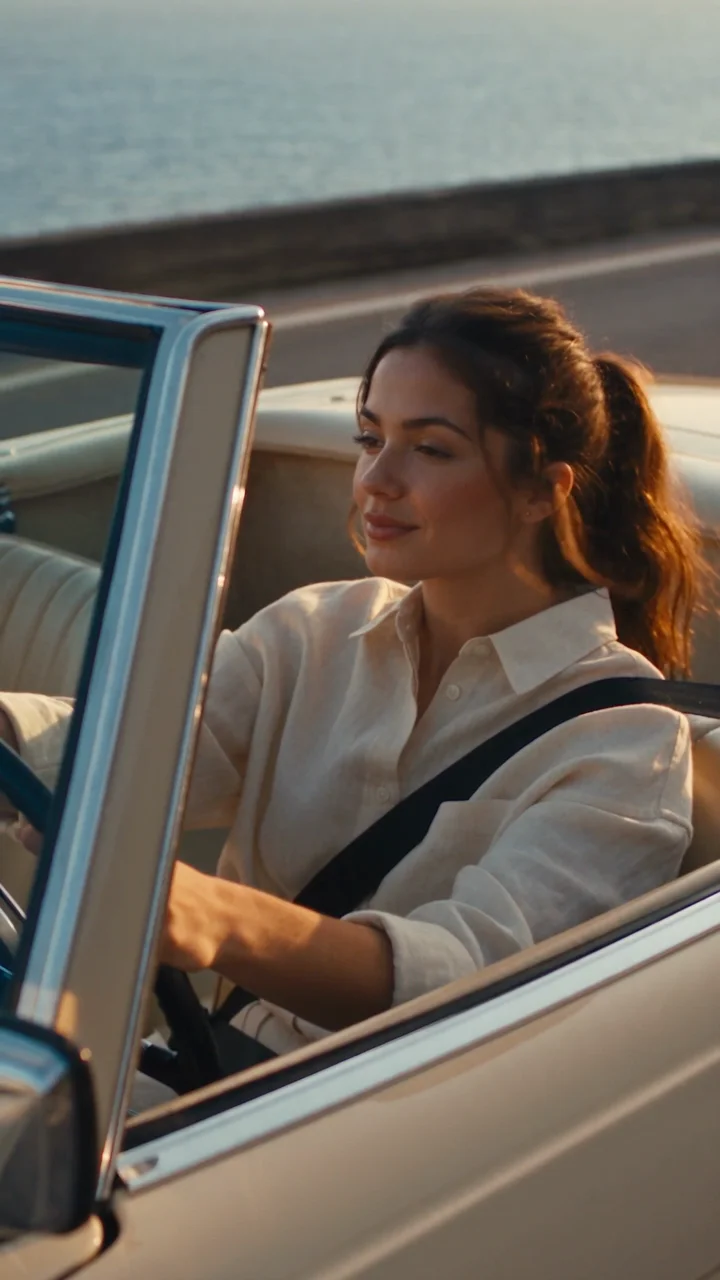
No. Dance motion, character consistency and speech can vary. Keep one subject, a simple scene and short dialogue. Change the prompt and try again if needed; each new generation uses credits.